

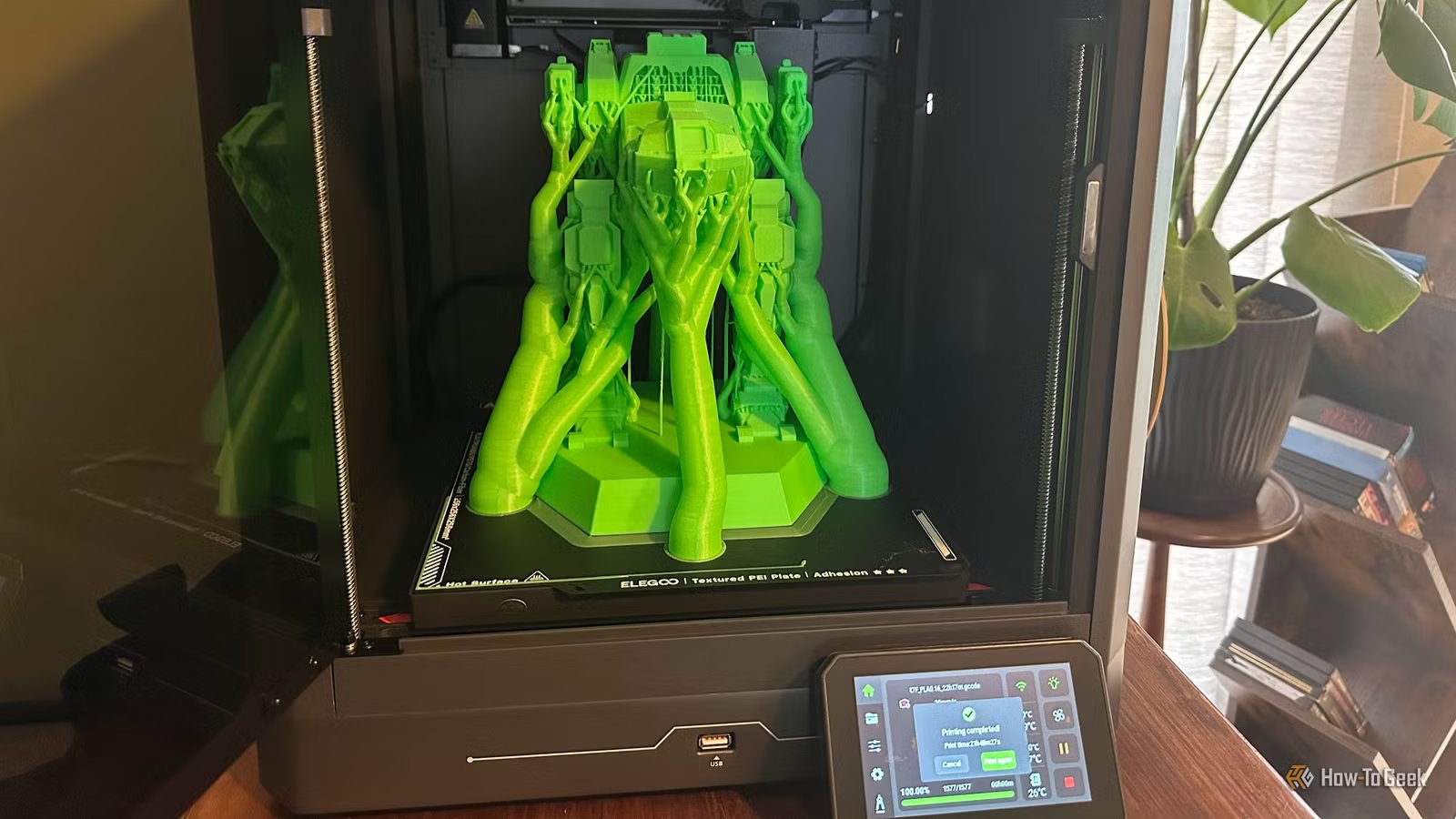
One of the most interesting things about modern “smart” hardware is that the machine you buy today may become a very different product a few years down the line. Since the manufacturer can update the firmware of your device, they can fix bugs and add new features.
However, every firmware update comes with risks, and when it comes to 3D printers, I have learned the hard way that it’s better to wait and see instead of getting the latest update the second it comes out.
Firmware updates fix problems you might not have
Credit: YAKOBCHUK VIACHESLAV/Shuttertstock.com
Early in a 3D printer’s life, in the weeks following its release, firmware updates tend to fix genuine, widespread issues. Eventually, however, new updates tend to target more niche problems, or ones that rarely crop up. So, unless a firmware update directly addresses an issue you’ve actually been having, it makes the most sense to hold off on installing it.
If your printer is performing correctly, then any changes you make to your setup can lead to disruptions in your production. A firmware update is no small change, and if an update introduces new problems alongside fixing the old ones, you don’t want to be first in line to experience that.
Early releases are effectively beta tests
Credit: Do Mi Nic/Shutterstock.com
Of course, someone has to install the new firmware early on. These early-adopter users should be people who aren’t using their printers for mission-critical work. If 3D printing is your hobby, and you aren’t running a small business, or using it as part of a larger, more serious project, then by all means go ahead and be a beta tester for new firmware.
If you can’t afford the downtime, which in my case is true for our 3D-printing side-hustle, it’s better not to be first in line, but rather stand back enough to see if the truck-stop sushi is safe to eat or not.
As an example, my Creality K1 Max has been slowly accumulating weird bugs and errors as my firmware has been updated. These errors don’t seem to actually do anything, and my prints are still fine, but my printer’s behavior has changed. It no longer does the pre-print calibration or first-layer Lidar scanning anymore. This all started after a firmware update, and subsequent updates haven’t brought things back to normal.
It’s not my main printer anymore, and it just churns out the same small set of models every day, but if this was a mission-critical machine I’d be very concerned.
9/10
Brand
Creality
Build Volume
11.8×11.8×11.8in
Printing Accuracy
0.1mm
Connectivity
Ethernet, USB, and Wi-Fi
New features often break old workflows
Credit: Sydney Louw Butler / How-To Geek
New features sound awesome, but new means different, and different can be bad when you need consistency. When firmware adds new functionality or enhances existing features, you might get into a situation where the models you’ve sliced before need to be redone, or your old tunings don’t work correctly anymore.
Again, check the release notes for the firmware to ensure that any new features that are listed are important enough to you to justify the update. It’s also a good idea to monitor forums or YouTube for anyone giving feedback on the new firmware to see if there are any issues that would affect you.
Rolling back isn’t always easy
Credit: Patrick Campanale / How-To Geek
Firmware updates are inherently risky, because if they go wrong you can end up with a bricked printer. This is one reason that when I do a firmware update on my printers, I hook them up to a portable power station first. I’d hate for a power interruption to happen at the worst possible time!
However, a potentially more serious issue is that you may not be able to go back to the last good firmware on some printers. Even on ones that do allow downgrading, you may not be able to get the older firmware from an official source. Unlike upgrading your firmware, downgrading it may involve doing a factory reset on your printer. Which means having to do all your setup work again.
The exact risks and possibilities will differ from one brand and model to the next. The important lesson is that you should not assume that you have a safety net in the form of rolling back your firmware.
Stable printers should be treated like appliances
The big question you have to ask yourself is whether your 3D printer is a fun hobbyist toy, or whether you need to depend on it and have predictable performance. If it is just for fun and nothing bad happens if it goes out of commission for a while, then there’s no harm in being an early adopter.
However, if your 3D printer is a tool that supports some other part of your life or business, and not just something to tinker with, then it’s in your interest to delay a firmware update unless you have a specific reason to install it right away. Treat your 3D printer like a fridge, washing machine, or any other device you rely on every day, in which case you’d hesitate to put experimental software into it, right?
