

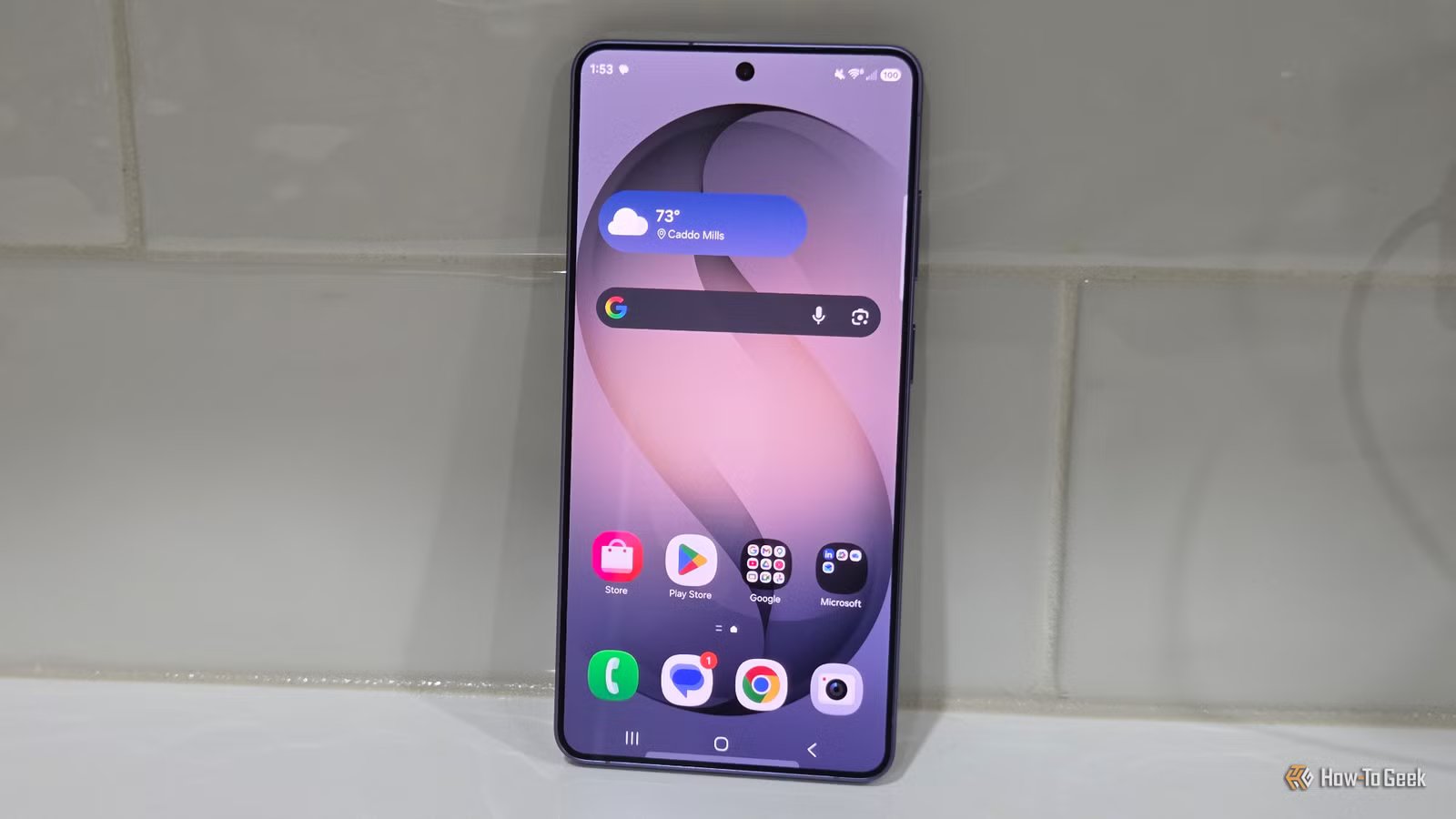
Smartphone displays have hovered around the 1080p (Full HD) mark for years. There was a stretch in the mid-2010s (when the Samsung Galaxy S6 came out) when 1440p (QHD) became commonplace. Many brands have quietly shifted back to 1080p, reserving 1440p for Ultra and Pro models to make them feel more premium. While that might trigger a bit of FOMO, it isn’t nearly as big a feature as brands want you to think.
1080p hits the sharpness sweet spot for phones
Smartphone displays have reached the law of diminishing returns years ago
There’s a reason why most Android phones still ship with 1080p screens, including the base Samsung Galaxy S26. Part of it comes down to cost, of course, but the truth is that 1080p truly looks great on a smaller screen.
While it’s easy to distinguish individual pixels at a 1080p resolution on larger screens like monitors and especially TVs, the same can’t be said for small six- to seven-inch smartphone screens. They’re so small that they make even 1080p look amazing when held at half an arm’s length, and part of the reason is just how pixel-dense these displays actually are.
Let’s look at the math here for a second. The Samsung Galaxy S26’s 1080p screen and 6.3-inch display give it a pixel density of 411 ppi (pixels per inch). Compared to the Galaxy S26 Ultra’s 6.9-inch 1440p screen, which gives it a pixel density of 500 ppi, that’s roughly a 20% difference between the two.
SoC
Snapdragon 8 Elite Gen 5
Display
6.3-inch Dynamic AMOLED 2x
The latest standard flagship model of the long-running S series balances features and price, and comes in unique violet and pink colors.
At a viewing distance of around 10 inches, that difference is indistinguishable unless you have eyes like an eagle. Frankly, any smartphone display over 400 ppi is already very sharp, and the only time you’ll notice a difference between the aforementioned screens is when you literally press the phone onto your face.
By the way, foldable phones are in a category of their own, so I won’t include them in today’s discussion.
My OnePlus 15 has a “1.5k” display, which has a resolution of 1272×2772 pixels (between 1080p and 1440p). Like most Androids, the phone has an option to lower the resolution to 1080p to save battery. Even when I bring the screen right up to my eyes, I genuinely can’t tell the difference—not even in areas where differences should be obvious, like text clarity.
Don’t just take my word for it. If your phone has a 1440p screen with a resolution toggle, or if you can borrow a friend’s phone, try changing the resolution yourself. Focus on things like text clarity and sharpness in still images. You can even compare it to a phone with a 1080p display, but just pay attention to sharpness. You’ll likely find that the difference is indistinguishable.
Related
I Upgraded From an iPhone 13 to an iPhone 16: Here’s What I Noticed
What’s it like living with the iPhone 16?
There’s only so much 1440p content that you can access
Credit: Lucas Gouveia/How-To Geek | Diego Thomazini/Shutterstock
Even if a phone has a 1440p display, there’s surprisingly little content that can take advantage of it. Text in messaging and social media apps, YouTube, and the phone’s user interface might be a tiny bit sharper, but most streaming services are still limited to 1080p.
Videos on social media, which are a popular time killer for many of us, are heavily compressed, making all those extra pixels irrelevant.
In fact, all streaming services heavily compress their content, so in practice, the only time you can even notice the extra sharpness over 1080p is if you’re watching a video that’s stored locally on your phone. In most other situations, the extra pixels hardly help.
Video games can benefit from 1440p, but in some demanding titles, you won’t be able to max out the phone’s refresh rate or graphics settings without changing the resolution scaling. Even then, the improvement over 1080p is hardly noticeable unless you hold the screen right in front of your eyes.
1080p screens improve battery life, but the benefits don’t stop there
Lower resolutions sometimes deliver several other benefits
Credit: Bertel King / How-To Geek
All things being equal, a phone with a 1080p display can get much better battery life than a model with a 1440p display. Apart from gaming, the display is the single largest continuous power draw—Android Authority’s tests from a few years ago found that a 1080p display can use around 12% less power, which translated to roughly an extra hour of screen-on time on the Pixel 3 used in the tests.
Although phones have an option to lower the displayed resolution, supposedly to save battery, what it actually does is reduce how much work the SoC in your phone has to do.
It can help in games, but every single pixel on that 1440p display still remains active. The setting doesn’t reduce how much power the OLED display draws, so outside of games, the battery improvement is extremely minor. Individual tests, like those conducted in this video by PhoneBuff, confirm this.
The great thing about “downgrading” to 1080p is that it allows the manufacturer to do other things with the display that actually matter (in theory, at least). Since 1080p screens draw less power, they generate less heat, and the GPU has to work less hard to push all those pixels.
It also allows the manufacturer to push higher refresh rates—the OnePlus 13’s “downgrade” to 1.5k allowed the brand to push the screen to 165Hz, compared to the 120Hz that was possible on the OnePlus 13’s 1440p display. Admittedly, that’s also something you need to “train” your eyes to notice, but once you do, it’s hard to unsee, as gaming and scrolling through supported apps feel substantially smoother.
Resolution isn’t the only thing that makes a phone display great
Pixel density isn’t everything
While resolution is an important specification for any display, it’s far from the only one that matters. On phones especially, factors like maximum brightness, refresh rate, LTPO, color accuracy, and HDR support often matter more than image sharpness. When I switched from a Motorola Droid Turbo’s 1440p screen to a OnePlus 3’s 1080p display, all the other improvements far outweighed the difference in resolution.
Now, you shouldn’t ignore resolution entirely, but don’t let it be the only point of comparison when deciding whether dropping an extra $200 to $300 is worth it.
Related
These Smartphone Specs Aren’t Worth Caring About Anymore
Curb your spec anxiety.
