

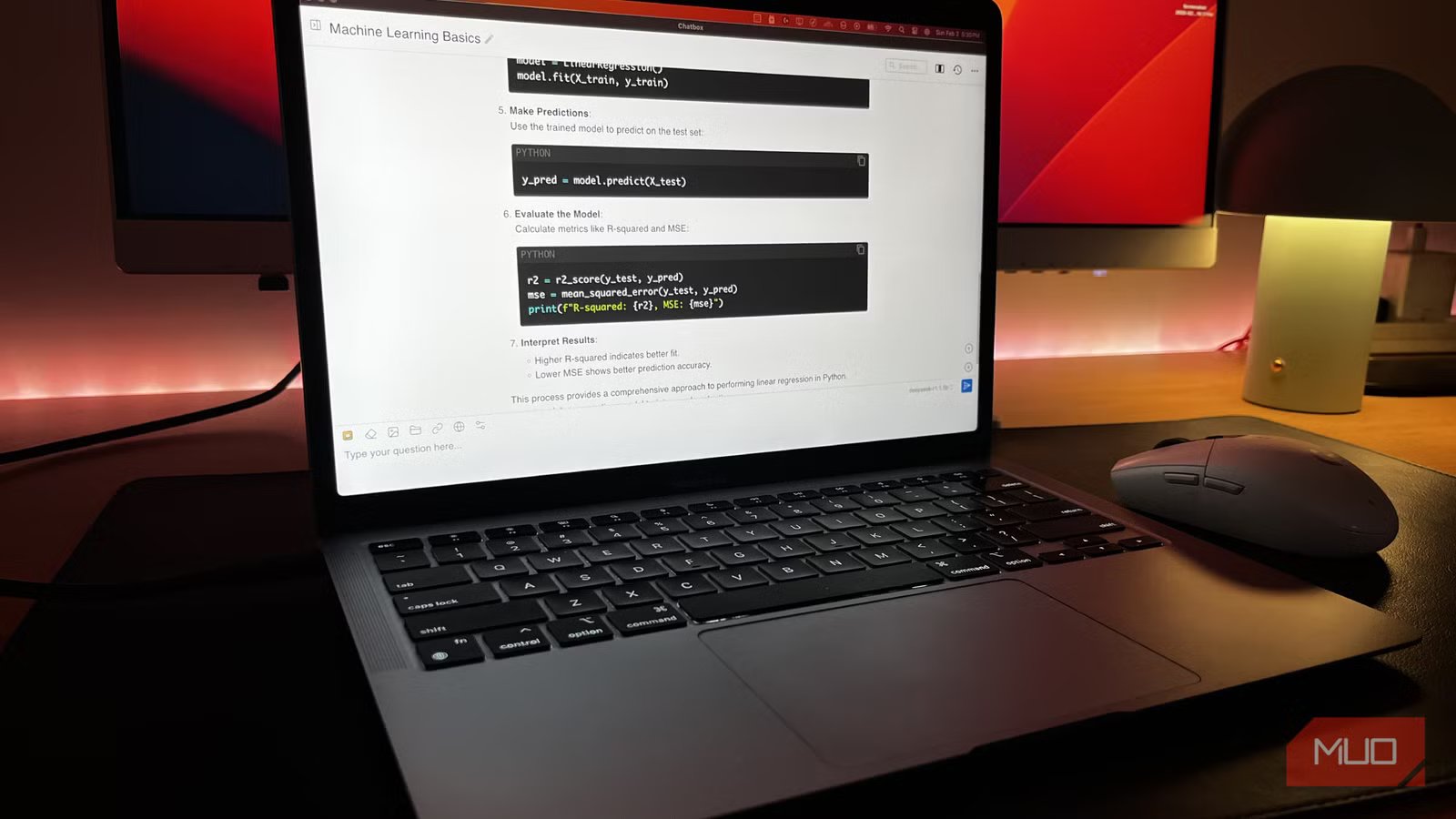
I have been getting pretty deep into local LLMs lately, and it has been a great experience overall. I even went so far as trying to run models directly on my phone for a while, which works, but it is not exactly ideal.
The better setup, and the one I keep coming back to, is having a dedicated machine purely for inference. One box that stays on, handles all the heavy lifting, and every other device in the house just connects to it. It is the best thing I have built for my home setup yet.
Related
I’ll never pay for AI again
AI doesn’t have to cost you a dime—local models are fast, private, and finally worth switching to.
You’ll need some things before you get started
It’s an expensive hobby
Raghav Sethi/MakeUseOfCredit: Raghav Sethi/MakeUseOf
Before anything else, you’ll need a dedicated machine to run the LLM. Something that stays on around the clock, because that is what your phone and laptop are going to be hitting whenever you want a response. Think of it as your own little AI server.
The catch is that the old laptop gathering dust in your closet probably won’t cut it. LLMs are extremely demanding to run locally, and even the smaller models can feel sluggish on older hardware. This is probably the biggest hurdle most people will run into.
If you are starting from scratch and want the best value for money, an Apple Silicon Mac Mini with at least 16GB of unified memory is hard to beat. The way Apple Silicon handles memory makes it punch well above its weight for local inference.
If you already have something like an old gaming laptop or any machine with a GPU sitting around 8GB of VRAM, that is enough to get your feet wet. Just know that as you start running heavier models, you will probably want to upgrade. The only way to find out if it’s going to work for you is to test different models out yourself (more on that later) and see if it’s good enough for you.
Ollama makes running local LLMs effortless
Just download a model and run it
Once you have your machine up and running, you’ll need a way to actually run the LLM on it. There are a few apps that do this, but I personally prefer Ollama, and it has been the go-to standard for a while now. It handles all the inference for you, so you just pick a model and go.
But before you run anything, you need to figure out which model is right for you. The short answer is that it comes down to how much memory your machine has. Parameters are basically a measure of how complex a model is, and a higher number generally means smarter but also hungrier on resources. As a rough rule of thumb, you can run a 7B-parameter model on around 8GB of memory.
As of writing this, if you want a good starting point, I would suggest looking into the Gemma 4 family of models on Hugging Face. The same model comes in different parameter sizes, so you can experiment and see which configuration runs best on your hardware, balancing speed and quality.
Screenshot: Roine Bertelson/MakeUseOf
Once you have settled on a model, getting it running is as simple as running one command in your terminal (make sure to replace modelname with the actual name of the model).
ollama run modelname
That downloads the model and drops you straight into a conversation. I would suggest this is a good time to test out different models before connecting Ollama to your other devices.
You can make it work on any device you own
Even works outside your house!
Raghav Sethi/MakeUseOfCredit: Raghav Sethi/MakeUseOf
Now that you have the LLM running on your server, you can talk to it! But you’re not quite done yet. This entire setup is quite useless if you can’t access it from your phone or any other device.
This is where Tailscale comes in. Tailscale creates a private, encrypted network between all your devices, so your phone, your laptop, and your server all think they are on the same local network, even when they are not. Your server never touches the public internet, and nothing is exposed that should not be. It takes about five minutes to set up. You install it on every device you want connected, sign in, and that is basically it.
For the user interface, I paired Ollama with Open WebUI. It’s basically a front-end that can access and talk to Ollama, and gives you a ChatGPT-esque interface at the same time.
Once you’ve set everything up, you just need to enter your Tailscale IP address on any device with the same Tailscale account, and you’re done! Now you have a local LLM running on your own device, and you can access it from any device you own.
There are a few things worth knowing before you go all in
Manage your expectations
Yadullah Abidi / MakeUseOf
Before you get too deep into this, it is worth setting some expectations. The models you run locally are not going to be as capable as those from ChatGPT or Claude on typical consumer hardware. For most everyday tasks like summarizing something, drafting an email, or answering a question, you will barely notice the difference. But for anything that requires deep reasoning or complex multi-step tasks, you will feel the gap.
You can close that gap by running bigger models. Something like Qwen 3.5 35B gets genuinely close to cloud model quality. But by the time your hardware can run that comfortably, you have probably spent thousands of dollars on it. So it is really about finding the right balance between what you actually need.
The other thing worth knowing is that the server needs to be on for any of this to work. If your machine goes to sleep or loses power, all devices lose access. Worth setting it to never sleep if you want this to be reliable day to day.
None of this is a dealbreaker for me personally, but it might be for you. It is the trade-off you make for something that is completely private, costs nothing to run after the initial hardware spend, and is entirely yours.
Related
I stopped using LM Studio once I found this open-source alternative
LM Studio had competition. I found it.
Is it worth it? Absolutely
Local LLMs can actually do a lot of everyday tasks you might rely on cloud LLMs for. Once the hardware is paid for, you will no longer pay a monthly subscription. Add the fact that nothing you type ever leaves your house, and this setup starts looking pretty hard to argue against. It takes an afternoon to get running, and once it is up, it just works.
OS
Windows, macOS, Linux
Developer
Ollama
Price model
Free, Open-source
Ollama is a free, open source tool that lets you download and run large language models locally on your own machine. Think of it as the app store and runtime for local AI models combined into one.
