

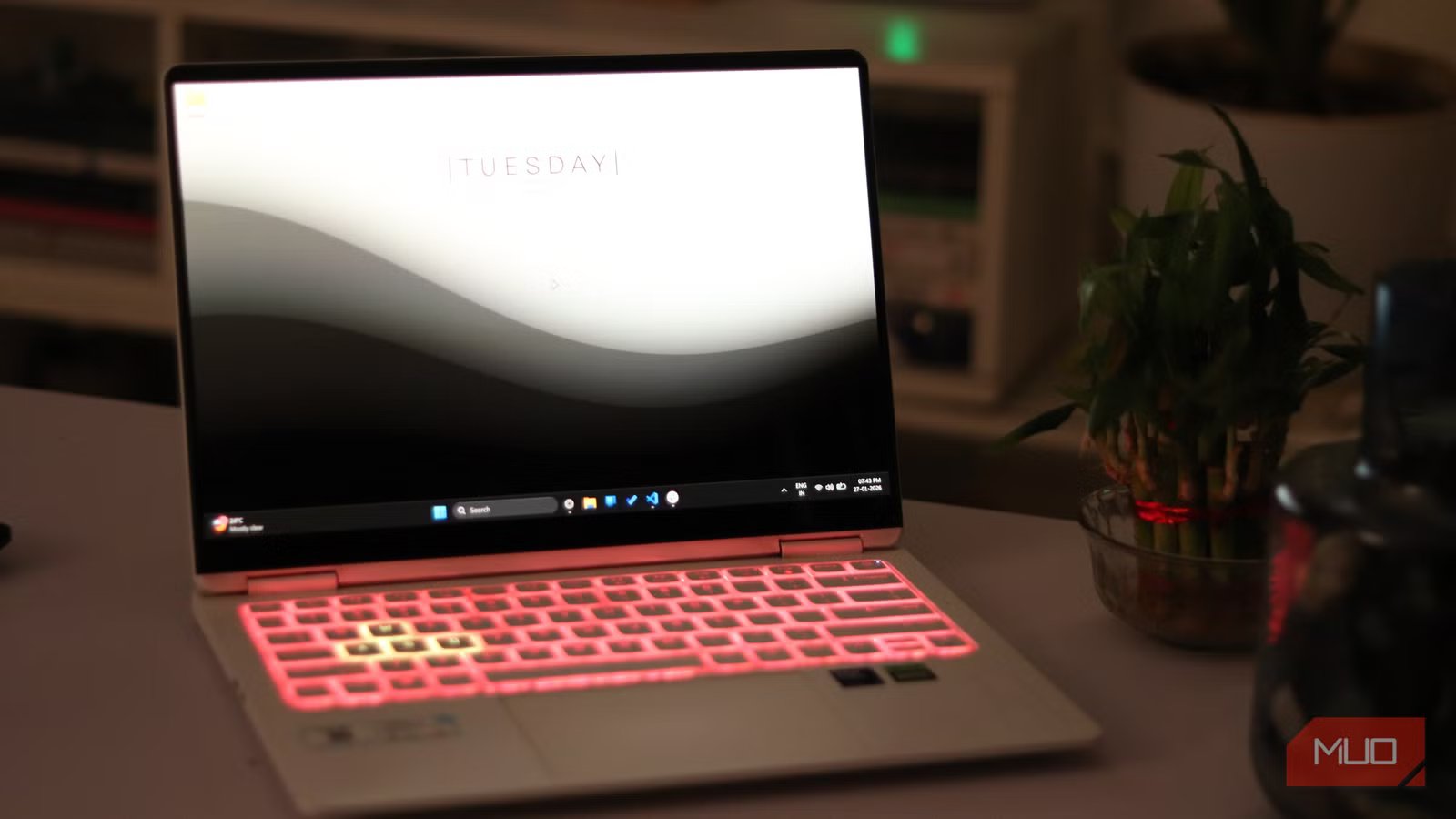
I’ve made a conscious effort to keep my Windows PC running smoothly by simply taking better care of it. That started with learning how to deep clean it properly, but it didn’t stop there. I also paid attention to everyday habits that cause long-term wear, such as poor charging practices and letting unnecessary apps run in the background. More than anything, it was about being mindful of how I use my PC every day.
Over time, I realized that these small habits played a much bigger role than we give them credit for. When a Windows PC starts to slow down, it isn’t always because a setting is broken or the system needs a complicated fix. Often, performance drops because of repeated habits that quietly chip away at speed and efficiency, leaving the system feeling sluggish.
If that sounds familiar, it might be time to pause before jumping straight into troubleshooting mode. Instead of repeatedly fixing the same issues, it’s worth recognizing the patterns that caused them in the first place. Breaking those habits can go a long way in keeping your Windows laptop fast, reliable, and frustration-free in the long run.
Related
These 5 changes instantly made my Windows PC faster
Everyone needs a performance boost sometimes
Excess heat is the real culprit
A suffocating setup is a slow setup
image credit – https://www.pexels.com/photo/young-troubled-woman-using-laptop-at-home-3755755/
Over time, overheating can cause serious problems for your computer. Many people push their PC cases right up against walls, leaving little room for airflow. Your PC case is designed to draw cool air from the front and sides, and expel the hot air from the rear and top. However, when the air can’t circulate properly, heat builds up faster than it should. And if you’ve set up your computer the same way, poor airflow is likely the reason it runs hot. And once overheating becomes a habit, performance takes a hit. The system slows down, the components wear out faster, and everyday tasks become frustrating. Simply giving your PC enough breathing room on a desk or shelf can make a huge difference in its performance over time.
Maintaining a clear gap of about 3–6 inches between your PC case and the wall allows proper airflow, helping heat escape efficiently and reducing the risk of overheating.
Laptops face a similar issue, and it’s an even more common one. Many people rest their laptop on a pillow, cushion, or blanket while working from bed or the couch. As comfortable as that feels, the soft surface slowly blocks the air vents underneath. With extended use, the laptop sinks into the pillow, trapping heat and further restricting airflow. This also builds up a lot of dust in the vents. I’ve made this mistake myself and paid the price with reduced performance. A small laptop or tablet is a much better option. It keeps the vents clear, improves airflow, and helps your laptop stay cool, all without disrupting how or where you like to work.
It’s important to browse safely
One wrong click can ruin your day
Credit: Shimul Sood / MakeUseOf
“Your PC is infected with X viruses.” These pop-ups are designed to scare you, and they work more often than we’d like to admit. Anyone who cares about their privacy would instinctively panic at a message like that. I’m no different. I try to stay careful online, and I know many people want the same security. The easiest way to avoid these scare tactics is to build a habit of browsing safely.
On a typical work day, I lose track of how many websites I open. Between work, research, and random rabbit holes, my Windows PC often has more than 25 tabs open at once. While most of them are harmless, there’s no real way to guarantee that every single site is safe. All it takes is one sketchy button, misleading ad, or compromised page to put your system at risk. That’s where having an antivirus makes a difference.
I use MalwareBytes on my Windows PC. It’s designed to detect, remove, and block malicious software before it can cause damage. Even the free version does a solid job of cleaning up threats, while the premium version adds real-time protection that actively warns you about unsafe websites and downloads before you interact with them.
Browsing the internet is an everyday habit. But this simple routine can quietly turn into a problem if it’s not handled carefully. Ignoring malware safety now can lead to malware infections later, putting your data, privacy, and overall system security at risk. A little protection today can save you from a lot of trouble down the line.
PC maintenance shouldn’t be optional
Your PC runs better when it’s clean
Credit: Shimul Sood / MakeUseOf
Many people rarely bother cleaning their PC or laptop. I’ve seen keyboards packed with dust and grime, screens covered in fingerprints, and vents completely clogged. It might seem harmless at the moment, but skipping basic maintenance slowly takes a toll on your system. PC maintenance shouldn’t be optional at all. If you skip it, dust builds up, airflow suffers, and your computer has to work harder than it should.
Regular cleaning, maybe once every two months, can actually make your PC run faster and more efficiently. And it’s not just about cleaning your PC from the top. Cleaning the PC cabinet, cleaning dust from fans, and keeping air vents unobstructed are just as important. I made it a habit to regularly clean my fans and vents, and the performance improved instantly.
PC components aren’t cheap, and replacing them can really put a hole in your wallet. Taking your system for granted today can lead to costly repairs or early upgrades later. A little time spent on maintenance goes a long way in keeping your PC healthy, happy, and performing at its best potential.
Related
5 signs that mean your PC parts are failing
Your PC doesn’t fail suddenly. It glitches, screams, and eats your files first.
Healthy habits keep your PC fast
We rarely know the exact reason behind a PC slowdown. Sometimes it’s an overloaded browser; other times, it’s months of pushing the system to its limits without giving it a break. What I have learned over time is that waiting for your problems to appear only makes them harder and more frustrating to fix. Small habits, when ignored, quietly pile up until performance takes a noticeable hit.
Taking care of your PC now saves you from that spiral later. I have learned this the hard way, and I do not want you to repeat these mistakes. Stick to these practices, and you can keep your computer running smoothly without falling into a performance slump.
