

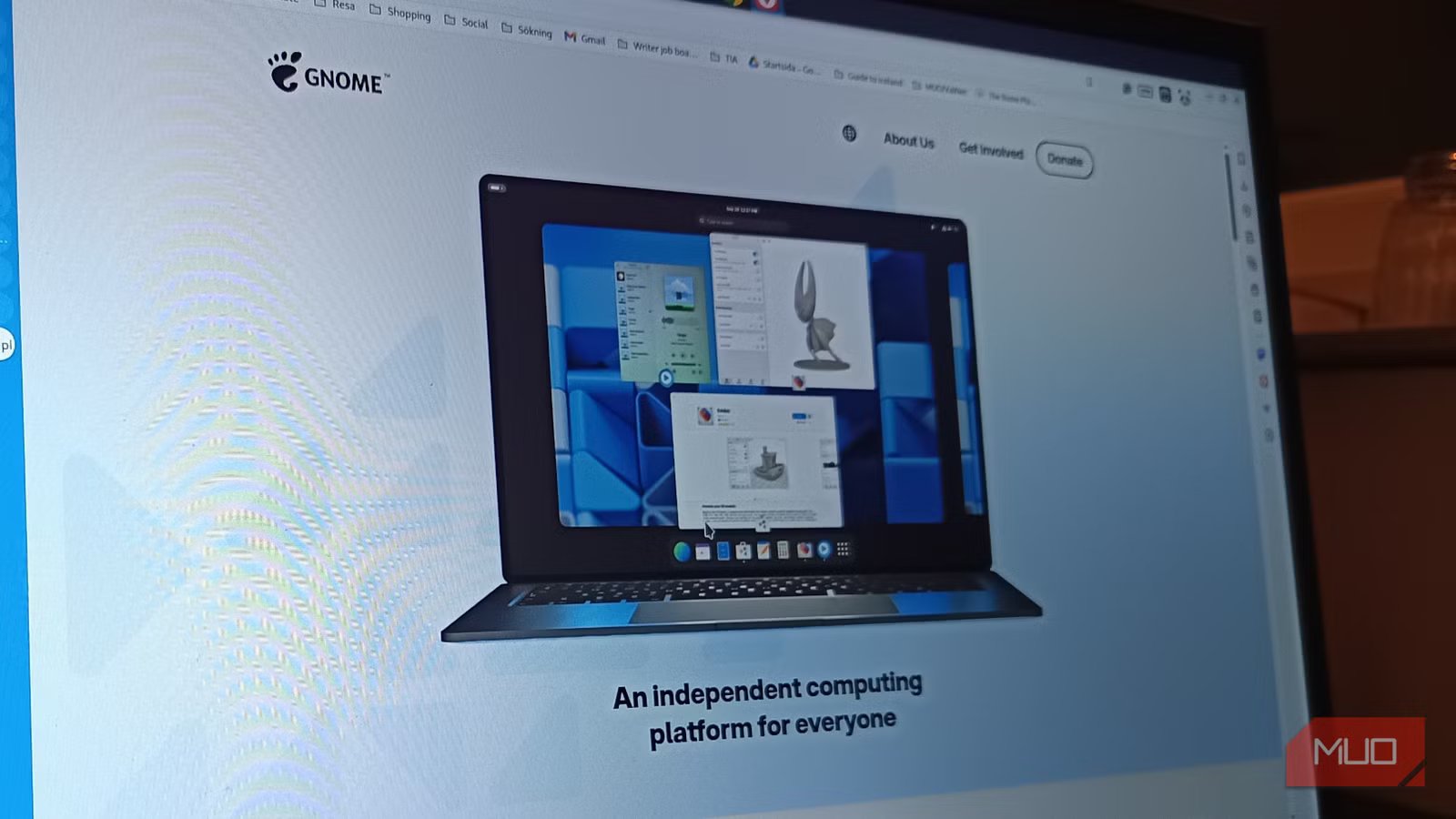
There’s a special kind of annoyance reserved for systems that aren’t technically slow, but still feel … busy. Like your computer is constantly doing something just out of sight, breathing a little too loudly in the background. That was my setup for months. Apps opened fine, nothing crashed, and CPU usage looked normal at a glance. And yet, the whole experience had this faint, persistent hesitation. Not enough to blame anything specific, but enough to make me slightly irritated every time I sat down. Turns out, it wasn’t my imagination. It was GNOME Tracker quietly chewing through resources in the background, indexing files I didn’t need indexed, at times I didn’t ask for. And once I dealt with it, my system stopped feeling haunted. Not faster, exactly, but finally at peace.
The system felt busy, not slow
When tools say “fine” but your brain says “nope”
Screenshot: Roine Bertelson/MUO
This is the worst kind of performance issue to troubleshoot, because every tool you trust insists everything is fine. CPU usage behaves, RAM isn’t screaming, and nothing is obviously on fire. And yet the vibe is wrong. You open a window, and it hesitates, just slightly, like it needs a second to gather itself. The fan spins up during what should be a quiet moment. The disk flickers like it’s remembering something important that absolutely could have waited.
You start second-guessing yourself. Maybe it’s just you. Maybe this is how it’s supposed to feel. It isn’t. That low-level “something is always happening” feeling usually means exactly that. It is always happening. Not enough to break things. Just enough to make everything feel a little … sticky.
What GNOME Tracker actually does
The search feature you didn’t ask to optimize
Screenshot by Teo Elizalde — no attribution required.
GNOME ships with Tracker as its indexing engine, and to be fair, it’s doing its job. It scans your files, extracts metadata, builds a searchable database, and makes desktop search feel instant and clever. If you actually use it. That’s the part no one checks. Because if your workflow looks anything like mine, you’re not leaning on global search to find your life. You already know where your files are. You open them from folders, recent files, terminals, and muscle memory. You’re not summoning documents like a wizard casting “invoice_final_v3_REAL_THIS_ONE.pdf.”
So Tracker becomes this very dedicated, very well-behaved overachiever, cataloging everything you own just in case you suddenly develop a deep emotional relationship with the search bar. It’s impressive, and it’s thorough. It is also, in this context, completely unnecessary.
The hidden cost of constant indexing
Disk activity, CPU wakeups, and that low-level friction
Here’s the clever part. Tracker doesn’t ruin your day in an obvious way. It doesn’t slam your CPU to 100% and dare you to stop it.
It nibbles: A little disk activity here, a few CPU wakeups there, a background scan because you moved a file, and then another one because somewhere a file decided metadata might have changed. It’s the digital equivalent of someone reorganizing your apartment, like some ninja penguin, while you’re trying to relax.
Individually, none of it matters. Collectively, it means your system almost never settles. And that’s the real cost. Not raw performance, but the absence of stillness. The system never quite reaches that clean idle state where everything just … waits for you. Instead, it keeps itself busy. For you, but without you. Which would be sweet if it didn’t feel like your laptop had developed anxiety.
How I confirmed Tracker was the villain
Watching processes instead of guessing blindly
At some point, you stop trusting the overview graphs and start watching behavior instead. Not “is my CPU high,” but “what keeps waking it up?” That’s where Tracker starts showing its face. Not dramatically, but consistently. Little bursts of activity tied to processes with names that sound like they belong in a backend you didn’t sign up for.
tracker-miner-fs-3 drifting in and out.
tracker-extract-3 doing its thing.
tracker-store-3 quietly keeping score somewhere.
Nothing alarming. Just… present. Again. And again. And again. It’s like spotting the same person in every room of a party. At first, you ignore it. Then you start wondering why they’re everywhere.
Limiting Tracker fixed the problem instantly
Fewer background tasks, calmer system, better flow
Screenshot by Hannah Knight — No attribution required
I didn’t start by ripping it out. I tried being reasonable. Maybe we could coexist. Maybe Tracker just needed boundaries. So I gave it fewer places to look. Cut it off from the usual dumping grounds like Downloads and random project folders. Told it, gently but firmly, that not every file on my system needed to be part of its grand archival vision. It helped a bit. But the real shift came when I stopped pretending I needed it at all.
Masking the Tracker services took seconds. No dramatic system overhaul. No dependency explosions. Just a quiet “you can stop now.”
systemctl –user mask tracker-miner-fs-3.service
systemctl –user mask tracker-extract-3.service
And then … silence. Not literal silence. The kind of silence where your system finally behaves like nothing is happening, because nothing is happening. No phantom disk flickers, no random wakeups, and (yay) no subtle drag on everything you do. It didn’t make my system faster on paper. It made it feel sane again.
Linux isn’t immune to background bloat
The difference is that you can actually fix it. There’s this persistent myth that Linux exists in some kind of purity bubble where background nonsense doesn’t happen. That everything is lean, intentional, and under your control at all times. It’s not. Linux absolutely accumulates little helpers, daemons, services, and “this seemed like a good idea at the time” features that quietly stick around doing their thing.
The difference is that here, you’re allowed to question them.
Related
I did a minimal Ubuntu install and stripped out every pre-installed app
If you really have nothing better to do, go ahead: Have at it!
Tracker isn’t broken. It’s not malicious. It’s not even badly designed. It’s just solving a problem I don’t have, in a way that costs me more than it gives back. And once you notice that, it becomes very hard to ignore. Because the moment you remove it and your system exhales for the first time in weeks, you realize something: Nothing was wrong with your hardware. Your computer just never got a moment to sit still.
