

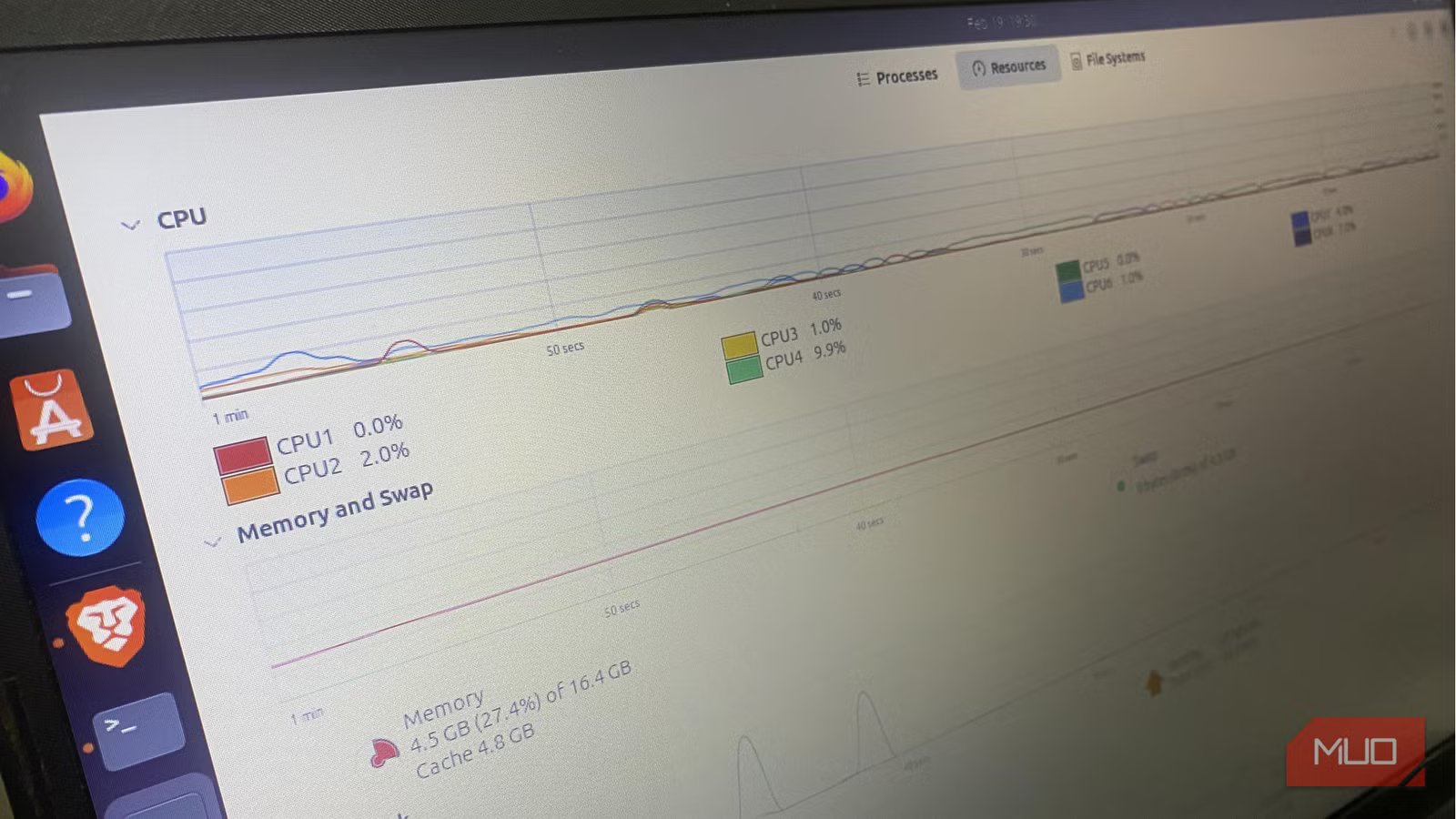
For a few months now, whenever I launch my browser, my laptop gets so loud you’d think it’s compiling the Linux kernel. The fan was constantly speeding up after booting, but CPU usage still hovered between 8 and 12%. I recorded temperatures reaching 65°C, which is hot but not dangerously high. I tried cleaning the vents, and I also replaced the thermal paste.
But things were not adding up. It felt more like the system was overreacting than overheating. It took a lot of prying into Ubuntu’s power management stack for me to realize I wasn’t facing a cooling problem. This was a coordination problem, and I needed to fix it to control my laptop fan.
The fan wasn’t reacting to temperature — it was reacting to frequency
Why 60°C can still sound like 90°C
Afam Onyimadu / MUO
Ignoring noise or sounds from your laptop can be costly. In the past, I only observed the temperature, but my understanding began when I started looking at the CPU frequency. My CPU wasn’t permanently hovering around 100%. However, tiny bursts of work were constantly resulting in short spikes in clock speed. When the spikes occurred, voltage and package power increased and caused the fan controller to react.
Because cooling systems are designed to react before temperatures become catastrophic, a rising power draw can trigger a response. This creates a situation where the average temperature stays within reasonable limits, but the fan curve is pushed upward because there are repeated short boosts. So the numbers looked good on my laptop, but it sounded like it was being overclocked.
I was experiencing moderate temperatures and low sustained load, but aggressive frequency behavior. This mismatch was the main clue I got. It pointed me straight to the power policy, and I stopped bothering with dried thermal paste.
Ubuntu’s “balanced” profile isn’t a single switch — it’s a stack
Where the desktop setting and the kernel can drift apart
Afam Onyimadu / MUO
The modern Ubuntu system uses a layered approach to power management. The first part includes desktop sliders that communicate with power-profiles-daemon (PPD). In the next layer, PPD sets the Energy Performance Preference (EPP) and the governor, indicating how quick responses must be and how aggressive the boost should be. These settings are passed to the scaling driver to act on, and finally, the CPU can change behavior and the fans will respond.
This is a clean chain with one little problem: sometimes, PPD may report Balanced even if the EPP that was written differs, or if that EPP was later overwritten by a competing tool. Any of these may tell the scaling driver to behave aggressively.
An example is with Intel systems running intel_pstate in active mode. Scaling_governor labels found in /sys/devices/system/cpu/… may show “powersave” or “performance,” even though EPP actually controls the effective behavior. You don’t get the entire story from just the governor name.
For my specific problem, the CPU behavior felt like performance-biased responsiveness, even though Ubuntu said “Balanced.” What I ended up with was a processor that was never truly idling.
Something else was nudging the CPU harder than I realized
How I verified the mismatch instead of guessing
My first look was at what Ubuntu assumed it was doing. I confirmed I was on Balanced with the command:
powerprofilesctl get
Then I did real-time monitoring of frequency scaling and checked governor state across cores using the command:
sudo turbostat –interval 1
I had already ruled out any runaway process using htop; this was a case of behavioral bias. I then needed to know if there were any competing tools. If TLP was installed, it could be a trigger, as could cpupower when enabled. I also verified whether there were leftovers in /etc/default/cpufrequtils that forced a specific governor at boot. These were all important checks because it takes just one override to create a tug-of-war.
As soon as I observed the mismatch between the profile and the effective scaling behavior on my computer, I understood the fan noise.
The fix: give one system full control and remove the ambiguity
Why stacking power tools is a quiet disaster
Afam Onyimadu / MUO
By default, power-profiles-daemon is enabled on modern Ubuntu. It’s possible to unintentionally create overlapping authority by adding TLP or doing manual cpupower tweaks. As a rule of thumb, there should be just one boss for the CPU.
If you are sticking to Ubuntu’s defaults, you’ll give PPD a better chance of managing profiles cleanly if you disable TLP and any other scaling services. Using the commands below, verify the governor and EPP reflect the selected profile:
cat /sys/devices/system/cpu/cpu*/cpufreq/scaling_governor
cat /sys/devices/system/cpu/cpu*/cpufreq/energy_performance_preference
If all cores return the same value on both, you are in the clear. The value you expect is powersave if PPD is in Balanced mode and intel_pstate is active. You should get a balance_performance value from the EPP check under these same conditions. If you get performance, it shows there has been an override of the active profile.
You can use TLP’s granular control, but ensure you configure TLP carefully with power-profiles-daemon disabled. As soon as I had done away with any ambiguity and rebooted my computer, I had smoother frequency behavior, and idle clocks dropped properly. The seemingly random and constant boost became situational and understandable.
Related
I thought my CPU was maxed out until I tweaked these BIOS settings
A few BIOS tweaks made my PC feel brand new without a hardware upgrade.
Balanced doesn’t always mean quiet — until you tune it
There is a subtle point to note. The Energy Performance Preference on Intel systems often defaults to balance_performance. This setting favors speed when there are short bursts of activity. It’s a bias that will make small tasks create boosts they don’t even need.
You’ll have more effect by shifting EPP toward balance_power than by trying to lower temperatures. Your laptop will still perform well, but it will react less aggressively to every tab refresh. Of course, fan noise can also be a hardware issue, and small steps like cleaning or replacing the fans can help.
