

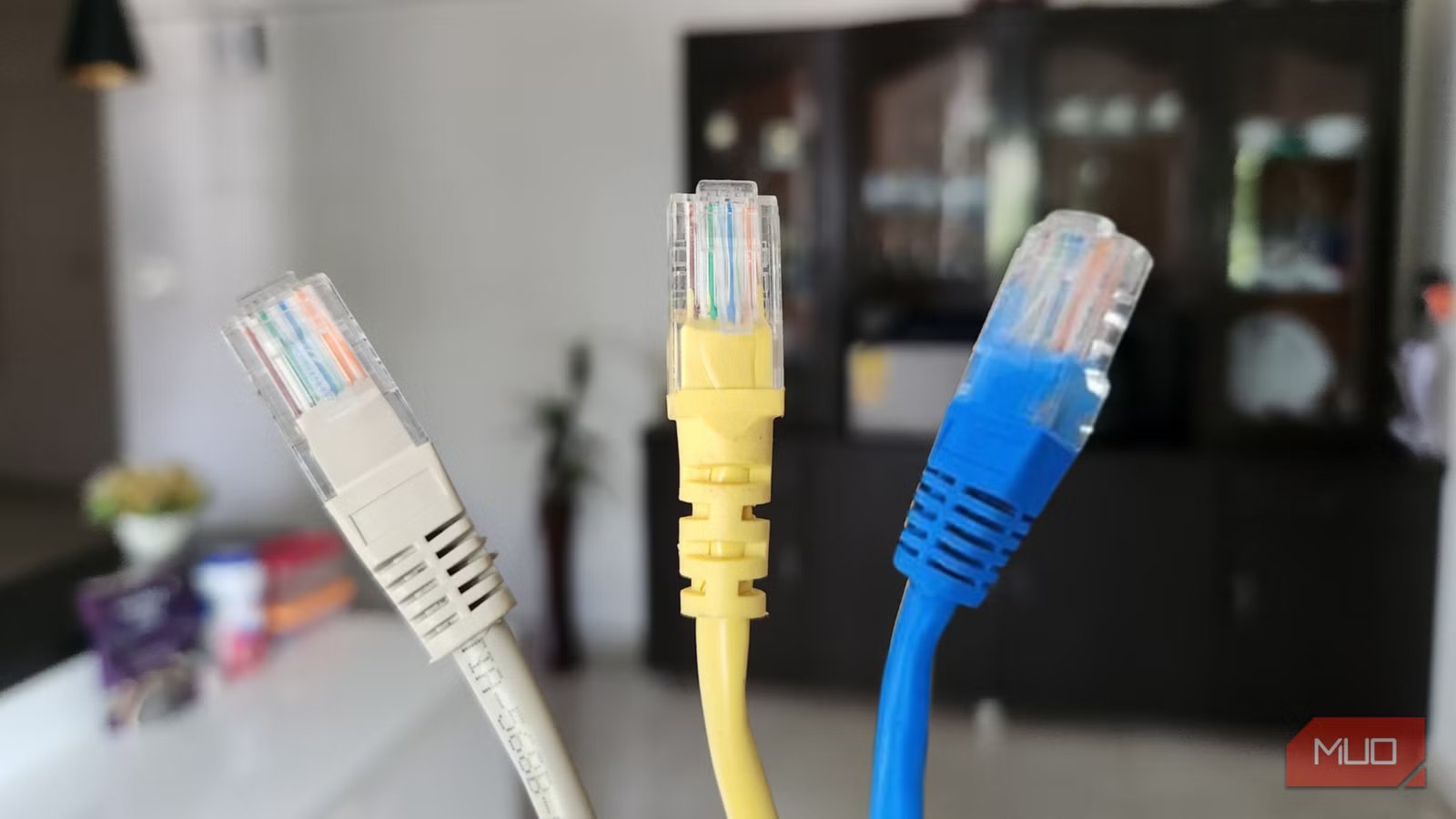
Ethernet cables are not exactly exciting. After all, they all look the same. One thing you might notice, though, is that they come in a variety of colors, like blue, yellow, red, green, gray, and even pink. It’s easy to assume the colors indicate speed or performance, much like USB port colors, but that’s not the case.
These cable colors aren’t just for show either, nor do they indicate performance. Instead, the rainbow of options is primarily about organization and clarity. You should not confuse this with the color coding of the internal twisted wires inside the cable, which actually determines proper connectivity and signal transmission. Here, we’re talking about the jacket color that makes managing multiple connections much simpler.
Why Ethernet cables come in different colors
The purpose behind cable colors
At first, the rainbow of Ethernet cables might make it seem like someone in IT was just trying to brighten up the server room. In reality, there’s a method to the madness. The color of an Ethernet cable doesn’t affect speed or signal quality; it’s purely for organization and clarity.
In large networks, especially in data centers or offices with miles of cabling, color-coding helps technicians quickly identify each cable’s purpose. For example, blue might be used for general networking, yellow for PoE (Power over Ethernet) devices like security cameras, and red for critical systems or connections that must not be unplugged accidentally.
Color-coding isn’t just for professionals either. At home, using different shades for your router, switch, and modem connections can save you a headache when something stops working.
Besides organization, some manufacturers use colors to differentiate between cable categories like Cat 5, Cat 6, and Cat 7. Colors can also indicate cable length or, in some cases, signal type. In larger setups, colors can even indicate installation year—for example, yellow for 2019 and blue for 2018.
The purpose of all this is simple: colors make cabling and maintenance quicker and less confusing. So while the color doesn’t change how the cable performs, it can definitely change how smoothly your networking setup runs.
What Ethernet cable colors really indicate
More than meets the eye
Hannah Stryker / MakeUseOf
Credit:
Hannah Stryker / MakeUseOf
The thing is, there’s no universal standard for Ethernet cable colors. What the colors “mean” depends entirely on how a particular organization, vendor, or installer decides to use them. That said, certain patterns are common.
- Blue: Mostly used for standard network connections, such as linking a desktop computer, laptop dock, or office printer to a network switch or router.
- Yellow: Commonly used for PoE (Power over Ethernet) devices, which draw power through the cable itself. This can include IP security cameras, VoIP phones, or wireless access points.
- Black or Gray: Typically used for everyday connections in offices or homes, like connecting your router to your modem, or your game console to your network switch.
- Red: Often reserved for critical connections that must stay online, like servers, firewalls, or emergency backup systems. Red cables can also indicate restricted or high-security network segments.
- Green: Sometimes used for crossover connections (connecting two similar devices directly, such as switch-to-switch or computer-to-computer) or for environmental systems like smart thermostats and building controls.
- Orange or Purple: These are rare but mainly used for special network functions, such as test environments, external connections, or VLAN segments for guests or contractors.
Again, while color cues can give you an idea of a cable’s purpose, these meanings aren’t universal. It’s always best to check the cable documentation before you plug or unplug anything important.
An Ethernet cable’s performance depends on its category
Don’t judge a cable by its color
Pankil Shah / MakeUseOfCredit: Pankil Shah / MakeUseOf
What’s important to remember is that the jacket color only indicates what someone decided it means, not the cable’s actual performance. Ethernet cables are classified into categories like Cat 5, Cat 5e, Cat 6, Cat 6a, Cat 7, and Cat 8, with each category designed for specific speeds and bandwidths.
For example, Cat 5e supports speeds up to 1 Gbps, while Cat 6a can handle up to 10 Gbps over longer distances. Cat 8, the heavyweight of the bunch, is built for data centers and can reach up to 40 Gbps at shorter runs.
This means you can have a bright pink Cat 6 cable that outperforms a dull gray Cat 5e any day. So when choosing Ethernet cables, focus on the category rating printed on the side, not the color.
These categories aren’t just about speed—they also define how well the cable protects against electrical interference, which helps maintain a stable and reliable connection. That’s why upgrading from an older Cat 5 cable to a Cat 6 or Cat 6a can make a noticeable difference in modern networks.
In the end, Ethernet cable colors are less about speed and more about sense. The real star of the show is the cable’s category, which determines performance, speed, and reliability. So next time you’re staring at a tangle of cords, don’t stress over the colors.
