

Over the years, I’ve stacked up a broad list of note-taking tools: Google Keep, Notion, Todoist, Evernote, and Apple Notes. Each one performs a specific job well, but it becomes a problem when you have to work across all of them. One problem I often faced was writing down a note but not remembering exactly where I wrote it.
In the end, my thinking process spread across five apps, and this was the final straw. What I actually needed was one do-it-all app. So I turned to Obsidian — a note-taking app robust enough to accommodate my workflow.
OS
Windows, macOS, Linux, Android, iOS, iPadOS
Pricing model
Free
Developer
Dynalist Inc.
Initial release
March 30, 2020
Obsidian is a local-first, Markdown-based note-taking application that stores your notes as plain text files and lets you build interlinked “vaults” of knowledge. It supports plug-ins, graph visualisations, and full control of your data rather than locking you into a proprietary format.
Capturing everything in one place instead of scattering quick notes
Daily notes replaced Google Keep as my default inbox
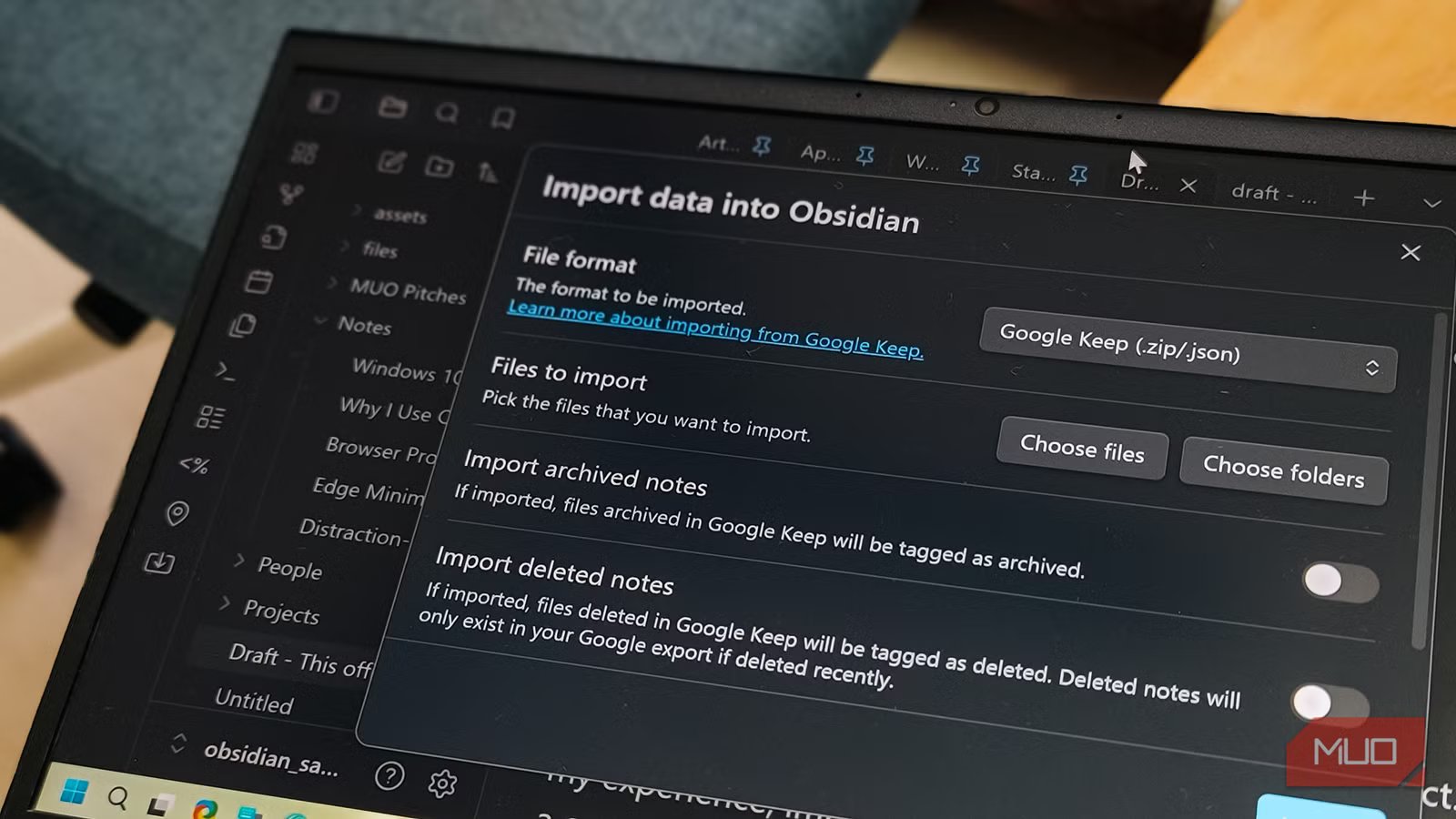
When I really didn’t want to think, Google Keep was the tool I turned to for notes. I could conveniently drop a sentence, a reminder, half an idea, and move on. Its capture speed was great, but what happened afterward was the problem. In most cases, I saved the notes and forgot about them. Then, weeks later, when I opened Google Keep, the notes made no sense to me.
Daily Notes in Obsidian gives me a single point to start, and this fixed the Google Keep problem. It doesn’t matter how small an idea is; everything goes into today’s note. It cuts off micro decision-making about folders, tags, or projects.
At the end of the day, or even the next day, I can scan these notes and discard any that I no longer need. For the rest that remain, I turn some into links and make them proper notes. A few become tasks, but in the end, I don’t lose any important notes, and everything that remains becomes highly organized.
Turning raw notes into usable material instead of dead text
Linking replaced Apple Notes-style storage
Afam Onyimadu / MUO
I used Apple Notes, and it was great for searching. As long as I remembered the right keyword, I could find anything. But it became inefficient when my notes started to pile up. At this point, the notes felt isolated from all the other work I was doing, even when I could find them.
However, Obsidian linking changed how I approached notes. I can link to a project, a person, or a topic simply by mentioning it. I don’t try to be intentionally organized, but Obsidian already mirrors how I think.
After using Obsidian for a while and linking notes, backlinks started to point to notes I had totally forgotten about, as long as they were relevant. At this point, you stop relying on memory or digging through folders. The tool does the connection for you. It brings your entire note collection to life.
Managing projects without rebuilding a second brain
Properties and Dataview replaced my personal Notion setup
As long as I have just a few notes, and it’s easy to remember where everything is, I am fine using Notion. As notes grow, Notion pages quickly feel heavy. I end up spending more time managing the database than doing the actual work.
Obsidian allows me to use properties like status, type, and area at the top of the note. That’s as simplified as it gets; there are no complex schemas. After using properties, Dataview can pull the notes into my lists. I have an organized list of active projects, in-progress drafts, and items on hold.
The views load instantly and are just next to my notes, making them very handy, and I end up referring to them multiple times a day. These views are disposable. I can spin up a view to see work due on Friday and discard it in ten minutes without any system anxiety.
Acting on notes without switching to a separate task app
Embedded tasks replaced Todoist for day-to-day work
Afam Onyimadu / MUO
When I used Todoist, I would often see a reminder for a specific task, even though the actual task itself was in a different section. So, remembering why tasks existed was a manual and inefficient process. By the end of the day, I would have spent a substantial amount of time copying and pasting links into Todoist from my notes just to have context for messages.
However, Obsidian’s Tasks plugin lets me treat my notes like an active workstation. Just by hitting a hotkey in the middle of a paragraph, I can fact-check a quote and drop a task mid-sentence. The next day, when I open my Master Task List, I see a link for that task that takes me to the exact part of the paragraph I was on.
I still use the default calendar on my phone for reminders. Obsidian didn’t replace these kinds of things that don’t require deep thought. However, it stopped constant context switching, which occurred a lot in larger projects.
Related
Is Obsidian Really Worth the Learning Curve for Note-Taking?
Is Obsidian the ultimate note-taking tool or just an overcomplicated app?
Why one workflow finally stuck
The moment I was able to fit my workflow into one app, thinking, acting, and referencing became more natural. I had added a new system into my daily routine that eliminated the friction of jumping through several tools. I had not suddenly become more organized or disciplined, but I had cut out the fatigue of constantly thinking where a note belonged or fit.
I stopped being scared of writing down an idea simply because it was still unrefined. On the same platform, I could transform them into work and then tasks, and reference them when needed.
