

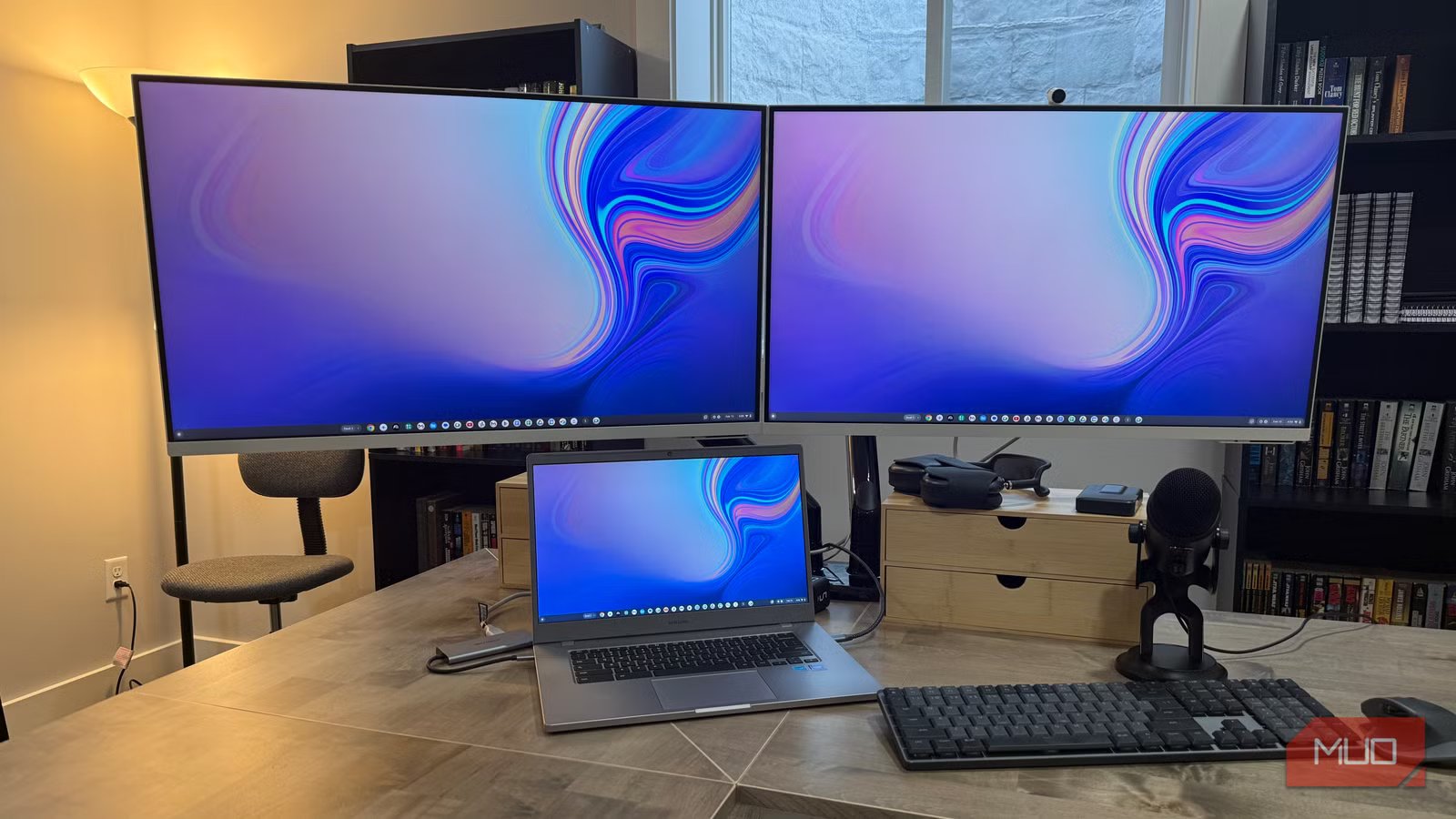
For years, my desk held four Acer G276HL Kbix 27″ 1080p monitors, and I had a ready answer for anyone who raised an eyebrow at the resolution: 82 pixels per inch at 27 inches is fine. Not impressive, but fine. The monitors worked, nothing was obviously broken, and 4K panels cost enough more that the upgrade felt hard to justify. I made that argument on autopilot for a long time. Last spring, I finally replaced those Acers with a pair of Samsung M8 M80D 32″ 4K monitors, and the gap between “fine” and “noticeably better” turned out to be a lot wider than I’d given it credit for.
The case I made for staying at 1080p
None of my reasons held up once I actually made the switch
The arguments felt reasonable at the time. At 27 inches, 1080p delivers around 82 pixels per inch — not spectacular, but not obviously soft either. My workflow was writing, some light photo work, and productivity apps. Nothing that screamed, “you need 4K.” Gaming wasn’t part of the equation, so I couldn’t justify the upgrade on frame rate or visual fidelity grounds. The Acer monitors were also genuinely solid. No flickering, no color banding, no dead pixels across years of daily use. When a display does its job without complaint, it’s easy to stop questioning whether it’s actually doing that job well.
There was also a price anchor I’d set early on. When I bought the Acers, 4K monitors at a reasonable price, they cost significantly more than the 1080p alternatives. That number stuck in my head longer than it should have, even as the market shifted and 4K panels came down to price points that weren’t really asking for much of a premium anymore. I was comparing current prices against an outdated mental benchmark, and that kept me from looking too closely.
Screen Size
32-inch
Resolution
4k
What finally pushed me to make the move
Consolidating from four screens to two made the resolution matter
The push came from a different direction. I’d started questioning whether stacking up more monitors was actually helping my productivity — and once I started consolidating, each remaining screen had to carry more weight. Going from four displays to two meant more windows per monitor, more context on screen at once, and suddenly the resolution constraint I’d waved off became a real limitation.
Sizing up to 32 inches at 1080p would have made the pixel density problem obvious immediately — around 70 PPI, which is soft on anything other than full-screen video. Going to 4K at 32 inches puts you at roughly 138 PPI, close to what a Retina MacBook display delivers. The desk cleanup that came with running fewer monitors was a bonus — fewer cables, fewer power bricks, less to manage. If your desk wiring has gotten out of hand, do some quick cable management fixes to clear it up before adding more hardware to the pile.
The sharpness gap is bigger than I expected
Text rendering alone made the upgrade worth it
Credit: Jonathon Jachura / MUO
Most of my day involves reading and writing on screen, and that’s exactly where the difference between 1080p and 4K hits hardest. On the Acer monitors, text was readable but never crisp — letters had a softness at the edges that I’d learned to ignore. On the M80D, text looks printed. Individual characters are sharp at any size, and long reading sessions are noticeably less tiring because my eyes aren’t compensating for soft rendering they can’t quite resolve.
Photos improved in ways I hadn’t expected. I run shots through Lightroom occasionally, and the difference in fine detail — skin texture, fabric, background elements — is real enough to affect the edits I make. The M80D’s HDR10+ support adds another layer. The Acers had no HDR capability at all, so the jump wasn’t just in resolution. It was the first time I’d seen proper HDR on a monitor, and the contrast difference in dark scenes and bright highlights is the kind of thing that makes previous hardware feel like it was holding you back.
Related
I didn’t need a super ultrawide monitor until I worked from home with one
Owning a 32:9 display has massively boosted my productivity. I’m never going back to 16:9 screens.
The M8 turned out to be more than a monitor
USB-C hub functionality changed how I use my desk
Credit: Jonathon Jachura / MUO
Picture quality was why I bought the M80D. USB-C is why I’d buy it again. One cable from the monitor runs both picture and data back to the Mac Mini, and the data side of that connection turned out to matter just as much as the display quality. USB-C is the one port I check on every monitor spec sheet now — the M8 is what made me a convert. The Mac Mini is tucked under the desk, and routing peripherals through the monitor’s USB-A ports has cut out the awkward reach entirely. Keyboard dongles, a webcam, portable drives — they all plug into the monitor face now instead of the back of a machine I can’t see from my chair.Beyond the hub functionality, the M8 runs Samsung’s built-in smart TV apps natively. I was skeptical going in — it looked like a feature added to justify a higher price. In practice, I use it. Having Netflix or YouTube available without the Mac Mini running saves a step when I just want something on in the background, and Samsung Gaming Hub has come up more than I expected.
The upgrade I should have made two years earlier
Inertia is a powerful thing when a setup works well enough not to complain about. The Acer monitors were reliable, and that reliability made it easy to avoid asking whether I could do better. A few months in on 4K, the answer is clear: the upgrade is real, and the timing question resolves pretty simply — sooner beats later. If you’ve been running 1080p and making the same arguments I was, check what 4K panels are actually selling for today. The math changed. My desk did too, and I’m not looking back.
