

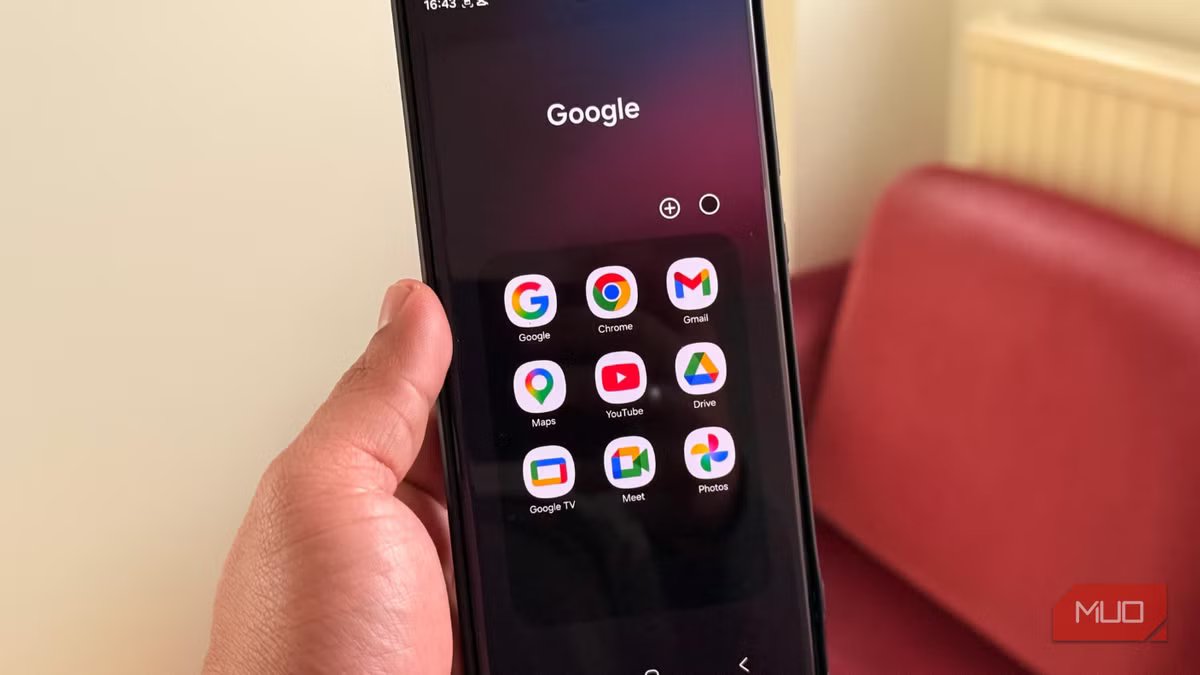
Android offers a lot of choices, but most of us rely on Google’s default apps. After all, they are convenient, familiar, and deeply integrated into the ecosystem. However, sticking with them might feel like a repetitive experience. I was also doing the same. I was using whatever came preinstalled. I relied on Google Maps for navigation, Gmail for email, Chrome for browsing, and so on. As a result, my phone started to feel the same. I was overly tied to Google’s ecosystem. My phone was working fine, but nothing felt fresh anymore. Instead of upgrading my phone, I wanted to do something simpler. So, I replaced five default Google apps I used every day.
Frankly, I expected a few minor differences, but it changed my overall experience. My phone felt lighter, less distracting, and surprisingly brand-new again.
Related
9 Useful Android Apps That’ll Make Your Phone Smarter
Want a smarter phone? Replace your default camera, SMS, gallery, and other apps with these smarter alternatives.
HERE WeGo
A better Google Maps alternative for offline navigation
I’ve been using Google Maps for a really long time. And, I haven’t really questioned it. Google Maps is reliable, powerful, and packed with features. But over time, it started feeling overwhelming. The interface is packed with a lot of recommendations, sponsored places, and prompts I didn’t even ask for. This makes simple navigation unnecessarily busy. If you’ve been using Google Maps, you know what I’m talking about.
When I switched to HERE WeGo, it felt like a much-needed reset. It features a clean and minimal interface, and everything is focused on one thing: getting you where you need to go. I really appreciate this straightforward approach with clear lane guidance, real-time traffic updates, and speed limit alerts.
What really stands out for me is the offline navigation. I can download entire regions or countries and rely on them when I’m traveling in patchy network areas. HERE WeGo even saved my road trip, all thanks to its robust offline navigation features. It gave me complete, turn-by-turn directions and the Route Preferences option helped me choose the best route for my journey.
OS
Android, iOS, Web
Developer
HERE Technologies
Price model
Free
HERE WeGo is a navigation app that provides reliable turn-by-turn directions, offline maps, and real-time traffic updates.
Proton Mail
A more private and secure Gmail alternative
For most people, email means Gmail. For as long as I can remember, I have also been using Gmail for all my personal and professional needs. It’s fast and feature-rich, but also deeply integrated into Google’s ecosystem. I wanted a better alternative that offered a more private experience. I switched to Proton Mail, which gave me that shift immediately. It boasts a clean interface without any extra tabs or categories that I was ignoring in Gmail.
The main reason I switched to Proton Mail is that it offers a more private experience than Gmail. I can create an account without having to provide any personal details or a phone number. With end-to-end encryption, only I can read my messages. No one else, lopsided Proton, can access or scan my emails for ads. I also find the category view helpful. It lets me sort my emails by type, and I can even control which categories can send me notifications. Overall, Proton Mail feels simpler, more focused, and less about data tracking than Gmail.
MEGA
A simpler Google Drive replacement
Google Drive is one of the best cloud storage services available. You can’t really beat Google Drive when it comes to convenience, especially if you’re already using Docs and other Google tools. For years, Google Drive has been my go-to storage solution. That being said, it always felt like a part of a larger system that I didn’t fully need. When I tried Mega, I found it to be more straightforward. I can easily upload, store, and access my files. No extras needed.
Also, Mega checked all the boxes I was looking for in a cloud storage solution. It offers a generous 20GB of free storage space, and I can go for paid versions if I need more. Another standout feature is its end-to-end zero-knowledge encryption. This means files are encrypted on my device, and only I hold the keys. Yes, Mega doesn’t offer deep productivity integrations and real-time collaboration tools, but it definitely offers a more private and secure experience. Thanks to the cross-platform support like Google Drive, I can access my files across my Android and Apple devices.
Fossify Gallery
A privacy-focused photo editor
I used to rely on Google Photos blindly, too much. It’s smart, feature-rich, and convenient. And that’s why most folks prefer Google Photos to sync their precious memories. I had also used it for a long time. However, Google Photos started to feel less like a gallery and more like an aggressive cloud service. It was constantly nudging me to back up my photos, manage storage, or upgrade my plan.
When I switched to Fossify Gallery, it gave me a refreshing experience. It’s super fast and follows an offline-first approach that prioritizes speed and privacy over integration features. By default, it operates offline and doesn’t require an internet connection. Even better, it doesn’t annoy you with ads or data collection features. I particularly like the clean and responsive gallery. I can browse and organize my photos without any distractions. I have a pretty large photo library, and Mega loads that instantly for me every time. Also, it offers excellent customization options for themes and colors.
OS
Android
Price model
Free, Open-source
Fossify Gallery follows an offline-first approach that priotizes speed and privacy over integration features.
Brave
Faster and more efficient experience over Google Chrome
Alvin Wanjala / MakeUseOfCredit: Alvin Wanjala / MakeUseOf
Unarguably, Google Chrome is reliable and polished, but it’s also pretty heavy and collects a significant amount of user data. I prioritize my privacy. Also, I wanted a faster browser that consumes fewer resources. After trying several browsers, I finally stopped at Brave. The moment I switched to this browser, it felt like a true upgrade. My webpages load faster, I don’t have to see those annoying ads, and browsing feels a lot smoother.
That’s primarily because Brave blocks ads, trackers, malware, phishing, and fingerprints by default. This not only improves your privacy but also speeds things up for you. Brave uses less RAM than Chrome. As a result, my device felt lighter and more responsive. Also, Brave offers built-in tools like HTTPS blocking and tracker blocking, which usually require extensions in Google Chrome. That means you have to deal with less setup and can enjoy a smoother experience out of the box. Honestly, it’s one of the best swaps I’ve made on my phone.
OS
Windows, macOS, Linux, Android, iOS
Price model
Free
Brave is an open-source web browser focused on privacy, speed, and user control. Its standout features include Shields, which block ads, trackers, cookies, fingerprinting, and more by default, giving users granular privacy protection without the need for extensions.
My device feels new again
I didn’t plan to de-Google my phone completely. I just wanted to try a few alternatives to the default Google apps. And this experiment changed the way my phone feels now. Everything feels intentional and less cluttered. Now, I spend more time actually using my phone, rather than dealing with unnecessary features.
Google apps are excellent. They are more than enough for most folks. But if your Android device has started to feel a bit stale, it’s time to switch a few apps. This will surely give you a refreshingly new experience without having to upgrade your device.
