

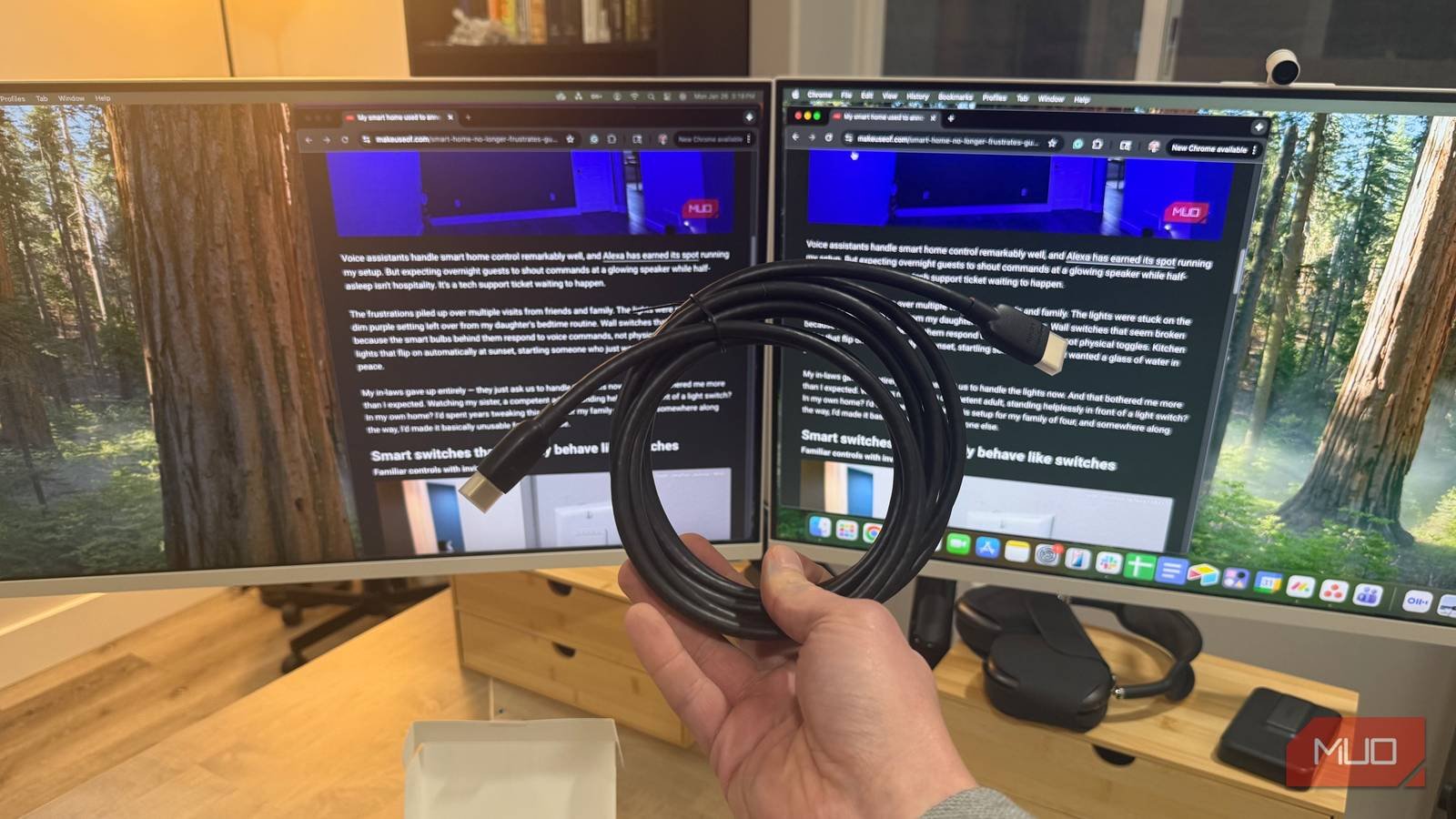
For years, I dismissed anyone who spent more than $10 on an HDMI cable as illogical. Digital signals work, or they don’t — that was my thought, anyway. Spending $30 on copper and plastic when a $5 cable exists? No thanks. That was my position until I set up two Samsung M8 Smart Monitors alongside a TCL 75-inch S5 4K Smart TV.
Something was off immediately. One monitor’s text looked sharp, and the other had this soft, hazy quality — like I was viewing it through a dirty window. I blamed the displays, the graphics card, and even my eyesight. The cables never crossed my mind. They should have. The wrong Ethernet cables can quietly throttle your network speeds, and HDMI cables play by similar rules — every cable has a bandwidth ceiling, whether you realize it or not.
Not all HDMI cables deliver the same picture
HDMI versions aren’t just marketing speak
Credit: Ben Stegner/MakeUseOf
I always assumed “HDMI” meant HDMI. One cable worked the same as any other, or so I thought. Nope. HDMI 2.0 caps at 18Gbps. That’ll handle 4K at 60Hz if conditions are perfect, but throw in HDR and things get dicey. HDMI 2.1 runs at 48Gbps — big difference. You need that extra bandwidth for 4K at 120Hz, 8K content, or HDR that doesn’t look muddy. The version printed on the cable actually means something.
The packaging lies, though. Or at least it omits a lot. That “Supports 4K” label on the box is meaningless if the cable falls apart the moment HDR enters the picture. My old cables would flicker. Colors looked compressed. I didn’t realize how bad things had gotten until I swapped cables and queued up the same Netflix shows I’d been streaming after wrapping up Stranger Things. It was a completely different experience. Blacks that were actually black instead of gray. Smooth gradients. That ugly banding in dark scenes I’d learned to ignore were gone.
The resolution mismatch that started it all
Digging through five years of accumulated cables
Testing HDMI cables wasn’t on my agenda. I have this drawer stuffed with cables — probably five or six years’ worth of them. They were for old devices I no longer own, random Amazon purchases I forgot about, and freebies from who knows where. When the resolution gap between my two Samsung monitors started driving me crazy, I dug through that mess and started swapping cables one by one. What I found surprised me.
Related
I don’t buy cheap HDMI cables anymore because they miss this important feature
One simple upgrade revolutionized my audiovisual setup.
The Twisted Veins HDMI cables had been sitting in that drawer for years. It had a braided jacket, gold-plated connectors, and the usual marketing checkboxes. They looked like they meant business. Unfortunately, looks don’t move pixels. These cables struggled with my setup. Text on one monitor was tack-sharp. The other looked soft, slightly blurry, as if it had dropped to a lower resolution. I’ll admit — it’s hard to notice the difference in the pictures here. In person, it’s much more noticeable.
That’s exactly what was happening — the Twisted Veins cable didn’t have the bandwidth for full 4K on that second monitor. I burned my time tweaking display settings before the cable even crossed my mind. Standard 1080p content would probably look fine on these. 4K HDR, though? Too much to ask.
The cables that actually held up
Amazon Basics and the bundled Samsung accessories
The Amazon Basics HDMI cable surprised me. I’ve always viewed Amazon’s in-house brand as aggressively mediocre — fine for phone chargers, not something I’d trust with a high-bandwidth video signal. My skepticism was misplaced. The Amazon Basics cable handled 4K content at shorter distances without any issues. No surprises, no problems. Just a cable that does what it says. Fair enough.
Now, the USB-C to HDMI cables bundled with my Samsung M8 monitors? I didn’t expect much from those. Pack-in accessories are often junk. The kind of cables you toss in a drawer and replace immediately. These were different. They beat everything else I tested. Colors looked accurate, text stayed razor-sharp across both monitors, and I never experienced a single signal drop during extended use. They use USB-C video output, and the quality of your USB-C ports can vary wildly between devices. Samsung didn’t skimp on the pack-in cables, and my picture quality reflected that.
The price tag lied to me
Sometimes the freebies outperform the paid options
Digvijay Kumar / MakeUseOfCredit: Digvijay Kumar / MakeUseOf
The cables that came “free” with my monitors outperformed the ones I actually paid for. That’s the weird reality of HDMI cables in 2026. Fancy braiding and gold connectors mean nothing if the cable can’t handle the bandwidth. And those bundled accessories you’re tempted to throw away? They might be better than what you’d buy yourself. Price and brand can fool you either way.
What actually matters is finding cables with proper HDMI certification for your use case, construction that won’t degrade over time, and real-world reviews from people pushing similar resolutions and refresh rates. The sweet spot for most people sits around $10–$20 for cables from dedicated manufacturers. Spending less is a gamble. Spending more rarely adds tangible benefits unless you’re running extremely long distances or need specific professional features.
Check the cables before blaming everything else
Color profiles, display settings, and driver updates — I tried all of it, convinced something was wrong with my monitors. It didn’t occur to me that a cheap cable might be the problem — I didn’t want to believe it. That underwhelming picture quality you’ve been blaming on your TV or graphics card? The fix might be swapping out that fancy-looking cable for one that actually works. My inner skeptic learned that humbling lesson the hard way.
