

If there’s one piece of software on your phone, computer, or any other internet-connected device where your trust is essential, it’s your browser. A browser is your entry into the internet, and it can learn quite a bit about you based on your browsing habits. Web browsers see the sites you visit, store their cookies, and many use analytics to personalize your experience. They might even log how much time you spend on a particular site and which links you click.
Since browsers are the gateway to the internet, they can also connect you to features and third-party tools that could put your privacy at risk. Sketchy browser extensions are notorious for security vulnerabilities, and in-browser password managers are said to be weaker than independent options. I’ve been using 1Password for this reason. What I didn’t know is that another popular browser feature, autofill, is just as risky.
Browser autofill is a weak link
It stores your most critical information in one place
Credit: Brady Snyder / MakeUseOf
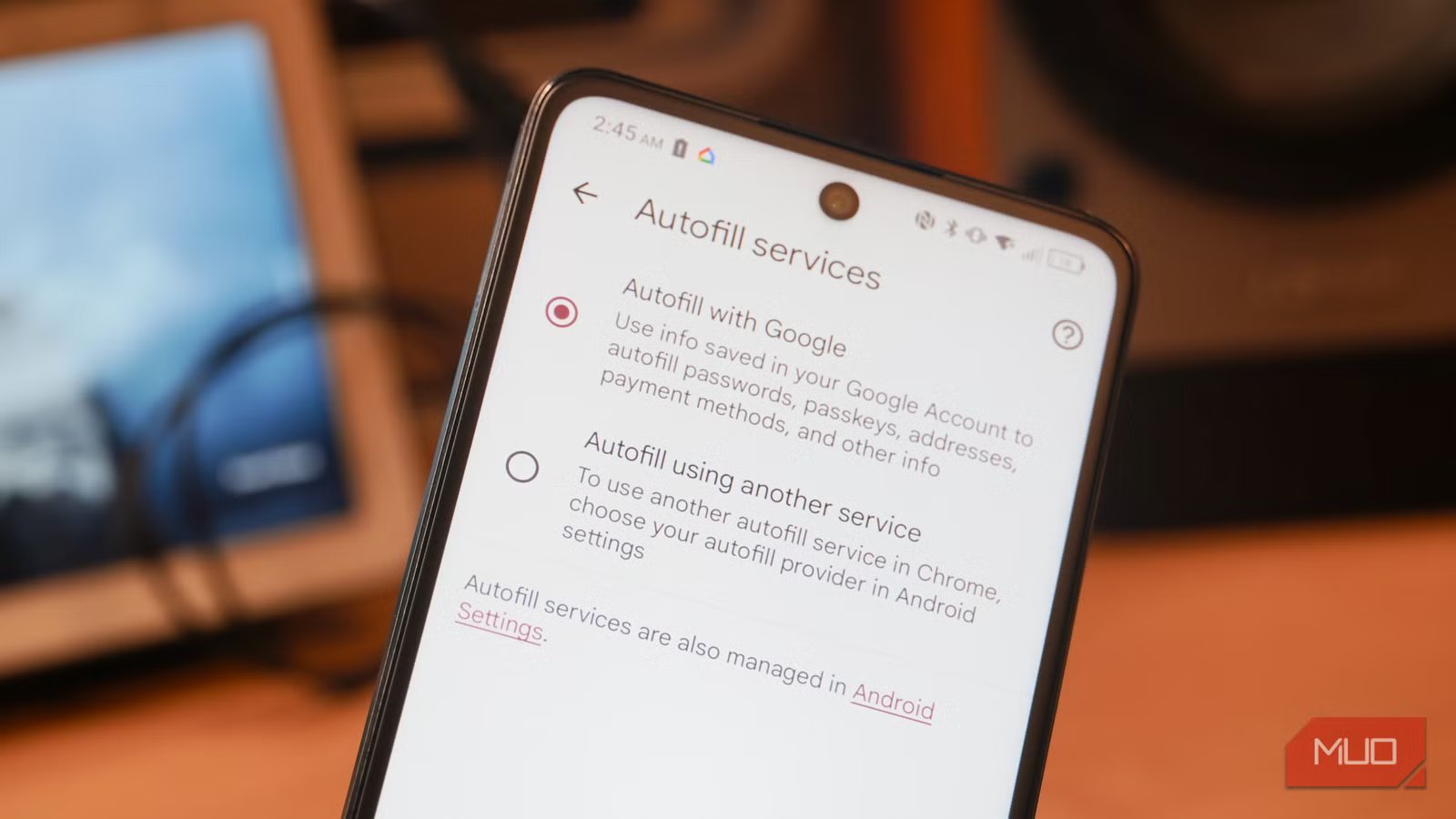
Any time you choose to store information in a specific location, digital or physical, there’s a chance of it being compromised. However, there’s a casual risk associated with using autofill or autocomplete in a browser. This feature stores critical information in your browser so that it can be easily accessed when filling out forms on the web. Common use cases include completing a purchase at an online store or booking a flight.
Instead of having to remember and manually input your credit card details, address, phone number, and other identifying information, your web browser will store it for you. Notably, Google is rolling out enhanced autofill to Chrome, which is optional and expands support to include passport numbers, driver’s license numbers, license plates, and other sensitive data types. For what it’s worth, this crucial data stored in Google Chrome with enhanced autofill is protected by encryption.
If you’ve ever used autofill or autocomplete before, you know just how handy it is, especially on mobile. What would’ve taken minutes to input correctly in a mobile browser can take seconds thanks to autocomplete or autofill. However, this comes alongside a security and privacy tradeoff.
When using autofill in a web browser, there isn’t a major risk of brute-force attacks that try to test the data’s encryption. The real-world risks are much simpler. If you leave your laptop open and unlocked at a coffee shop and decide to get up and use the restroom, for instance, someone could open your browser and see anything you’ve saved for autofill. Similarly, if your Google account is compromised, a bad actor could access your saved passwords and autofill information in Chrome.
You could be sharing more than you think
A researcher showed how sites can phish users with autofill
Credit: Brady Snyder / MakeUseOf
Even if your account or device isn’t compromised, you might end up sharing more than expected with sites on the web when using autofill. A security researcher demonstrated years ago that websites could theoretically pull autofill information using fields that aren’t visible to the end user. This was explained in a GitHub project, and users can see it in action for themselves on this test site.
It’s unclear if autofill-based phishing attacks have ever been employed in the wild. This GitHub project is simply a demonstration of how these tactics could be used to extract information from users.
The sample website shows fields for inputting a name and email address, but after using autofill in Google Chrome, the site steals your phone number, organization, and saved address. The user thinks they are only sharing the information in the visible fields. Really, they’re giving up everything in the autofill profile they select. You can see all the data phished in the photo below:
Credit: Brady Snyder / MakeUseOf
The test site pulled my (fake) phone number and address completely without my knowledge. Since it’s a security demonstration, anyone who tries it can see exactly what information was stolen. If this ever occurs on the web, however, users might not have any sign that their information was phished.
Related
How to Manage the Autofill Feature in Edge, Chrome, Opera, and Firefox
Autofill can be a useful feature to have, but more often than not, it’s annoying and gets in the way. Here’s how to manage it on multiple browsers.
It’s time to reconsider using autofill
Security is almost always a tradeoff of convenience
The risk associated with using autofill or autocomplete is simple — it puts some of your most precious data behind a singular password. If you sign in to a browser or computer with weak or no security, someone could access your phone number, address, and potentially sensitive information like ID or license plate numbers without entering a password.
Since many browsers maintain autofill information across devices using the cloud, there’s greater risk. If that account is ever compromised, someone could access everything saved within it. It’s a stark contrast to the experience of using a secure password manager, which often requires a master password and a setup or transfer code to access saved information on a new device.
Above all, the possibility of bad actors using fake autofill forms to steal more of your information than you’re willing to provide is what convinced me to stop using autofill once and for all. The convenience is certainly nice, but some helpful features simply aren’t the security risk.
