

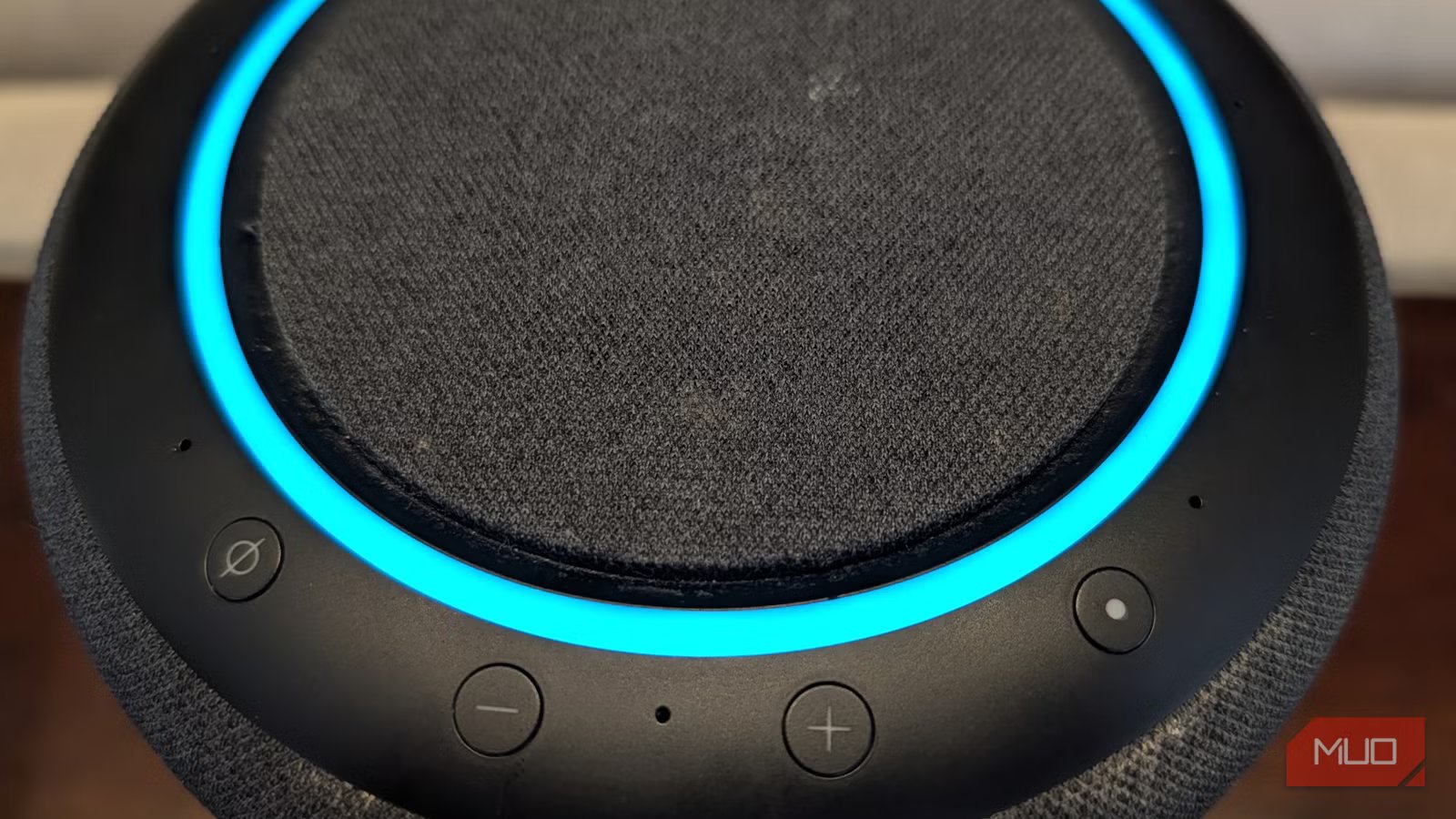
I’m a heavy user of Amazon’s Echo ecosystem (and there’s power in owning more than one), and lately, Alexa has gotten a huge upgrade with Alexa Plus, which has literally changed my life.
But something people don’t give Amazon enough credit for, especially with the Echo Studio line, is the incredible sound quality, especially when you enable and properly set up spatial audio on compatible Amazon Echo devices. This spatial audio feature is usually off by default, and you should really start using it because, with compatible audio sources, the audio experience can be truly breathtaking with vast sound stages and incredible dynamic range (the Echo Studio has seven beam-forming microphones it uses to “listen” to how sound behaves in your room, and can adjust its output to create a feeling of depth and space in your music). Let’s dive into how to get the most out of your Amazon Echos by properly setting up spatial audio.
What is spatial audio?
You must have a compatible Amazon Echo
Credit: Brandon Miniman / MakeUseOf
Spatial audio is a “multidimensional audio experience” by using beam-forming microphones to detect how audio behaves in your room, along with spatial audio processing.
Specifically, the Echos have seven microphones. Those microphones, along with a feature called crosstalk cancellation, which can send “anti-noise” signals from different speakers to properly send audio in different directions in order to separate what it wants your left ear to hear versus your right, makes spatial audio “steer” sound based on the dynamics of the room and how the device thinks the various audio tracks should be layered. This translates to immersive sound that is sometimes unbelievable.
Related
I turned my old tablet into a smart home dashboard, and it’s perfect
I use my 1st-gen iPad Pro as a smart home dashboard
What does that mean? The main effect is amazing — with a proper spatial audio source, music truly fills the room with a broad, almost impossibly-wide soundstage that is so immersive. Spatial audio sounds as if audio is originating from multiple instruments in your room, and not a central speaker device. It’s truly impressive, no matter the genre of music (I tested it with hip hop, pop, jazz, and hard rock).
Spatial audio sounds as if audio is originating from multiple instruments in your room, and not a central speaker device. It’s truly impressive
Only certain Echo devices work with spatial audio. Here is the full list according to Amazon:
- Echo Studio (all generations)
- Echo Show 8 (3rd generation)
- Echo Show 11 (2025)
I have the first-generation Echo Studio from 2019 that is larger than the latest model and a bit less advanced, but it outputs exceptional audio, especially when listening to a spatial audio source.
How to turn on spatial audio
It might be off by default
Depending on which Amazon Echo you have (again, you must have an Echo Studio, Echo Show 8 3rd gen, or Echo Show 11 2025 for this to work), spatial audio might be off on your device. Here is how to enable it:
- Open the Amazon Alexa app
- Tap Devices, find your device
- Tap the Settings cog in the upper right, tap Sound, tap Equalizer
While you’re in the Audio Settings panel, I recommend you go to the equalizer and boost bass and treble, which will give even stereo sources of music more depth and immersion.
- Scroll to stereo spatial enhancement and turn it on.
Does it actually make a difference?
Some considerations
Credit: Brandon Miniman / MakeUseOf
The biggest limitation to using spatial audio is the source. While Echo Studio is designed to play spatial audio (Dolby Atmos and 360 Reality Audio) from multiple sources, your best results will come from listening to spatial audio from Amazon Music Prime (which is included if you’re an Amazon Prime customer).
Even if you’re playing a stereo audio source on your Echo Studio, but you have enabled spatial audio as described above, the Echo will attempt to “upscale” stereo audio source to sound like spatial audio — I found these results to be mixed and mostly stuck to spatial audio tracks from Amazon Music, where the audio source was very specifically optimized for spatial audio.
Unfortunately, Spotify doesn’t currently offer Atmos spatial audio, but TIDAL does.
Amazon doesn’t reveal what percentage of its catalog is available in spatial audio. Some estimate it to be pretty high, at about 80%. The most surefire way to play spatial audio is to say, “Alexa, play the best of spatial audio playlist on Amazon Music” or you could try, “Alexa, play Metallica in Dolby Atmos.” If you don’t specify that you want to hear spatial audio, 3D audio, or Dolby Atmos, you’ll get regular stereo audio that your Echo will attempt to upscale to spatial audio (with mixed results–for best results, you want to listen to spatial audio or Dolby Atmos sources).
Even if you have a great source of spatial audio, it’s important that you place your Echo Studio in a location far enough from walls so that the processor can properly calibrate to your environment.
You should definitely turn on spatial audio
But sources are still very limited
Credit: Amazon
It’s a bit disappointing that the selection of Dolby Atmos and spatial audio tracks is pretty limited — and you must tap into Amazon Music for the best results (which most people have for free anyway if you subscribe to Amazon Prime). Some think spatial audio is not worth it because of this requirement to both have the right source with the right hardware. But when you play a high quality Dolby Amos or spatial audio source on an Echo Studio, the room-filling and dynamic sound can be superb.
