

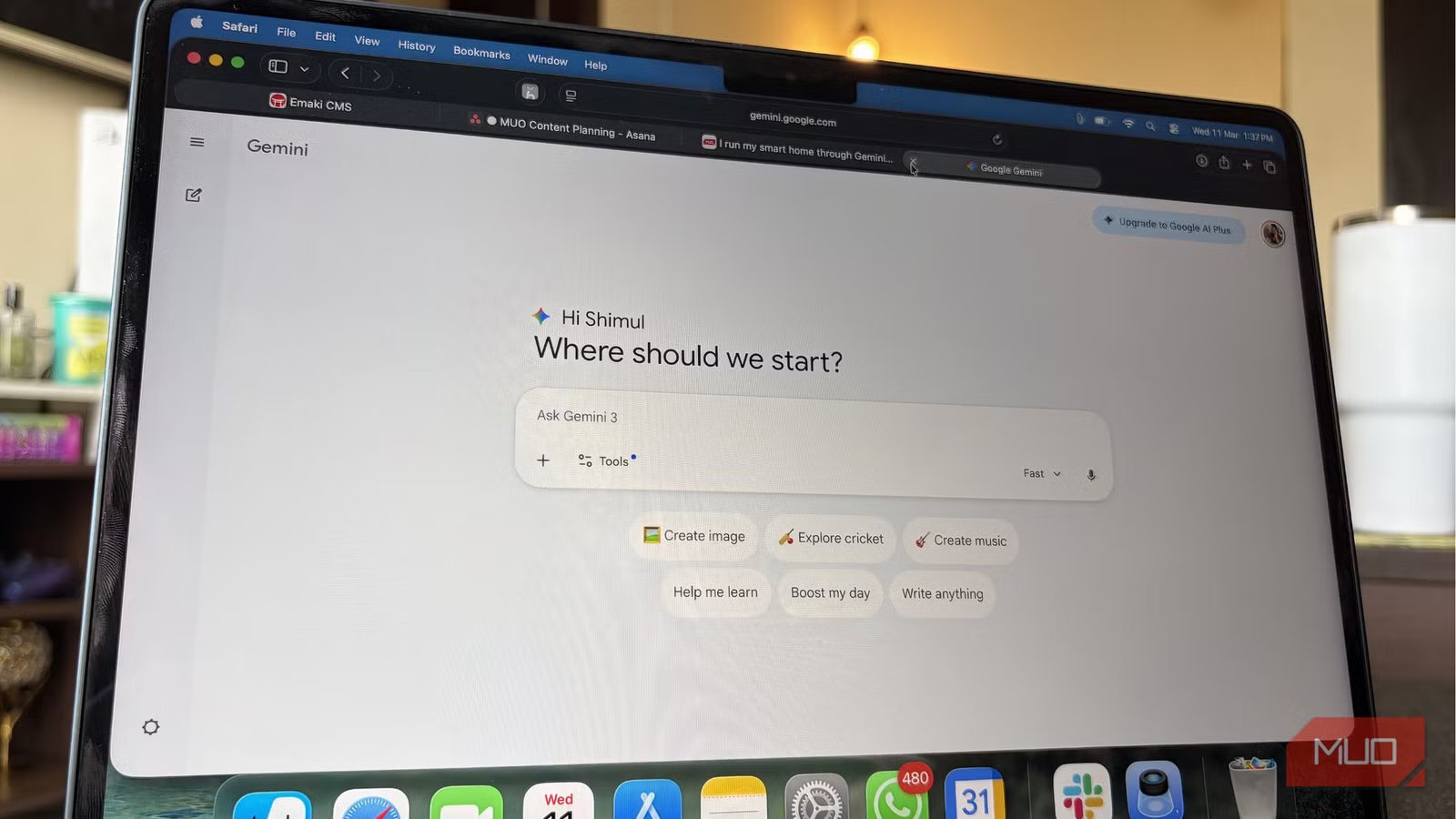
I’m fairly certain most people aren’t using Gemini the way I do. Sure, Gemini can handle obvious tasks like brainstorming ideas, editing essays, answering random questions, or helping you understand something quickly. That’s how most people interact with it, but that’s really just skimming over it. What many users don’t realize is that Gemini can do more than those basic tasks. Beyond the usual prompts are features and small tricks that can make your real-world work faster, easier, and more efficient. And once you start exploring those possibilities, the way you use the chatbot changes completely.
Related
Gemini isn’t as useless as it was when you tried it two years ago
AI that I first despised is now my Google Assistant replacement.
An AI interior designer for my messy room
One picture turned a confusing workspace into a perfectly planned setup
Credit: Shimul Sood / MakeUseOf
One of my bedrooms was already sorted, but the second one was a bit of a puzzle. I wanted to convert it into a shared workstation. But the challenge wasn’t just fitting furniture into the room. It was figuring out how to organize two very different work setups without making the space feel cluttered. My partner uses an L-shaped desk, which naturally occupies a good portion of the room. Meanwhile, I wanted a standing desk with a walkpad underneath so I could keep moving while working. There’s also a shelf in the room, which meant I had to think carefully about where everything should go. So, instead of complicating things, this is where I decided to ask Gemini for help.
I opened the camera in the Gemini app, took a picture of the room, and asked it to help me plan the layout. Within a few seconds, it analyzed the space and suggested a setup. The response was quite detailed. It created a clear table outlining possible changes, including where each desk should go, how the shelf could be positioned, and adjustments that could make the room feel more balanced. This practical plan by Gemini kept both the workstations organized while still leaving plenty of space to move around.
A faster way to look things up
How Gemini scans everything for you
Credit: Shimul Sood / MakeUseOf
Gemini can analyze the text on your screen, but its abilities go far beyond reading. One shortcut I’ve come to rely on quite a bit is its ability to break down videos. Sometimes I come across long, detailed videos while researching a topic. They might be informative, but sitting through a 30–40 minute explanation isn’t practical, especially when all I really need is the key information. All I do is ask Gemini to analyze and summarize it for me.
It usually provides a structured breakdown of the video, highlighting the main points, the most important explanations, and the parts that actually matter. It essentially filters out the filler and surfaces the information you’re looking for. This becomes incredibly useful when you’re exploring a topic you only partially understand but have a mountain of content to sift through. This way, you can quickly get the core insights.
Traveling plan gets an AI upgrade too
Everything is planned for the organizing freaks
Credit: Shimul Sood / MakeUseOf
I’m heading to Goa next weekend, and most of the important bookings are already sorted. My flights are confirmed, Airbnb is locked in, and the car rides are arranged as well. But figuring out what to actually do during those four days was still unclear. I’ve been to Goa once before, and while the trip was great, I didn’t want to repeat the same places. There is so much to explore, and Gemini helped me do that.
I shared all my details with it. My brief was simple: I wanted to spend time at beaches, get a good tan, eat great food, and visit a few cultural spots along the way. Gemini used all this information to build a full itinerary. It created a tabular timeline. It kept things organized by mapping each day, also taking my flight arrival and departure times into account. I could see how each day might unfold without feeling rushed. I also looked up the places Gemini recommended, and most of them had great reviews. If the trip goes the way the itinerary suggests, Gemini might become my go-to planner for future holidays.
One thing I have realized, though, is that the clearer you are about what you want, the better the results tend to be. Being specific helps the AI focus on what actually matters to you, rather than filling the plan with unnecessary suggestions.
A second opinion for your shopping cart
Credit: Shimul Sood / MakeUseOf
Online shopping can be a little misleading when it comes to clothes. Most items are displayed on models who have a very specific body type, which makes the outfit look great in photos. But in reality, everyone’s body is different. What looks perfect on a model might not necessarily look the same on you.
Before buying something, you can take a screenshot of the clothing item and send it to Gemini. Make sure to explain your body type, too. For instance, you might mention your height, body type, or the areas you prefer to highlight or avoid. Based on that information, Gemini can give you a better idea of whether that particular style of top, dress, or a pair of trousers might suit you. If the outfit doesn’t seem like the best match, Gemini can also suggest alternatives that may work better for your body type. It might recommend a slightly different fit, neckline, sleeve style, or cut that better complements your shape.
Once you have those suggestions, you can easily look for similar styles in your preferred shopping app. This way, you make more confident choices before adding something to your cart.
Related
The 5 Best Google Gemini Features You Must Try
Let Gemini wow you with these awesome functions.
The secret is using it beyond the obvious tricks
You can do far more with Gemini than usual chatting or quick questions. It works well with several tools you probably already use every day. For instance, you can connect it to Google Maps for better photography, use it to control parts of your smart home, and even rely on it in Google Chrome while browsing the web.
Once you start exploring these integrations, Gemini begins to fit into your daily routine, and the real advantage appears when you use it consistently. Once you do this, you may realize you have been using only a small portion of what it can actually do.
OS
Android
Developer
Price model
Subscription
Google Gemini is an AI assistant that can understand and generate text, images, code, and more. It’s designed to help people find information, solve problems, and create things more easily.
