

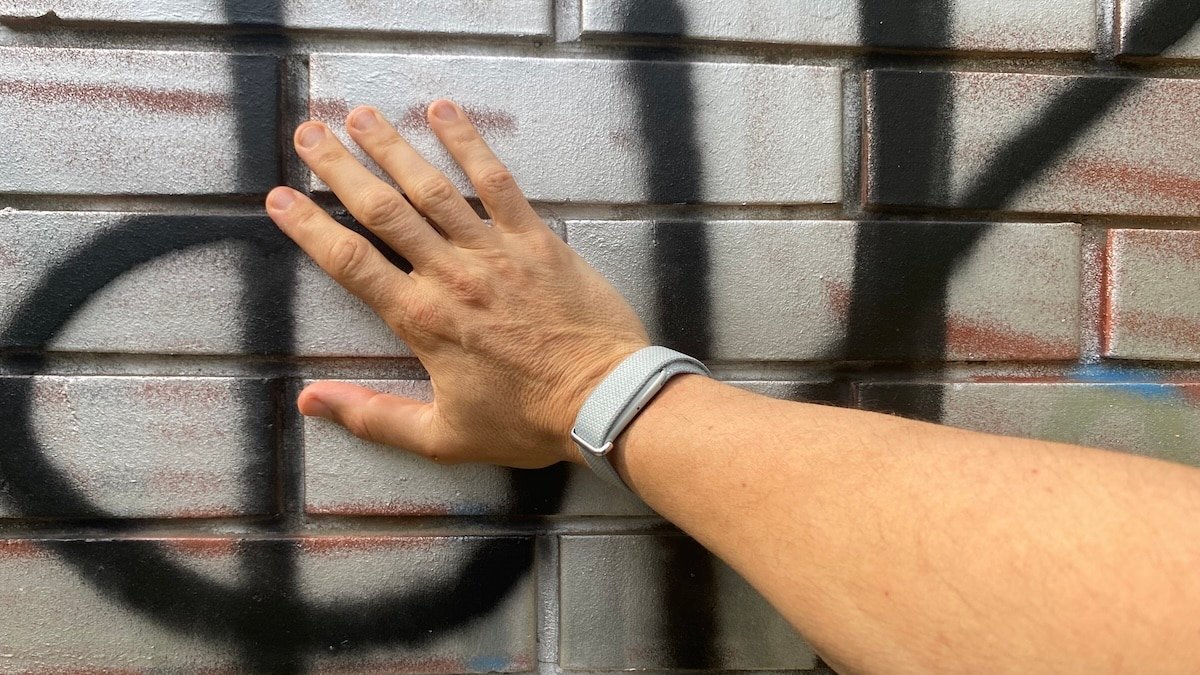
Fitbit Air is easy to judge as a wrist tracker, but that only tells part of the story. After wearing it on my wrist, ankle and upper arm, I found that placement changes both the data and how useful the device feels.
Google has not officially said Fitbit Air supports wear outside the wrist, so that is something to keep in mind. For now the company only sells wrist-based accessories. But third-party arm options are already available, and it is not hard to imagine users coming up with their own fixes. People are clearly going to experiment with placement whether Google talks about it or not.
The wrist is still the cleanest place to start
Let’s start with the obvious. The wrist is where most people will wear the Air. From this location it behaves like a familiar Fitbit, just without the screen.
This is also where my cleanest exercise comparison came from. During a wrist-based 5K run, Fitbit Air came very close to my Garmin Forerunner on heart rate and distance. Average and max heart rate matched, while distance came in only around 40 metres short.
That does not make Fitbit Air a Garmin replacement. It still lacks the training depth, live pace, structured workout support and post-run detail serious runners expect from a sports watch. But it does suggest the wrist performance is better than I initially expected.
For general use, the wrist also gives Fitbit Air the most straightforward role. It can track sleep, heart rate, daily activity, silent alarms and background health features without asking the user to think too much about placement. And it does this with reasonable accuracy.
That is both the strength and limitation of wearing it there. The wrist is simple, but it also makes Fitbit Air feel more like a stripped-down Fitbit band. Move it elsewhere and the product becomes more interesting.
The ankle test was more revealing
The ankle test was the one I was most curious about. Wearing a tracker on the ankle has obvious appeal for people who want passive tracking without anything on the wrist, or for situations where wrist movement may distort activity data.
For me, I test wearables for a living. So I already have a Whoop and a few other devices I am testing. Keeping the Fitbit Air on my ankle freed up wrist-space for other devices.
Luckily, wearing it on my ankle didn’t require much of a hack. I was actually able to use the same band that I use for the wrist. It fit my ankle as well.
I have noticed some differences when the tracker is in this location.
For example, the ankle produced differences in sleep tracking. In my testing, ankle wear recorded shorter sleep than wrist wear. My guess is the feet move more than the arms when sleeping, so the Fitbit thinks you are awake when you are not.
A software update and Google giving you the option in the app to choose the wear location would resolve that. Whoop let’s you choose the wear location of the device.
As far as running, the ankle test showed the device could still recognise the activity even when worn from this unusual position. I did a test with automatic tracking, which means I let the Air decide when I started and finished running. That was never going be perfect.
The automatic tracking started too early and finished too late. That dragged the average heart rate down because the recorded session included time before and after the actual run. But looking at the charts the heart rate monitoring during actual running closely matched what I got on my Garmin. So it does work well.
The issue was not that Fitbit Air failed to detect the run. Or that it didn’t track heart rate properly. It was that Google Health did not give me the simple editing tools needed to trim the session properly afterwards.
If Fitbit Air is going to rely heavily on automatic detection, the app needs to let users correct the obvious mistakes. Otherwise, the data becomes less useful even when the sensor has done a reasonable job.
The upper arm is a another great option
The upper arm sits somewhere between wrist and ankle. It is less conventional than wrist wear, but more plausible than ankle wear for all-day use if the strap and fit are comfortable enough. It is where I wear my Whoop, so the idea already feels familiar.
For Fitbit Air, that position makes conceptual sense. Upper-arm optical heart rate sensors are already common in sport, usually because they can offer a more stable fit than the wrist during movement. It may also help in cases where wrist tattoos interfere with optical sensor readings.
The catch is that Google does not currently sell an official upper-arm accessory. So if you want to try it, you need to improvise.
There are already a few ways to do that. One option is to use a third-party open-pouch arm sleeve, including sleeves designed for small trackers such as Whoop. The fit may not be perfect, so small pieces of rubber or tape can help stop the pebble from rotating and covering the sensors.
Another option is the stock band hack. You can link two standard Fitbit Air bands together to create a longer elastic strap that fits around the bicep. It is not elegant, but it works as a quick test. I used an old heart rate band to extend the standard Fitbit Air band. And it worked perfectly.
Dedicated aftermarket options are also starting to appear, including stretch, nylon and sport bands compatible with Fitbit Air. That is probably where this goes if enough users start experimenting with placement.
On the upper arm, Fitbit Air feels less like a missing-screen fitness band and more like a passive health pod. It can sit out of the way, collect background data and avoid competing for wrist space with a Garmin, Apple Watch or Pixel Watch.
That is probably the most interesting use case for anyone who already wears a main watch. You do not have to choose between Fitbit Air and another device on the same wrist. Fitbit Air can become the secondary tracker, worn somewhere else, while the main watch keeps doing the visible stuff.
This test changed how I look at Fitbit Air. On the wrist, it is a simple screen-free Fitbit. On the ankle, it becomes an experiment in passive detection. On the upper arm, it starts to look more like a companion health sensor.
Don’t forget to check out my full Fitbit Air review.
