

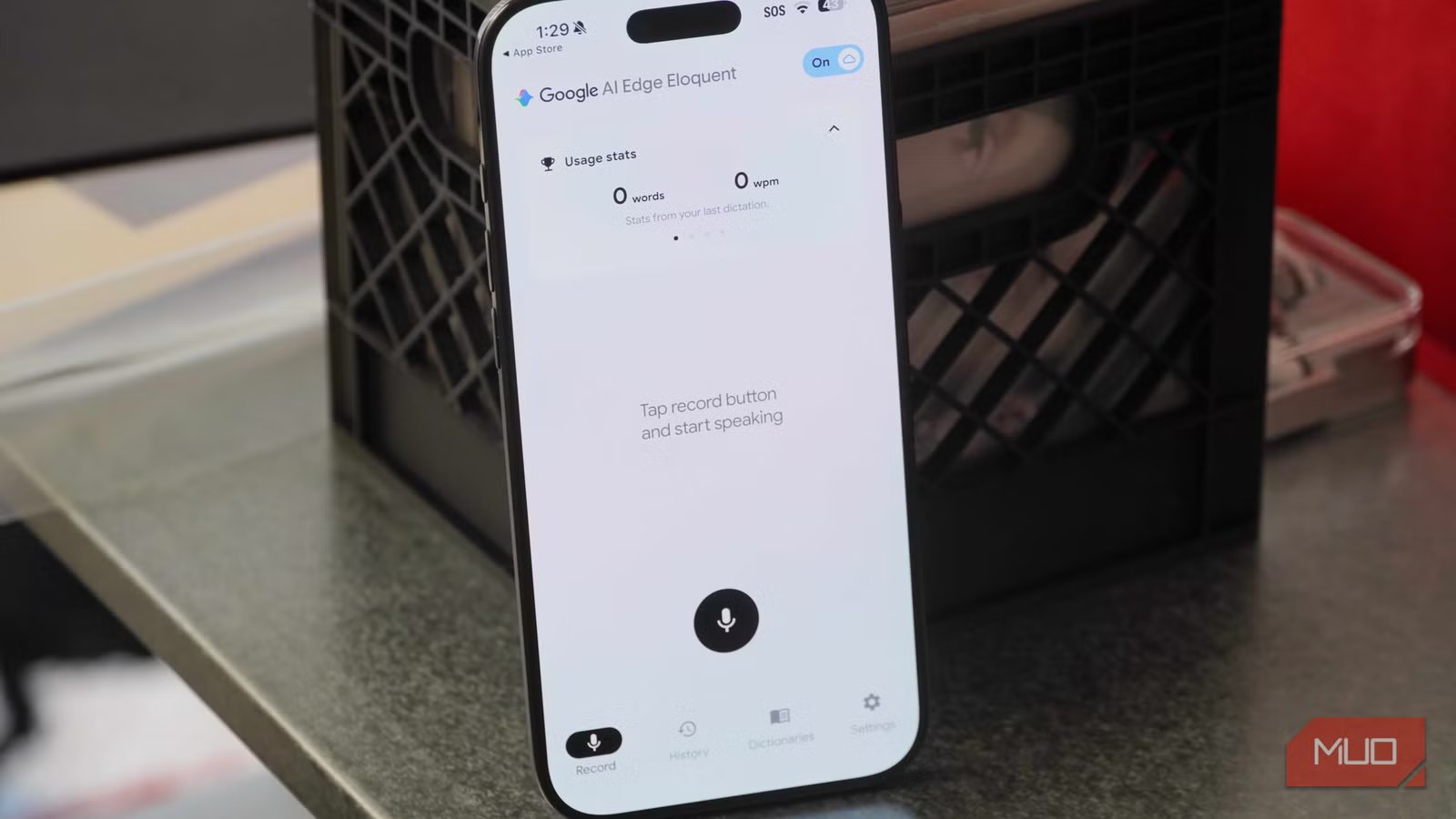
As the saying goes, the shortcut is always the longest road, and that’s how I feel about using dictation instead of typing. It should save you time, but after you fix all the typos and formatting errors, it often would’ve been quicker to type something yourself. Some devices and apps are better at speech-to-text transcriptions than others, though the lack of reliability is consistent. AI companies want you to pay for dedicated voice recorders and pricey subscriptions to solve this persistent problem, but Google just made them redundant with a brand-new free app.
It’s called Google AI Edge Eloquent, and it aims to make dictation a feature you’ll actually want to use. The app is powered by on-device Gemma models, and it tries to polish your speech rather than simply transcribe it. It learns your vocabulary and can optionally tap into Google Workspace data to understand the names and words you most commonly use. After speech is transcribed as text, you can transform it into different styles using the same AI models. From there, it’s copied to your clipboard for use elsewhere.
I’ve given up on keyboard-based dictation and written off dedicated AI voice recorders, but Google AI Edge Eloquent is the perfect middle ground. It’s free, uses the hardware you already own, and seamlessly blends into your existing workflows.
Related
You can get a free Gemini API key right now with no billing required — here’s what to do with it
I grabbed the free key out of curiosity and immediately had ideas.
Google wants you to stop paying for transcriptions
This free app powered by open-source Gemma models is the alternative
Google’s typical strategy for AI services is to leverage its dominance in cloud computing and app ecosystem to get ahead. Google AI Edge Eloquent follows this blueprint, to a degree. You can connect the app to Google Workspace services, like Gmail, for a better experience. Specifically, Google AI Edge Eloquent will scan your emails to look for specific names, words, and jargon you use to communicate. That way, it can correctly transcribe these words when the app hears them in your speech. Additionally, you can enable cloud processing for enhanced “text polishing.”
The key here is that all these cloud- and account-based features are optional. At its core, Google AI Edge Eloquent is a completely free and offline transcription tool with zero subscriptions. It runs using on-device Gemma models that Google describes as being “highly efficient” and “open-weight.” Even when cloud features are enabled, your recordings never leave your device. Only the converted text is sent to the cloud for polishing, and that is if you allow it. You probably won’t want to, because aside from the privacy concerns, the on-device Gemma models are much faster than using the cloud.
The name might sound odd, but “AI Edge” is the branding Google uses for features that use on-device AI processing. For example, the Google AI Edge Gallery app lets you run open-source Gemma 4 models on your device in a variety of deployments. Google AI Edge Eloquent similarly relies on local compute power, but the company clearly thinks it’s good enough to warrant its own app.
Related
I stopped paying for ChatGPT and built a private AI setup that anyone can run with Gemma 3
Own, don’t rent.
Let Google’s app transcribe and polish your thoughts
You can keep all processing on-device or use the cloud to refine text
The goal of Google AI Edge Eloquent is to save you time. It’s not necessarily to perfectly transcribe your spoken words, but rather to improve or “polish” it, so the text is ready to be used in other apps and workflows. It’s easy to spot this goal by the way Google AI Edge Eloquent tracks usage stats. The app identifies the amount of words you’ve spoken per minute, comparing it to the average words someone can type per minute. Essentially, Google wants to convince users that you’re quicker and more productive when you’re using this AI app to formulate text instead of typing it.
I tested Google AI Edge Eloquent with a variety of challenging speeches, and the results were nothing short of stunning. The “polishing” process tweaks your words while keeping the content and personality intact. For example, it can remove filler words such as “um” or “like” to streamline your thoughts. It can also detect when you’ve misspoke and self-correct in the middle of a sentence, only transcribing the intended idea. It’ll also add or remove words situationally to make sure the final output is ready to use without needing a bunch of manual edits.
The results from Google AI Edge Eloquent aren’t perfect — there isn’t a single dictation app that transcribes accurately 100% of the time. However, I can say that Google’s newest app successfully transcribed the overwhelming majority of my words on the first try. When the direct speech-to-text transcription missed the mark, the on-device AI polishing process corrected the errors automatically. The app copies the finished product to your clipboard when it’s done processing.
Credit: Brady Snyder / MakeUseOf
Even if you don’t connect Google AI Edge Eloquent to Gmail and other Workspace apps, you can help improve transcription results by building a custom dictionary. If you see a word, name, or phrase that frequently trips up the app, add it to the dictionary. This will help the app learn your vocabulary and any specific jargon you regularly use to more accurately transcribe your speech.
Google AI Edge Eloquent is dictation worth using
The record button on your keyboard isn’t cutting it in 2026
Credit: Brady Snyder / MakeUseOf
Before using Google AI Edge Eloquent, I thought reliable text-to-speech transcription was out of reach. The free options weren’t accurate enough to save me time compared to typing, while the paid options were overpriced and subscription-based. I certainly wasn’t going to pay for a dedicated AI hardware recorder and a recurring subscription just to get accurate transcriptions. Considering how good Google’s own Pixel Recorder app is at recording and transcribing voices, it always felt like this was a challenge the company could finally crack.
Google AI Edge Eloquent comes with no unwanted cloud processing, no subscriptions, and no rate limits. It’s free to download on the iOS App Store, and it also runs on iPadOS, macOS, and visionOS. Presumably, it’ll make its way to other platforms in the future if it is well-received by users. After trying it for myself, Google AI Edge Eloquent feels like dictation for the modern era.
OS
iOS (works on iPadOS, macOS, visionOS)
Price model
Free
App Type
AI transcription
Google AI Edge Eloquent is a speech-to-text app that runs completely on-device using free and open-source Gemma models. It’s a subscription-free AI transcription tool that polishes raw speech recognition outputs to make them more accurate. You can keep everything on your device, or optionally send the text to cloud servers for additional processing.
