

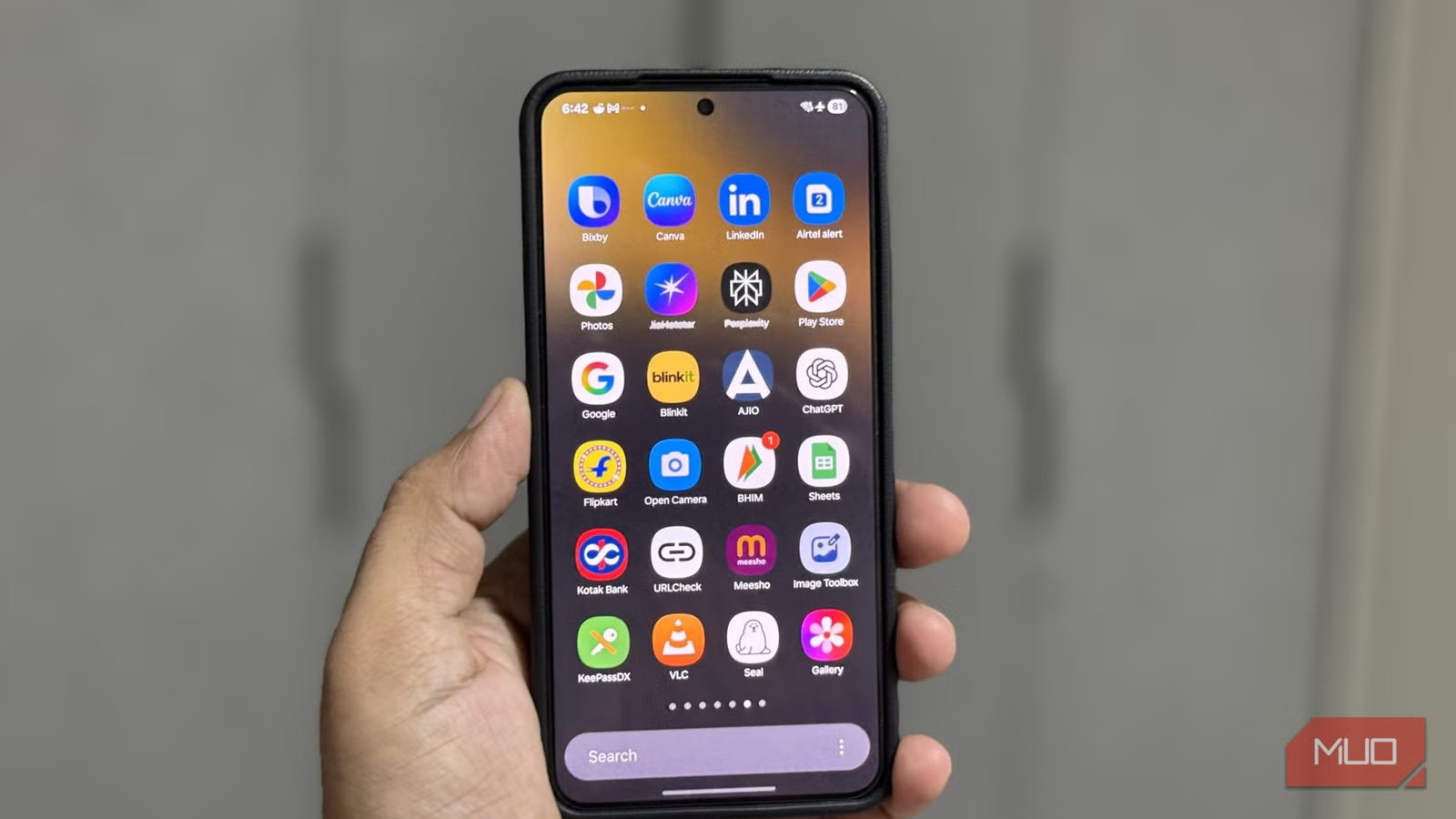
My Android phone is powerful, but on its own, it’s mostly a device for scrolling, texting, and watching videos. It has all the potential in the world, but it needs the right tools to unlock it. That’s why I rely on a small set of apps that turn my phone into a productive goldmine.
These apps help me track my habits, automate everyday tasks, manage my notes, and even keep all my reading materials in one place. Instead of draining my time and attention, my phone now helps me use them better.
Daylio Journal
A mood journal that actually sticks
For me, journaling has been one of those New Year resolutions that has never really started. That changed when I tried Daylio. It’s a journaling app, but not the traditional kind where you write long entries manually.
Instead, you log your mood with a simple emoji, ranging from rad to awful. Then you choose the activities that shaped your day. This can include sleep quality, food choices, workouts, productivity wins, social time, or lack of it. Of course, if you’re in the mood to write, you can also add a quick note.
Over time, as you add more data, Daylio creates insightful mood charts, activity counts, and color-coded calendars that make it easy to spot patterns. It’s a great app for anyone who needs to track their emotions or even build new habits. The free version offers all the essential features, but there’s also a premium subscription, which unlocks more charts, icons, custom writing templates, and automatic backup.
OS
Android
Price model
Free, Subscription available
Daylio is a journaling and mood tracker app that helps you understand yourself better.
MacroDroid
Automate the boring stuff
Screenshot by Pankil Shah — No attribution requiredScreenshot by Pankil Shah — No attribution requiredScreenshot by Pankil Shah — No attribution required
Android is smart, but it still can’t adapt to our habits the way we want it to. For instance, you might only want to use auto-rotation in apps like YouTube or use different ringer volumes at the office, at home, or at a library. Android still can’t do all of these things on its own.
MacroDroid is an automation tool that works on simple “if this, then that” rules. These automated actions are called macros. For example, you can create a macro that launches Spotify when you connect your Bluetooth headphones. Another macro can turn off location services and Bluetooth when the battery is low.
What makes MacroDroid fun to use is its huge, community-driven macro library. You can browse and import macros created by other users, instead of building everything from scratch. You’ll find everything from simple ones that mute sound when a YouTube ad is playing to security-focused ones that take a photo every time a wrong PIN is entered on your phone.
Yes, setting all of these macros can take time, but once you’ve done that, they can save you a lot of time every day.
Google Keep
Simple notes, serious productivity
Screenshot by Pankil Shah — No attribution requiredScreenshot by Pankil Shah — No attribution requiredScreenshot by Pankil Shah — No attribution required
Productivity is not always about doing more. Sometimes, it’s simply about remembering better. That’s where Google Keep helps me. I have tried other note-taking apps, but I keep coming back to Google Keep because it’s fast, simple, and works beautifully with other Google services.
You can write notes, create checklists, record voice memos, and even snap photos for visual reminders. And while Google Keep has a reputation for being simple, it is also full of useful features.
For instance, you can grab text from images you receive in Gmail and turn it into a note. It can also help you set reminders that sync with Google Calendar.
One of my personal favorites is the option to pin emails to Keep. This is handy when I get a message that requires action, but I cannot handle it right away. I can pin the email with a note so it stays visible and doesn’t get forgotten.
OS
Android
Price model
Free
Google Keep is a note-taking app that’s available on all devices and works great with Google apps and services.
Related
These 7 Free Android Apps Make My Life So Much Easier
Because an easy life is a good life.
Pixel Bookmarks
A home for all your saved links
Screenshot by Pankil Shah — No attribution requiredScreenshot by Pankil Shah — No attribution requiredScreenshot by Pankil Shah — No attribution required
Like most people, I save links, articles, Instagram reels, random tweets, and videos I swear I will come back to later. Almost every popular app has its own bookmark feature, whether it is Chrome, Instagram, Reddit, X, or YouTube. The problem is that all of those saved gems end up scattered across different apps, which makes it too easy to forget about them.
Pixel Bookmarks fixes this mess. It acts as a universal bookmark manager where you can store links from any app. It could be an interesting Reddit thread, a long article, or even a productivity video.
The thing I like about it the most is that you can search for the bookmark without having to remember where you saved it. There’s also the reminder feature that pings you to revisit the link you have saved.
OS
Android
Price model
Free, subscription available
Pixel Bookmarks is a bookmark manager that lets you save and organize all your links in one place.
I use my Android phone for almost everything, be it work, learning, planning, and even relaxing. And none of that would be possible without these apps, which is why they have a permanent place on my phone.
