

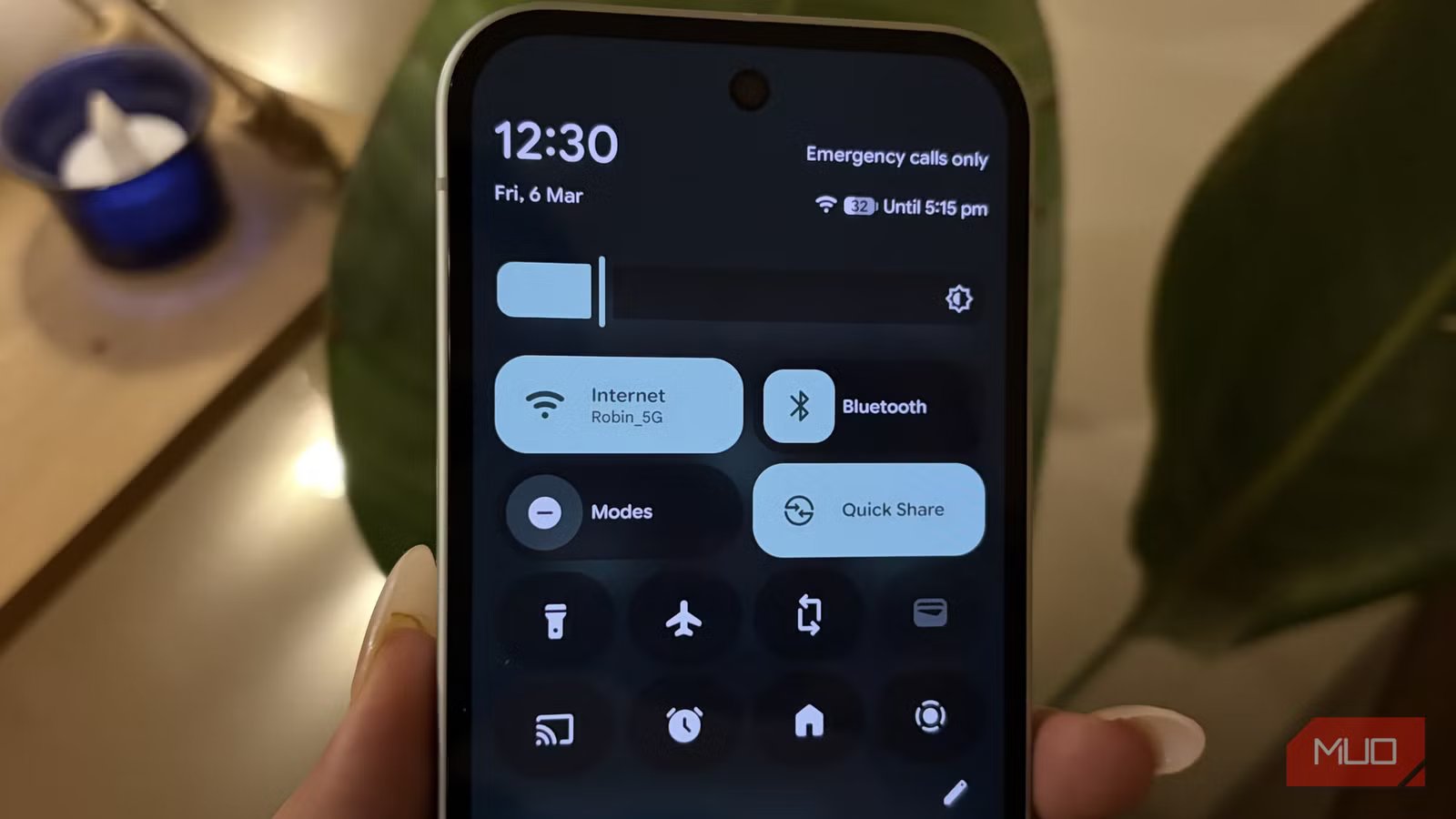
Modern Android phones come with several adaptive features designed to make the design smarter over time. These settings adjust performance, connectivity, and the overall user experience based on how you use your phone, the network conditions around you, and the device’s hardware. Your phone learns your habits and automatically optimizes itself to work better. However, not every adaptive feature works perfectly for everyone. Some improve the experience, while others can create annoyances without you realizing. Most users eventually tweak their phones to suit their preferences, and I am definitely one of them.
Over the past few days, I noticed something strange with my Wi-Fi connection. It kept dropping randomly, and I couldn’t figure out why. At first, I assumed it was a problem with my internet connection. But things got especially frustrating one evening when the Wi-Fi disconnected even though I was sitting in the living room, right next to the router. That’s when I decided to dig through my phone’s settings to see if something was interfering with the connection. I finally found the reason. A hidden setting was affecting how the phone handled Wi-Fi. Once I toggled it off, the connection became stable again. If your Wi-Fi has been behaving the same way, this setting might be the fix you have been looking for.
Related
I didn’t believe this tiny tweak would actually speed up my internet
Don’t expect magically faster speeds, but it’s worth making this tweak for the incremental speed boosts.
It secretly decides your internet speed
How your phone switches between networks without telling you
Credit: Shimul Sood / MakeUseOf
Pixel phones boast a smart network feature called Adaptive Connectivity, which manages how your phone connects to the internet. Your phone balances speed, stability, and battery life without you having to manually switch anything on. When this feature is enabled, your phone constantly checks the strength and quality of your network connection. If the Wi-Fi signal becomes weak or unstable, the phone can automatically switch to mobile data to keep your connection from dropping completely. For example, if you’re walking away from your home to the lobby while streaming a video, your phone may switch to mobile data to keep the video playing smoothly.
The adaptive connectivity is also related to network optimization for battery life. This setting focuses less on speed and more on efficiency. Instead of staying connected to 5G all the time, your phone intelligently switches between 5G and 4G depending on what you’re doing. To put this into perspective, imagine you’re scrolling through social media reels or probably replying to messages. These tasks don’t actually need the ultra-fast speeds of 5G. In such cases, your phone may switch to 4G to conserve power. However, if you start downloading a large file or streaming high-resolution videos, the phone can switch back to 5G to deliver fast speeds.
All in all, your Pixel is constantly monitoring your network activity and adjusting the connection in the background. The idea is to give you speed when you need it, while also preventing your battery from draining unnecessarily.
The smart Pixel setting that kept messing with my Wi-Fi
When your phone tries to help a little too much
Credit: Shimul Sood / MakeUseOf
This setting sounds really helpful on paper. Your phone tries to protect your battery and maintain a stable connection by switching to cellular when Wi-Fi signal strength drops. This helps you stay online without any interruptions. However, it doesn’t always behave as smoothly as it should. In my case, this very setting kept dropping my Wi-Fi connection. The phone would occasionally assume that the signal was too weak, and it would keep jumping to mobile data.
Because of this, the phone keeps bouncing between Wi-Fi and mobile data whenever the signal fluctuates slightly. Instead of improving the experience, it can make your connection feel unstable and inconsistent. Turning off this setting can often prevent unnecessary switches and keep your phone locked to Wi-Fi when it’s still doing the job perfectly well.
Disable it to stop your Wi-Fi from acting up
This toggle might save you from random disconnections
If your Wi-Fi keeps acting up, this setting is worth checking. Here’s how you can turn it off on your Pixel phone:
- Open the Settings app.
- Tap Network & Internet.
- Select Adaptive Connectivity.
- Turn off auto-switch to mobile network and optimize the network for battery life.
That’s all you need to do. After disabling this setting, your phone should stop switching networks unnecessarily. In my case, the connection became stable immediately.
If the problem still continues, you can try resetting your phone’s network settings as a last resort. That step clears saved Wi-Fi networks and connection preferences, which can sometimes resolve deeper connectivity issues. However, in most situations, simply turning off this adaptive network feature is enough to stop the problem.
Related
Your router has this setting disabled by default, and it’s slowing everything down
A simple router tweak can double your internet speed.
Proof that not every smart feature needs to stay on
Disabling this setting completely fixed the random Wi-Fi drops on my phone. Everything felt far more stable. But it also reminded me that sometimes the solution isn’t complicated at all. You just have to do the digging to find out what’s causing trouble.
Sometimes, smart tools can also turn out to be a pain. Similarly, adaptive features are designed to make everything on your phone easier, and most of the time they work as intended. But occasionally, they can cause problems you didn’t expect. That’s why it’s always worth taking a closer look at your phone’s settings when something feels off. Turning off a feature that tries to be too clever can be the simplest way to restore things to normal.
