

I used to think sharing a photo was just that — sharing a photo. Then I started looking more closely at what actually travels with the image, and it changed the way I think about every picture I send. What I found isn’t alarming in a dramatic, movie-villain way. It’s subtler than that. It’s the kind of thing you wouldn’t notice until someone pointed it out, and once you see it, you can’t unsee it.
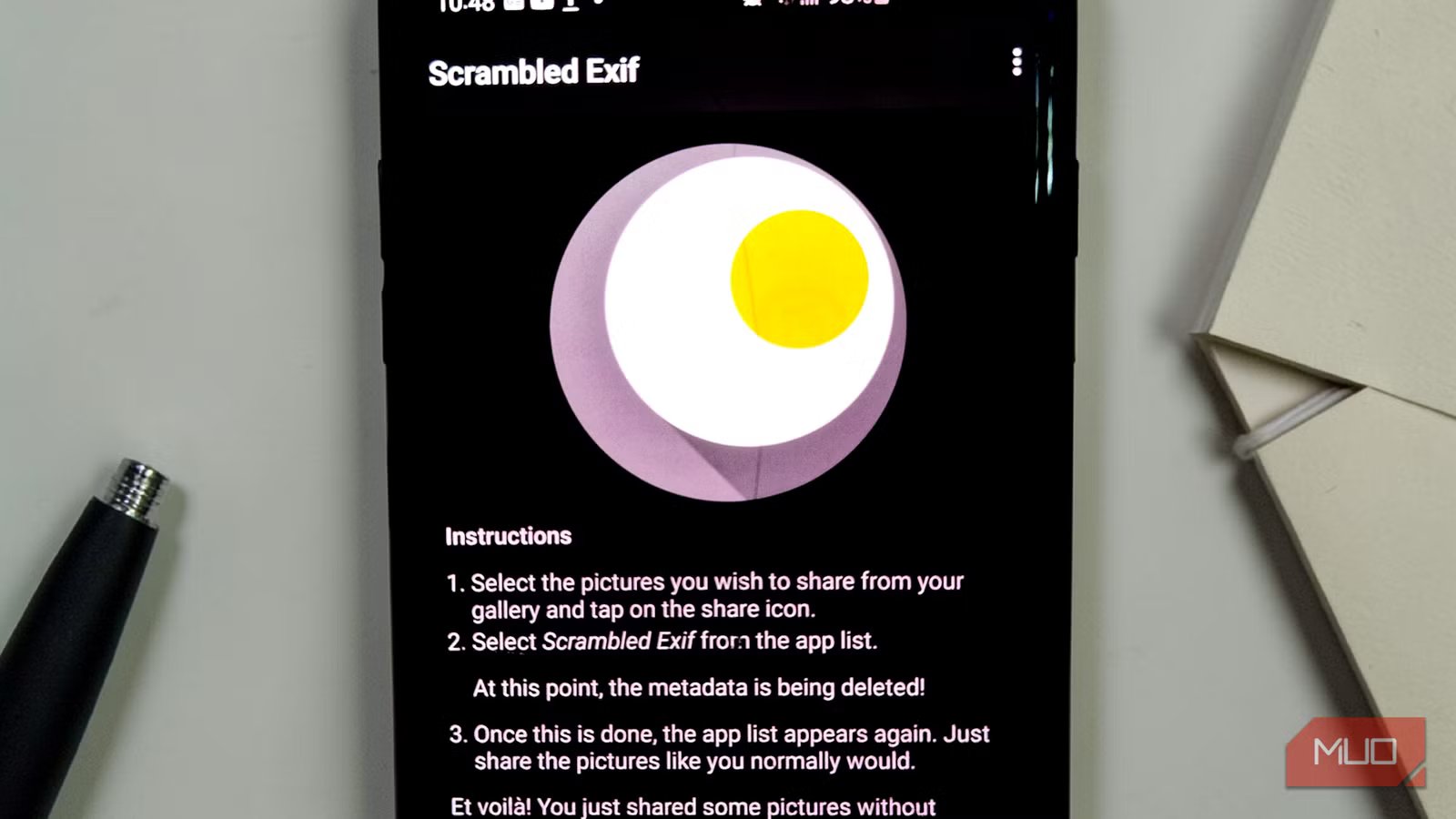
There’s a free Android app called Scrambled Exif, and it does one thing beautifully: it removes the invisible data packed inside your photos before you share them. You have no complicated settings to configure and no learning curve to climb. You’ll be done in the same amount of time it takes to pick which app to share to. That’s the point.
OS
Android
Price model
Free
Remove hidden location and device data from your photos with Scrambled Exif. Share images safely without revealing personal metadata.
Every photo you share carries a hidden dossier
Your exact location, your device model, and the precise second you pressed the shutter
When your phone captures an image, it saves more than pixels. Embedded inside every JPEG is a layer of data called EXIF (Exchangeable Image File Format), and it is quite thorough. A typical photo from an Android phone can carry the camera make and model, the exact date and time of capture, GPS coordinates accurate enough to identify a specific building, shutter speed, aperture, ISO, focal length, and even the software version running on your device.
Taken individually, each of those fields sounds harmless. Together, they tell a story you might not have intended to tell. GPS coordinates narrow down not just a city, but a specific street corner. The timestamp reveals your routine. The device model confirms the phone you’re using — information that, in the wrong context, could be used to put you in danger or target you more precisely in any number of ways. It’s why we suggest you don’t share your photos until you run a metadata audit to see exactly what you’re broadcasting.
We’ve seen real-world consequences before. In December 2012, antivirus business executive John McAfee was arrested in Guatemala while fleeing alleged persecution after Vice magazine published an interview that included a photo taken with a geo-tagged phone. The metadata contained GPS coordinates that precisely located him, and he was captured two days later. That incident became one of the more cited cautionary tales about how your images carry invisible data you’ve never checked, and the tools to read this metadata have only become more accessible since.
Related
I used this app that automatically renames files sensibly
Tired of messy files? Try this app that organizes and renames them in seconds—effortlessly.
You might feel safe assuming that social media platforms handle this for you, and in some ways, they do. Meta platforms such as Instagram, Facebook, and WhatsApp, for instance, strip GPS data from files that other users can download. However, there’s no way to ascertain whether it retains your original EXIF data, including GPS coordinates, on its servers, even when that data is stripped from the versions other users can download. The platform may collect, store, or use it to target you with ads. Stripping metadata before you upload means the platform never receives it in the first place. That’s a fundamentally different kind of protection.
There’s also the filename problem, which is easy to overlook. Many phones save photos with filenames like 20260220_190412.jpg, which openly reveal the date and time the photo was taken. Share that file in a group chat or over email, and that information rides along whether anyone looks for it or not. Your phone sometimes names files with dates and categories so that you can know the exact capture time and the device model name. It’s a small detail that adds up quickly.
In a single, seamless step that fits right inside your existing workflow
Scrambled Exif, pronounced “eggsif,” which the developer admits might be a silly name but proudly sticks with anyway, is one of those rare apps that focuses on doing one job and doing it well. To use it, you’d share the photo to Scrambled Exif, and then it asks you which app you want to share the cleaned-up version to. That’s the entire experience. You don’t open the app directly. You don’t import photos into a separate library. It lives inside the Android share sheet, so it integrates with the workflow you already use — the same share button you tap every day.
Behind the scenes, something a bit clever is happening. When you select Scrambled Exif from your share menu, the app intercepts the image, deletes all embedded EXIF data, and then immediately reopens the share dialog. The metadata is deleted before the image reaches its destination. The whole process takes a moment, barely enough time to notice, and then you’re back to choosing WhatsApp, Instagram, Gmail, or wherever you were headed. The photo looks identical. It just no longer whispers secrets.
Related
How to Hide Sensitive Info Before Sharing a Photo on Android
It’s easy to share images on Android, but you don’t want to accidentally share your address or credit card details too! Here’s how to hide them.
The app also renames your files by default, replacing the timestamp-laden original filename with a randomized string. That setting can be turned off if you prefer to keep original filenames, and there’s a “Keep orientation” option for times when the physical rotation of an image needs to be baked in rather than left to the EXIF tag.
And before you ask, the app makes absolutely zero network connections, so there’s no data collection, no advertising, and no external calls of any kind.
The developer notes that the app performs its job well but can occasionally fail, and recommends double-checking your image before sending if the stakes are high. I really do think that’s a candid caveat from a developer who clearly cares more about being useful than appearing infallible.
You’ve already done the hard part — you know it exists now
The reason Scrambled Exif is so easy to recommend comes down to restraint. It asks for almost nothing, tries to be nothing more than it needs to be, and doesn’t disrupt how you already use your phone. It just fixes a problem most people didn’t know they had. Your photos should show what you choose to show. Nothing more.
