

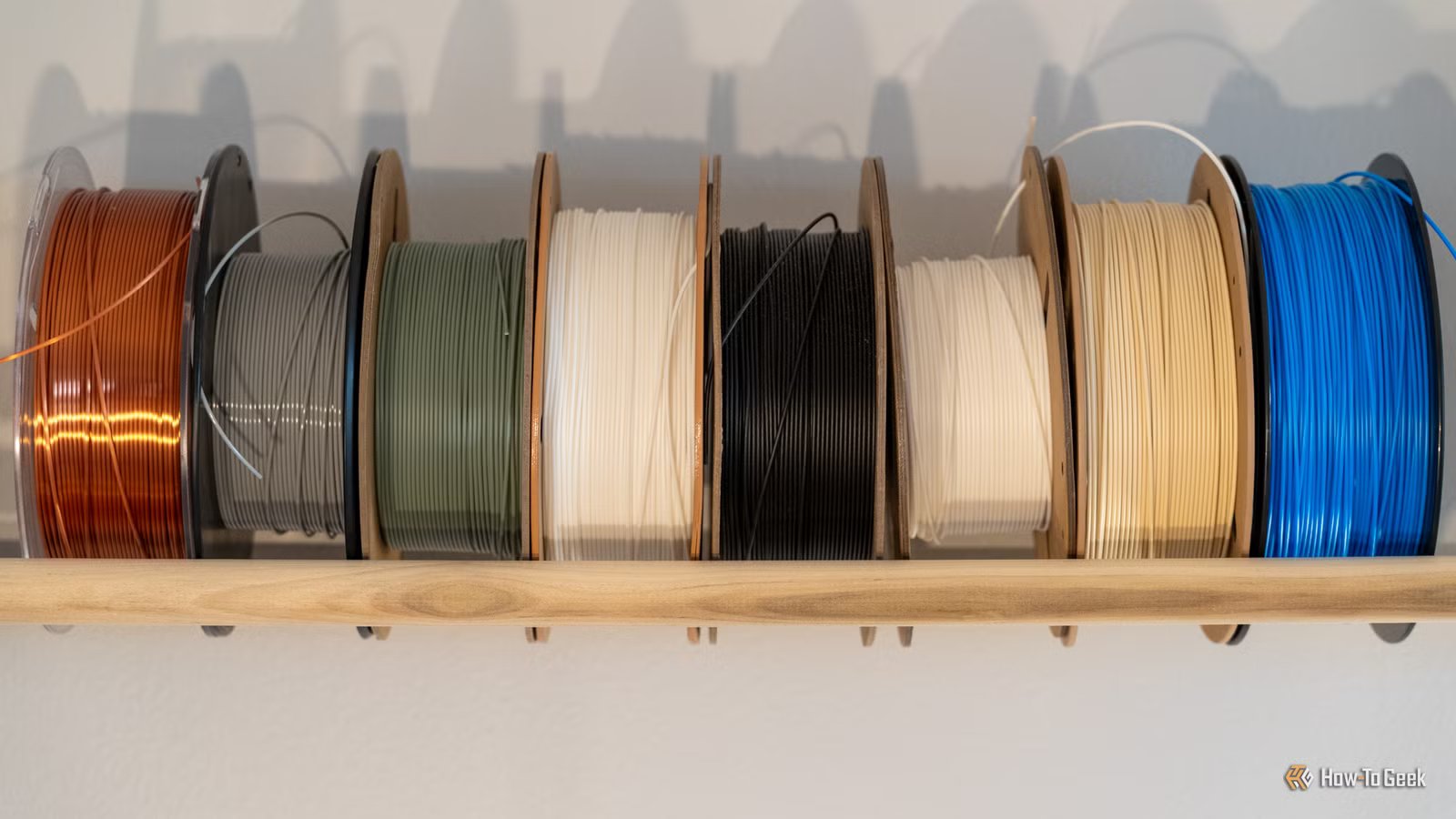
One of the best things about owning a 3D printer is the massive variety of materials you can use to print objects. PLA is the most common and easiest to work with, ABS has its (literal) strengths, and you can do interesting things with PETG and carbon fiber filaments.
Even within these broad classes of filament, there are seemingly endless variations, which does create the temptation to keep chasing “better” filaments in an effort to improve hour print results. While I won’t say this is never the right move, more often than not you’re likely to make things worse, not better.
New filament feels like progress, but it resets your baseline
Credit: Sydney Louw Butler/How-To Geek
Most 3D printers come with filament presets, usually for the filament made by the printer manufacturer, as well as “generic” filament presets for broad filament types such as PLA or ABS.
This is one reason you generally get better results using filament provided by the manufacturer of your printer. Since the company knows the exact properties of its own filament and its printers, those presets are already well-tuned. If you use another filament brand, you can usually get similar results by tuning your preset first to what’s recommended, and then fine-tuning from there.
The implicit lesson here though, is that every time you change filament type or brand, you need to spend time crafting a preset for it. First to get it to print right, and then to get it to print as well as possible. If you have the time and energy.
Constant filament swapping makes troubleshooting almost impossible
Credit: luchschenF/Shutterstock.com
Troubleshooting a 3D printer is rarely a fun process, because the end results you get come from multiple subsystems and parameters. Issues with your prints are often not the result of any one thing that’s wrong, but rather the interaction of different settings causing an emergent issue.
If you’re trying to figure out why your prints aren’t coming out right, changing your filament to something else should be the last thing on your list. However, since changing filament is quick and easy, and systematically checking your print parameters is hard and time consuming, it’s natural to go for the low-hanging fruit first.
Instead, stick to your baseline filament (even if that means reverting to the one recommended by the manufacturer) and keep that as the constant factor. Otherwise you’ll be chasing ghosts.
Mastery comes from repetition, not novelty
Credit: Sydney Louw Butler / How-To Geek
I run a small 3D printing project with my wife, where we print licensed 3D models and sell them at a local market. The only way this is sustainable is perfect consistency. Once I settled on a specific filament, and spent almost two weeks tweaking settings for a custom preset, every print has come out exactly the same for two years straight over hundreds of hours.
If you pick a material and stick with it, you can only get better at printing that material. If at all possible, it’s even a good idea to have more than one printer and only use one material with each. This is obviously not practical for most people who have one printer they use for various projects. However, even then it’s a good idea to prune your filament variety to the fewest filaments you need, unless your hobby is actually trying out filaments, of course.
Most “upgraded” filaments introduce hidden complexity
Credit: Joe Fedewa / How-To Geek
Most “fancy” or “improved” filaments are usually a basic filament material that’s been mixed or infused with an additive to change its properties. For example, “silk” PLA has a lipid additive to give it a shiny, silky finish compared to the matte finish regular PLA provides. It’s a cosmetic difference that works well depending on what you want to print, but in my experience, many silk PLAs can wreak havoc with prints and take forever to tune in.
it doesn’t help that the exact recipe differs between filament brands and types. So even though you might get one silk filament to print perfectly, another might prove impossible to live with.
Likewise, many filaments that have additives to make them stronger end up being much more abrasive, so they wear out the nozzle quickly. Or the filament is too stiff, so your extrusion chain has trouble being consistent. In my view, the only reason to switch over to these more expensive filaments is to fix a specific defect in your prints or if you’re printing something that must be made of a specific material.
Why boring PLA is the fastest path to better prints
If you want your 3D printing journey to have as few bumps as possible, it’s best to stick to the basics. At the very least, wait until you’re completely comfortable with stock standard PLA before you start trying all sorts of filaments with additives and different blends of materials mixed in. That is, unless you have a clear and specific reason to do so.
Even regular PLA (or ABS) has plenty of challenges to overcome, so if you think it’s worth skipping over because it’s too easy to work with, think twice.
9/10
Build Volume
10.4in x 10.4in x 10.4in
Printing Speed
500mm/s
Materials Used
PLA, PETG, TPU, ABS, ASA, PLA-CF
Brand
Elegoo
