

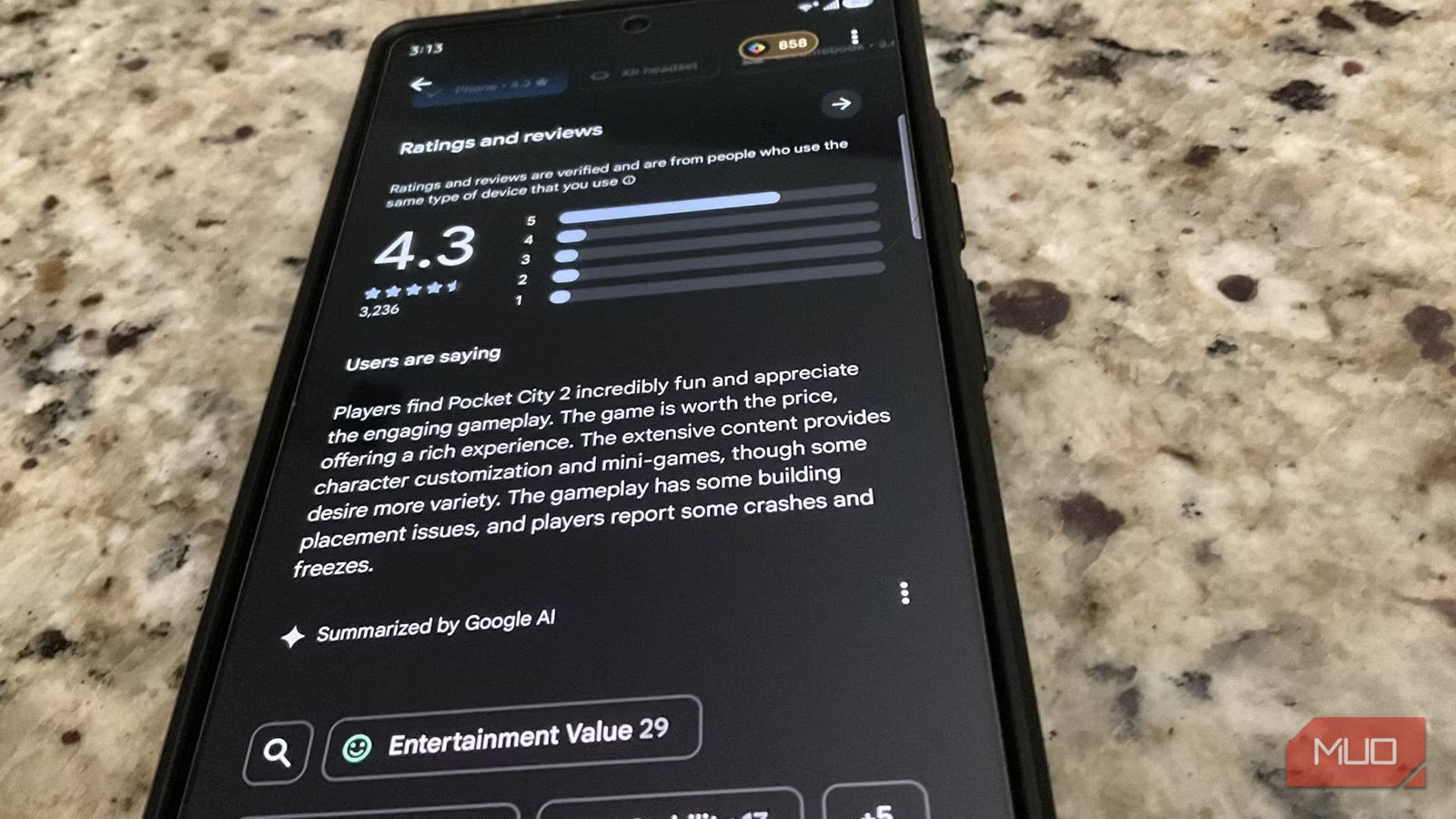
Navigating reviews on the Google Play Store has always been a bit of a headache, requiring you to sort through the noise manually by first navigating through the app page and then scrolling through the reviews yourself. Now, at least on mobile, Google has added the option to search reviews, which should make it easier to find specific issues or praise.
Related
The next Google Play feature might help you stop wasting money
Google may allow you to try apps before you buy
A big change for how you navigate reviews
Only on mobile, though
There is a lot you can do on the Google Play Store. Seeing the opinions of other members of the community is just one part of the deal. And while being able to search through reviews might sound like a silly thing, it’s actually pretty impactful, especially if you’re looking at intensive apps or games. By allowing you to search through reviews for specific keywords and terms, Google is making it much easier to find the answers to specific questions about a game or app’s performance and features.
For example, if you’re looking at a graphics-heavy video game and want to know how it performs, you can now search for specific performance-related keywords and reviews with those keywords will now pop up. There is also now a series of different keywords noted under the search bar, including things like Graphics, Performance, Device Compatibility, and more. These appear to change based on the app or game that you’re looking at, so you should be able to spot keywords that you actually need for those apps pretty easily.
Android Authority was the first to spot the difference and report on it, and Google recently confirmed the change was coming back in March, when it started pushing out Google Play Store v50.7 — though like most Google things, it took a little time to roll out across devices. As of this article’s writing, the functionality is not available on the web version of the Play Store, so you’ll need to use your phone.
Google still has room for improvement
Searches could use more nuance
Credit: Joshua Hawkins / MakeUseOf
Google has been working to improve the Play Store and make app reviews more meaningful for years now, and the addition of search in the Play Store reviews section is a small but very welcome change. However, the search functionality is fairly basic at the moment. That means that searching for specific queries will only return entries that are directly related to the keyword or key phrase that you looked up. Considering Google’s long list of AI upgrades to Gemini, hopefully we’ll see some semantic-based search functionality more similar to Google’s AI Mode come to the Play Store in the future.
If you don’t see the functionality in your Play Store just yet, then you can try forcing the update by heading to Settings > About > Update Play Store after tapping on your profile photo in the app. Once updated, the functionality should appear after you tap the Ratings and reviews option on your phone.
