

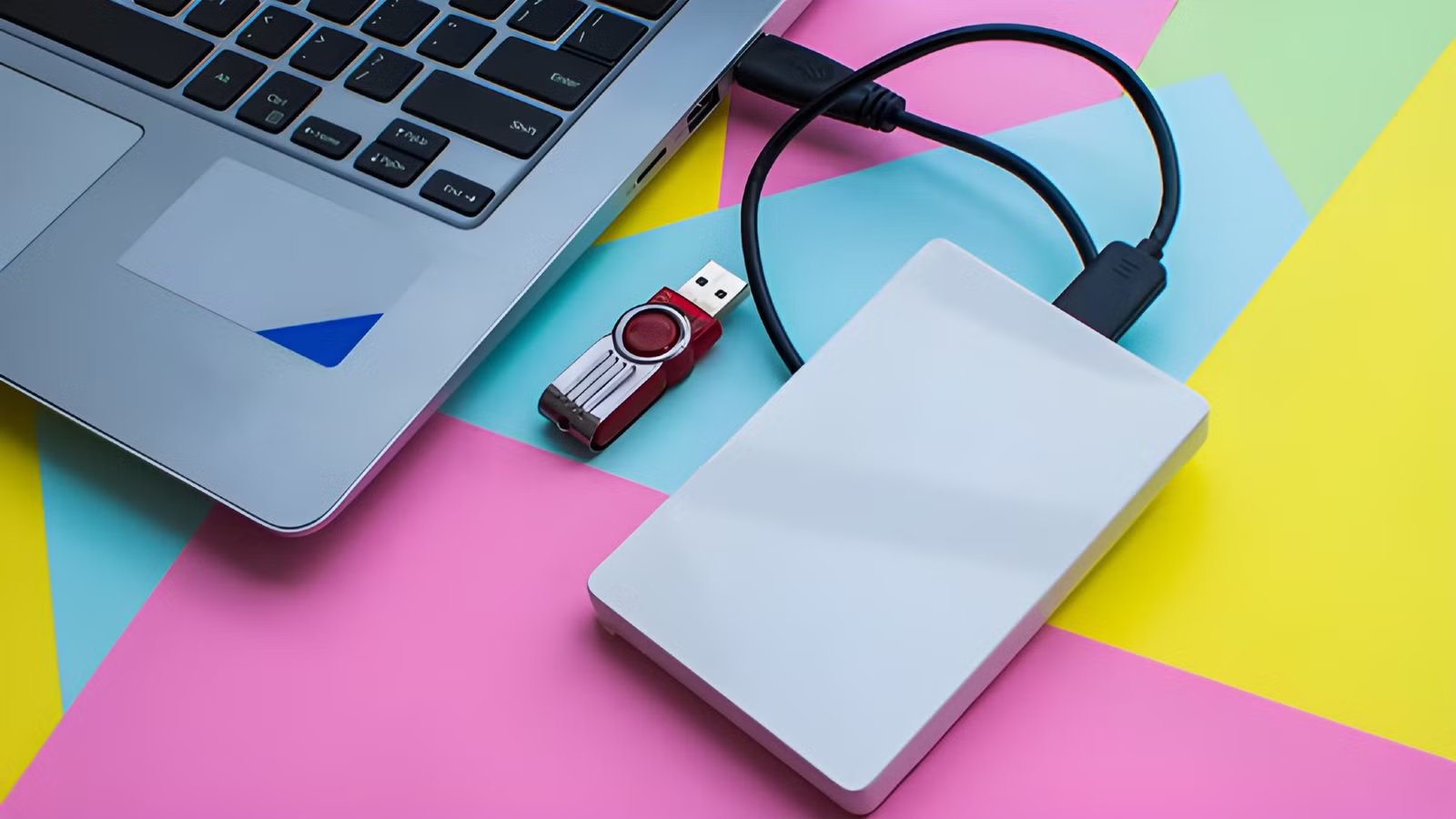
LIke most people, I don’t have any more spinning mechanical hard drives inside any of my computers. However, I have more external hard drives than I can count without taking off my shoes and frankly I’ve never followed the supposed best practices for these devices.
Sometimes it means I have a dead hard drive on my hands, but most of the time it actually works out better for me.
The advice everyone repeats about external drives
Credit: LaCie
The way we are told to use external hard drives is to treat them like cold storage. What this means is that you connect the drive to your computer, copy or access the files you need, and then disconnect the drive and put it away. The rationale here is that, unlike drives that are meant for internal use, external drives aren’t supposed to keep running.
Keeping the drive connected theoretically shortens its life, and it also increases the risk of data corruption from power loss or unplanned disconnections, or malware infections. These things can all be true, but honestly, I have always found simply leaving my external drives connected is so much more convenient and useful, that it outweighs the risks.
Leaving an external HDD connected changes how you use it
Credit: Michael Betar IV | How-To Geek
I have several external drives connected to my primary workstation laptop with a USB 3.0 hub, and honestly I just forget that they’re external drives. I treat them the same way I would when I had a stack of internal drives in my desktop PCs.
I don’t keep applications on my mechanical USB drives, since they won’t perform well, but backups, photos, videos, music, and anything else that doesn’t need SSD performance live on these drives. In particular, I like keeping my DRM-free GOG games on my external drives so that I don’t have to redownload them from the internet. However, when the games receive updates, I need to replace the backups. So, basically, I like to keep “semi-cold” data on my drives and for that to work they need to stay plugged in.
It can reduce wear on your internal drives
Credit: Patrick Campanale / How-To Geek
SSDs are better than mechanical hard drives in almost every way, but they do have some downsides. For one thing, the cost per gigabyte of space is still much higher, so it doesn’t make a lot of sense to use that storage space for non-application data, certainly not long-term.
A more serious issue is that SSDs wear down every time they go through a write cycle, where a block of memory cells is erased and then written to with new data. Every time this happens, the insulation on the cells degrades a little, until eventually it can’t hold a readable charge at all, and your data is lost.
So if you have big daily file write jobs (e.g. a daily disk image backup) then you want to send that data to a hard drive.
Speaking of drive wear, you might worry that leaving your external hard drive connected will make it wear out faster. After all, the motor and bearings are only rated for a certain amount of time before it’s expected to fail. The good news is that modern hard drives will stop the platter from spinning and go to sleep if they aren’t actively being used. The tradeoff is a few seconds of waiting to come out of sleep when you need to use the drive, but it’s a fair one.
Some workloads are better suited to always-on external storage
Most of my USB drives are attached to a mini PC that acts as my Plex server. This means they have to be plugged in and ready to go, all day, every day.
Credit: Sydney Louw Butler / How-To Geek
My wife uses a large 8TB hard drive connected to her video editing workstation. Only active projects live on her computer’s SSDs. Completed projects are moved to that hard drive, with the most important ones also getting a doppelgänger in the cloud.
Also, as I mentioned, external hard drives are the perfect solution for frequent backups, and if you have them connected to a network device like a router with a USB port, you can even share that drive for backups with multiple devices.
The “wrong” way only fails if you ignore basic precautions
Given that these drives turn themselves off when not in use, and that it’s not hard to give them adequate cooling and a safe stable platform to stand on, the whole idea that they should only be plugged in and used as-needed falls apart.
As long as you understand that you should never trust a single type of storage device to back up your important data, there’s very little risk when just plugging your USB hard drives in and leaving them that way.
Storage Capacity
2TB
Compatible Devices
USB
Brand
LaCie
If you want a truly portable hard drive, you want to make sure it can withstand drops and jostles. LeCie’s Rugged Mini HDD can survive that and much, much more.
