

AC thVRsday
In his weekly column, Android Central Senior Content Producer Nick Sutrich delves into all things VR, from new hardware to new games, upcoming technologies, and so much more.
For years, Meta has been trying to get Android developers to port their apps to the company’s Meta Quest platform. It’s a natural fit since the Quest’s Horizon OS is built on Android, but most Android developers have never accepted Meta’s generous incentives to port. The result is that Quest users mainly use their headsets for bespoke VR games rather than as “the next computing platform,” as Zuckerberg and co originally intended.
My realization of that success started last week. Right when Sony’s State of Play presentation was about to begin, my son asked if I wanted to join him on Roblox. While I never need to pay close attention to these kinds of presentations — I’m a picky gamer, and only certain games really appeal to me — I also knew that Sony was bound to air something I wasn’t comfortable with him watching. That’s when the Galaxy XR’s multitasking capabilities became the perfect tool for the next hour of my day.
You may like
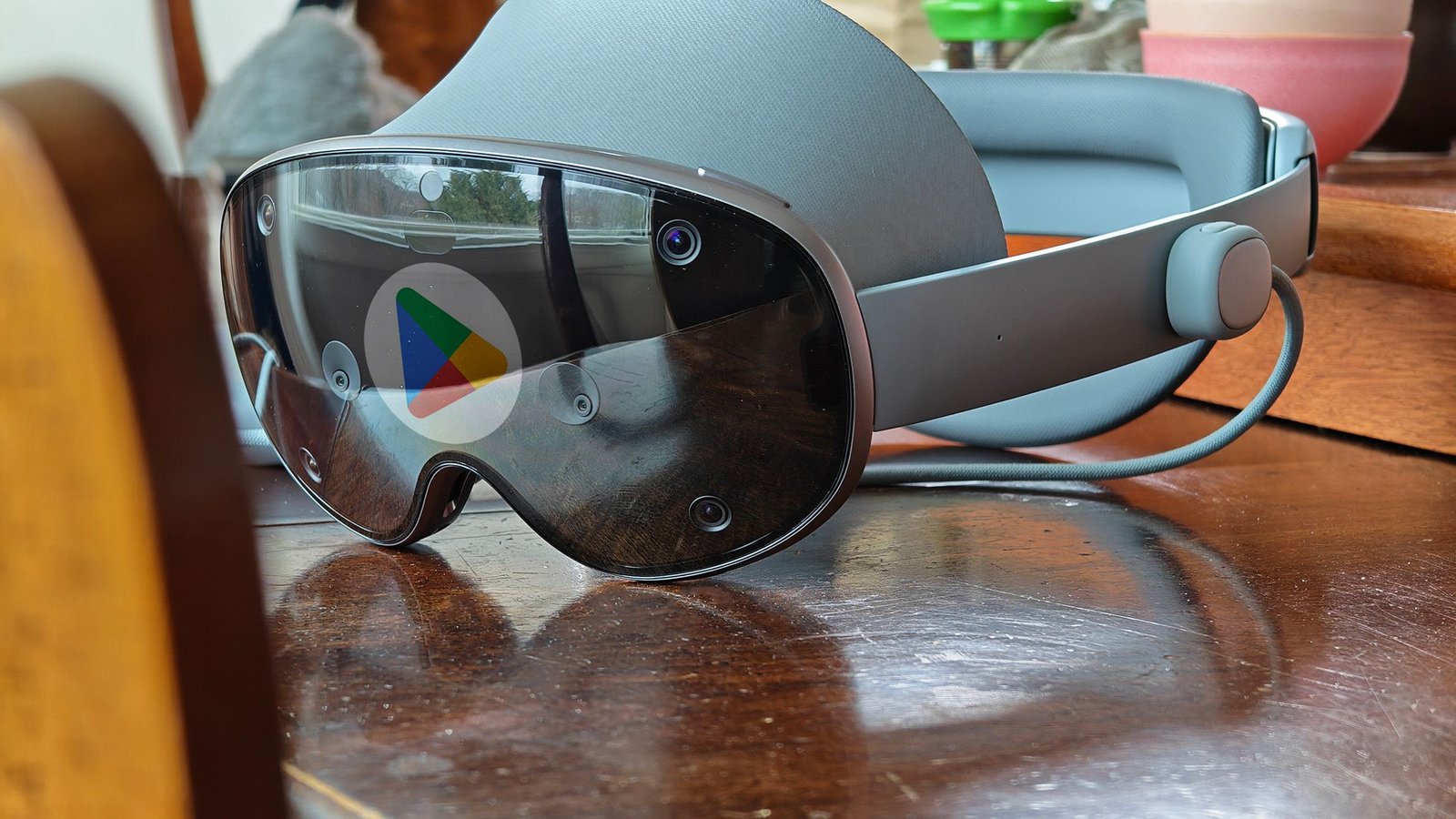
The power of the Play Store
(Image credit: Nicholas Sutrich / Android Central)
I hadn’t downloaded Roblox on my Galaxy XR yet, so I quickly fired up the YouTube app, dragged it to the side, and got State of Play started so I wouldn’t miss anything important. Meanwhile, I opened the Play Store and downloaded Roblox. As the first section of the Kena sequel trailer finished airing, I quickly logged into Roblox using the headset’s built-in iris biometric identification and Google’s excellent password manager. No fumbling with some silly spreadsheet or password manager. It just worked.
As the next trailer started, I turned on my GameSir Bluetooth controller and quickly paired it with the headset, then joined the Roblox game my son was already in. “Whoa, wait, Dad? You’re in the game??” Yep, it just worked, and now I was spending quality time gaming with my son while also not missing a beat during State of Play (or letting him see some mature-rated game that’ll give him nightmares).
(Image credit: Nicholas Sutrich / Android Central)
Not only that, but the video and the game were on giant, resizable, fully movable screens. I wasn’t straining my neck looking down at my phone to play, and I didn’t have to watch the stream in some tiny picture-in-picture on it, either. The only other headset capable of this experience is the Apple Vision Pro, which is twice the price of the Galaxy XR.
I tried to use all of my Meta Quest headsets this way — including the Meta Quest Pro back in 2022 — but Meta was never able to nail this experience the way Google and Samsung have. It’s impossible to downplay the significance of not just having all of my favorite apps at my disposal when I need them; it’s also deep integration with Google services like the password manager and even Quick Share that have transformed this into a truly useful computing product.
Now, don’t get me wrong, I wish there were more bespoke VR games on this headset, but that’s what I have my Meta Quest for. Failing that, I’ve also got my PC to wirelessly stream PCVR games from, all of which are now better than ever thanks to two of the Steam Frame’s best features, which are now possible on Galaxy XR.
Get into the infinite canvas
(Image credit: Android Central)
Moving and resizing windows in Android XR works surprisingly similarly to a desktop UI like Mac OS or Windows. You’ll want to remember four things when multitasking with multiple apps at a time:
1. Performing the home gesture always opens the app drawer. You can launch any app this way.
2. Recent apps can be opened by holding the home gesture and moving your hand or controller to the right (the three vertical lines icon).
3. Move any window by gazing or pointing to the edge of the window, then holding and dragging the semi-transparent outline that appears.
4. Resize any window by gazing or pointing to any of the window’s four corners, then holding and dragging the edge indicator that appears.
Windows can be placed anywhere in physical space and will stay there even if you get up and move around. This makes it easy to take normal breaks or to sit and stand without having to reconfigure your setup each time.
Any 2D app can be run side-by-side with other 2D apps, but immersive apps will take over your viewing space and hide 2D windows. When an immersive app is open, you can reopen a 2D window by opening the recent apps menu and selecting the app you want to see.
Being able to open any app from the Google Play Store is such an incredible convenience that makes this headset all the better for it, and I love the foundations Google and Samsung have built for making this the ultimate productivity device.
The Galaxy XR is an uber-comfortable mixed reality headset that combines the best Android apps with a brilliant, bespoke XR experience.
