

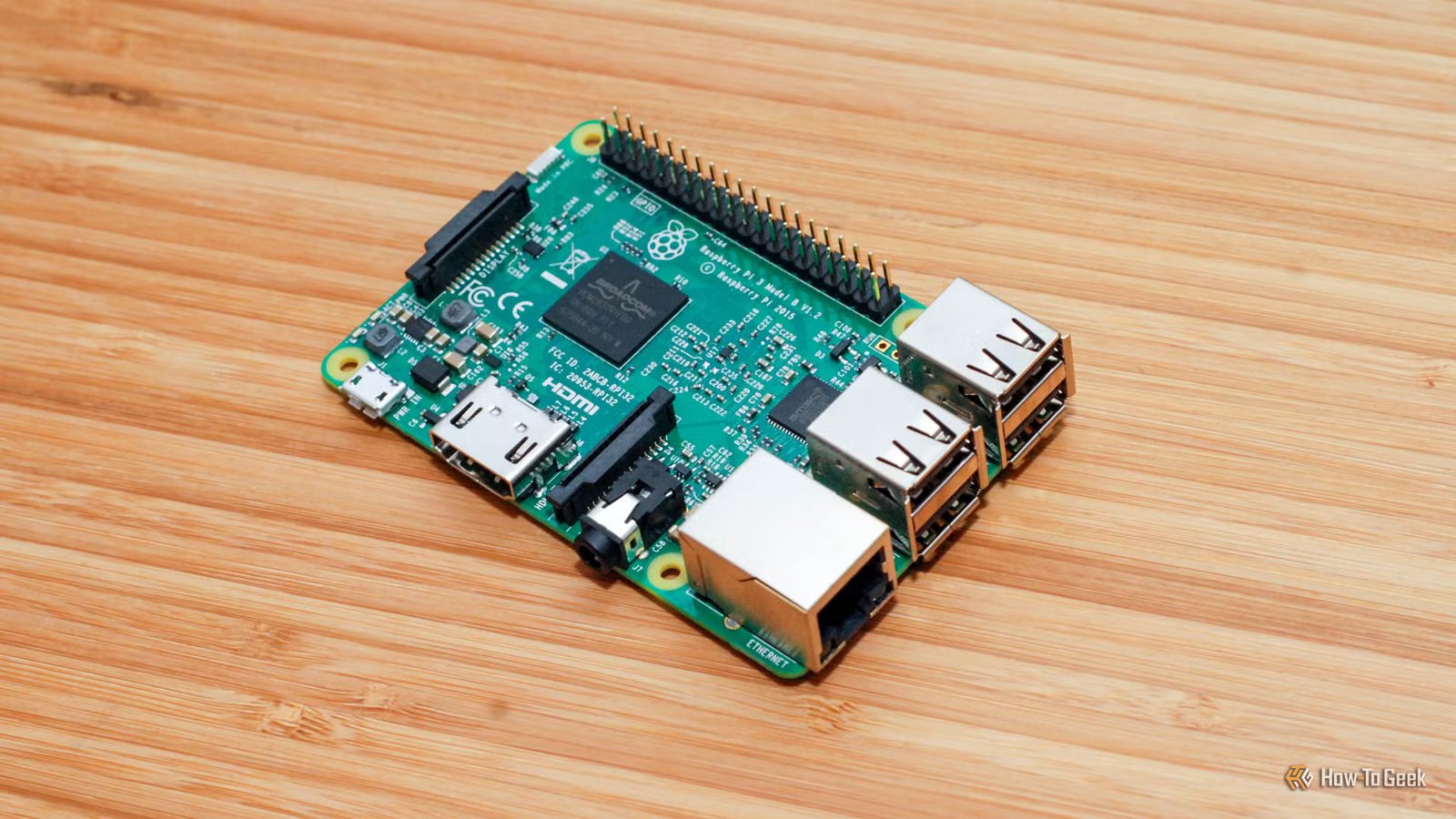
The Raspberry Pi lineup consists of a range of great devices, and the most powerful units can even be used to self-host a number of services. However, there are some things I’ll never use them for. These are the projects I stay away from.
A desktop replacement
Raspberry Pis are great—they’re not desktops
Credit: Sydney Louw Butler/How-To Geek
The Raspberry Pi 5 is priced at about $220 for the best model that comes with 16GB of RAM.
Given the explosive increase in cost of regular mini PCs and desktop PCs, it might be tempting to jump on a Raspberry Pi as a relatively inexpensive alternative.
However, the price tag of the Pi itself doesn’t include everything you’ll actually need for a full PC replacement. At a minimum, you’ll need a small NVMe SSD, a power supply, and a case. The NVMe SSD will cost you at least $50 now—likely more—and a nice case with a fan will start at about $20. That is assuming you don’t need a mouse, keyboard, monitor, or other peripherals.
Even once you do that, you’re going to be trying to use a Pi as a desktop when it is pretty under powered for that purpose compared to the demands of modern desktop operating systems. You may be able to use it for some light office work, but you’re going to be making a ton of performance concessions and trade-offs, and you may run into issues due to the Pi’s incompatibility with many applications designed for x86 processors.
In pretty much every scenario, you’re better off buying an equivalently priced mini PC rather than a Raspberry Pi.
That isn’t to say the Pi isn’t a great little device, but it isn’t designed to replace a full desktop.
A Pi-Powered NAS
Cheaper isn’t better
It is tempting to turn a Raspberry Pi into a NAS. In fact, I’ve done it with pretty good results. I wouldn’t recommend that you do it, though.
Regardless of which Pi you’re using, you’re going to have to attach your storage to the Pi over USB. When I exhaustively tested it, I found that drives would occasionally disconnect (or fail to mount correctly) without warning, which prevents your backup system from working correctly. Even if you don’t run into an issue with connectivity, if you’re using solid-state storage for your NAS storage, you’re going to be limited by the speed of the USB ports.
Again, cost-effectiveness becomes an issue. You have to purchase external drives or drives in enclosures, a case with active cooling—which you’ll need for large file transfers—and the appropriate power supplies for the drives and the Pi.
In general, if you want to DIY a NAS, you’re better off using a refurbished desktop PC instead.
Related
5 Mini PCs You Can Buy With Linux Preinstalled
Skip the setup hassle—these compact Linux computers come ready to roll.
Your own email server
Some things are fun to self-host—email isn’t one of them
Credit: Lucas Gouveia/How-To Geek | Net Vector/Shutterstock
I’m a big proponent of self-hosting every service you can. It is often cost-effective in the long term, offers better privacy control, and you’re always guaranteed to learn something valuable.
However, email is an extremely complicated service to self-host, and I’d never recommend it to anyone.
In order to self-host an email service, you have to deal with exposing your service to the internet, handling spam filters and blacklists, and then jumping through all the security hurdles required for other major email services to accept emails from you.
Even if you get it working, your email service is an attractive target for hackers, and even brief outages could result in you permanently missing important emails.
Email is one of those things you should leave to a team of other people running a professional service.
A Pi Cluster
A stack of Pis looks cool, but it won’t help much
Credit: Corbin Davenport / How-To Geek
Networking PCs together to get a performance edge has been done for a long time, but if you’re doing it with Raspberry Pis, you don’t have much to gain.
If you did it with Raspberry Pi 5s, you’d spend more than $1000 to run five of them. On the other hand, $1000 will get you an NVIDIA RTX 5080 Founders Edition, or more versions of the 5070 Ti. Either GPU would be significantly faster than your cluster of Pis and be more versatile. Even if you’re not running a task that benefits from a GPU, a $600 CPU from AMD or Intel would also be faster than the Pi Cluster.
If you already have Pis hanging around, and you want to try it as an experiment, it can be a good way to learn about computing clusters. Even if they don’t match, you could set up something akin to a Beowulf cluster. However, buying new Raspberry Pis for a cluster is a waste of money you could spend elsewhere.
Sometimes the Pi isn’t up to the job
Raspberry Pis are great—but only when you give them the opportunity to thrive. Sticking to projects that work well for your Raspberry Pi will not only prevent frustration, it’ll ensure that you get the best value out of your SBC.
Brand
Raspberry Pi
Storage
8GB
CPU
Cortex A7
Memory
8GB
Operating System
Raspbian
Ports
4 USB-A
It’s only recommended for tech-savvy users, but the Raspberry Pi 5 is a tinkerer’s dream. Cheap, highly customizable, and with great onboard specs, it’s a solid base for your next mini PC.
