

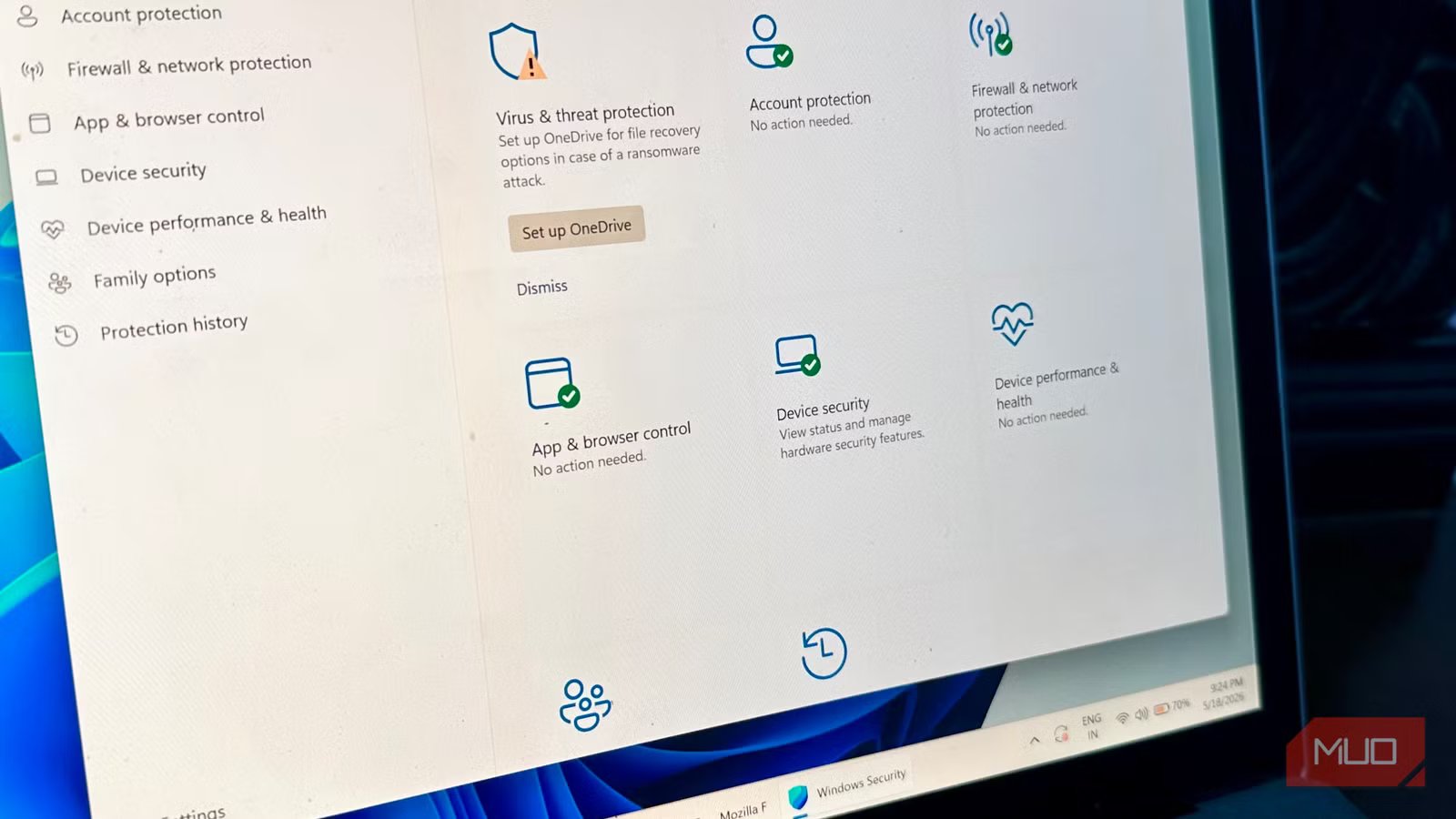
Windows’ security features have seen a massive improvement over the years. The default security configuration is usually good enough to protect you from most malware. However, there’s an important setting that many users don’t know about, or if they know, they choose to overlook it because some article on the web convinced them to disable it in the name of performance gains. It doesn’t help that Windows often disables it without notifying you. I’m talking about core isolation, which was introduced in the April 2018 update of Windows 10, and has been a part of Windows 11 since launch.
Core isolation does what Windows Defender can’t
The antivirus for your antivirus
Windows Defender, or any other antivirus program, works at a surface level. It monitors your files and programs, flagging and often blocking any suspicious behavior. Some antivirus apps come with kernel and rootkit protection that offer a deeper level of security. However, they still operate at the level of the kernel itself. The kernel is practically the brain of your OS where all core functions take place: any virus that gets into the kernel can control your PC, including disabling the antivirus or making it seem like everything’s hunky-dory when, in fact, your PC is infested with the cyber equivalent of a brain-eating amoeba.
Core isolation itself is a group of features that protect your PC using virtualization-based security (VBS). Essentially, critical core system and security processes run in a virtual environment, isolated from the rest of the system. So, if malware infects your PC, these core processes are shielded from it. Specifically, it’s the memory integrity feature, also called Hypervisor-protected Code Integrity (HVCI), that makes it difficult for malware to operate at the kernel level. Any program that has to run kernel-mode code has to pass through memory integrity’s cryptographic verification before being allowed to execute in kernel mode, and memory integrity itself operates inside a virtual environment.
Related
Security Settings in Windows You’re Not Using (and Hackers Hope You Don’t Find)
Uncover the hidden Windows security gems that hackers dread you’ll discover.
While memory integrity is core isolation’s most crucial component, it isn’t the only one. Depending on your hardware and Windows license, there are other layers of protection that core isolation provides. The memory access protection feature blocks devices plugged into PCI ports (like a Thunderbolt port) from directly accessing the system memory, preventing them from injecting malware into your PC. Firmware protection (available on Secured-core PCs) protects against firmware level exploits that sit below the OS entirely. If you’re on Windows 11 Enterprise or Education editions, you’ll have access to Credential Guard, which protects your login credentials using the same virtualization-based isolation.
Core isolation may be disabled without your consent
And may refuse to switch on even if you have the required hardware
Switching on core isolation is easy: you just go to Settings -> Privacy & security -> Windows Security -> Device Security, and click on Core isolation details. But it is a sensitive security feature, and often the toggle switch for Memory Integrity is grayed out, refuses to switch to the ON position, or throws error messages at you. The culprit is usually an incompatible driver. You can confirm which driver by clicking on Review incompatible drivers. The best course of action is to find an updated version of the driver that is compatible with memory integrity. If there are no compatible versions of the driver, uninstalling the driver using Device Manager or PowerShell is your only way of restoring memory integrity.
On some systems, the entire core isolation details page could be missing, even with the right hardware. This almost always happens because hardware virtualization is disabled in the UEFI/BIOS settings. If you’re using an Intel processor, look for the Intel (VMX) Virtualization Technology feature in the CPU configuration page of your UEFI/BIOS settings. On AMD, the hardware virtualization feature is labeled SVM Mode.
Related
You’ll only realize this Windows setting matters after it’s too late
Lose your laptop without this feature, and you’ll wish you had turned it on.
While core isolation is enabled by default, Windows is often unable to switch it on for reasons listed above. Earlier, Windows didn’t even notify users that memory integrity was off. Even now, you just get a small notification that is easy to miss. If you were on Windows 10 and upgraded to Windows 11, memory integrity is probably disabled: it was only enabled on fresh installs of Windows 11. The only way to know for sure is to visit Windows Security and confirm it
Your PC takes a performance hit when core isolation is enabled
Many Windows performance guides, especially gaming-focused ones, often recommend disabling core isolation, citing performance drops. Yes, enabling core isolation features like memory integrity will result in higher CPU usage, which could be utilized elsewhere. However, this drop is minimal on most new computers and the security trade-off isn’t worth it. Older processors (before Intel Kabylake, and AMD Zen 2) see a bigger performance hit that may warrant switching off memory integrity entirely.
