

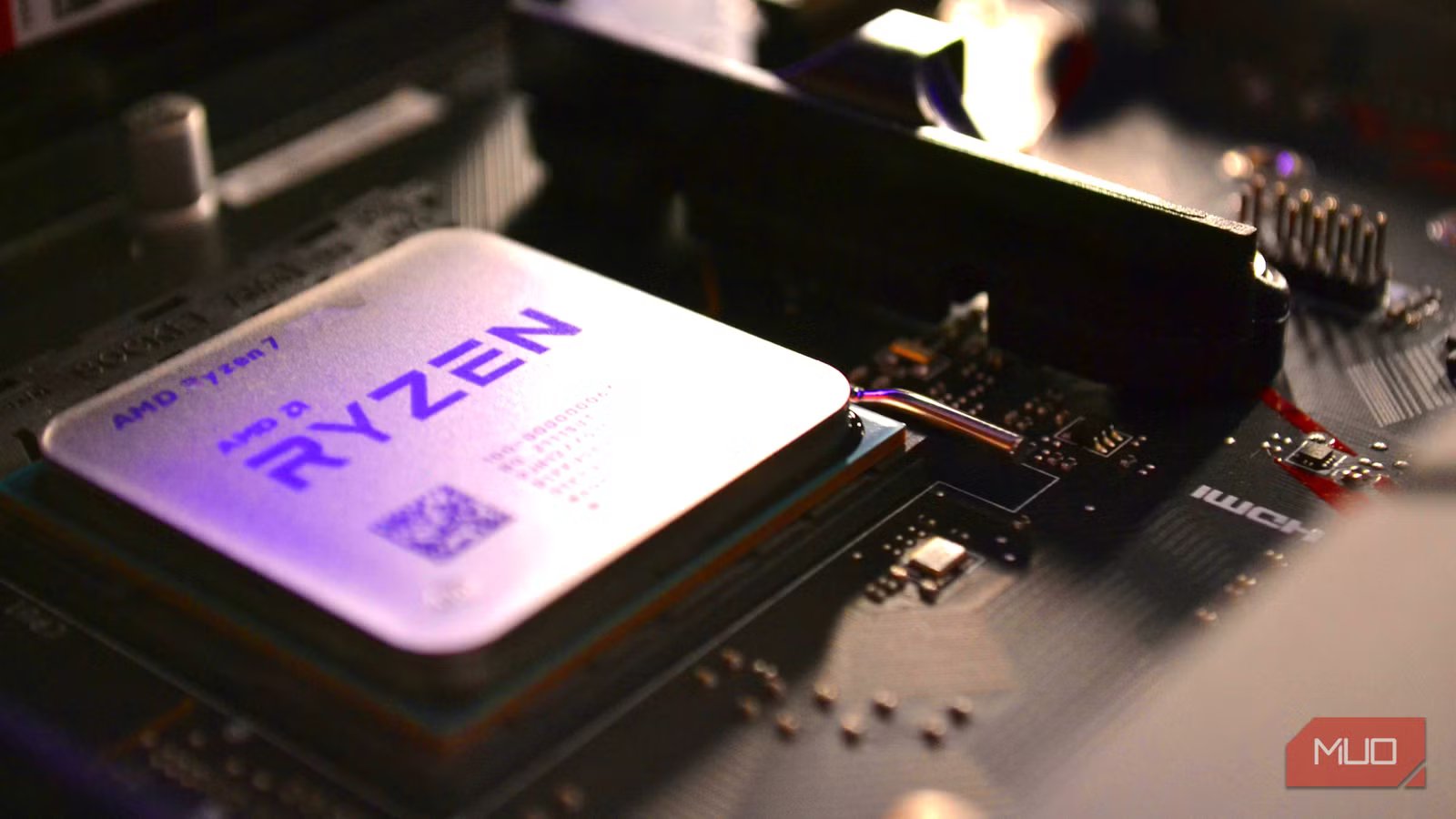
Building a PC is a surprisingly therapeutic thing to do, as long as everything goes right. The first time you try it, there’s bound to be a cord that didn’t get plugged into the right spot, or there’s going to be something likely to go wrong. But once you get into the rhythm, putting together something with your own two hands is an amazing feeling. But if you’re building with a Ryzen CPU in mind, there’s a little cheat sheet that could help ensure that you’re running at your full potential.
If you want to ensure that you’re getting the most bang for your buck, the QVL check sheet is basically like a cheat sheet for an upcoming upgrade or build. If you’ve got plans to overclock your RAM, this could be the best thing since sliced bread.
What in the world is a QVL, and why does it matter?
RAM is expensive, so you may as well get every ounce of performance out of it
Credit: Shimul Sood / MakeUseOf
Thanks to the AI bubble, RAM prices have begun to skyrocket to unrealistically high prices. Building a PC, as of the time of this writing, feels like a nearly impossible task, especially if you want something that is going to be future-proofed and top-of-the-line for years to come. So if you want to ensure that the DDR that you had to take out a small loan for is going to work well with your motherboard and CPU combination, a Qualified Vendor List, or QVL, can be a major help.
A QVL is a list of RAM that has been tested by the manufacturer to guarantee that it will not only work, but can also provide additional overclocking benefits. It’s like when you buy a specialized part for a car — you could throw any stick of RAM into your Ryzen build, but if you know that something is going to give you additional benefits down the line, the investment is worth the extra bit of research.
Related
8 catastrophic mistakes first-time PC builders make — and how to avoid them
You can be sure nearly every PC builder has made these mistakes, but you can skip them now you know.
How to track down a QVL for your specific board
Knowing how to find the QVL is the first step, and the most important one
If you’re building a new PC, you should easily be able to track down the name of the motherboard that you plan on using for your device. But for those who are updating their devices to add a new CPU or RAM, finding your model requires a few steps. The easiest way to make this happen is to use the Windows Key + R to bring up the Run Menu, and type in msinfo32 to get all the information you could need about your PC. You’ll want to find the BaseBoard Manufacturer, as well as the BaseBoard Product.
Once you find these, use your favorite search engine to look for the QVL list. I strongly suggest checking out MoJeek if you want to try something new. In my case, for the build that I’m using, I would want to find an MSI QVL list for a B450M PRO-VDH MAX and proceed from there. Even an older motherboard like mine can benefit from a quality set of RAM that falls in line with the QVL list, so don’t disregard it if you’re planning on overclocking.
Brand
AMD
CPU Model
Ryzen 7
CPU Speed
4.5GHz
CPU Socket
AM5
QVL lists cover RAM, GPUs, SSDs, and everything else
Don’t fret if your device isn’t on the list — but if it is, you may see some nice boosts
Credit: Gavin Phillips / MakeUseOf
I would assume that 98% of people who have put together a PC haven’t taken a proper gander at a QVL, and that’s perfectly okay. I was in the same boat when I built my first PC, and even a few subsequent ones for friends. Part of it feels like a marketing gimmick, and it’s easy to look at it as just that. But if you’re hoping to push your PC to the limit, it may be the best thing that you’ve ever done for yourself.
The reason I say that is because these particular RAM sticks, SSDs, and GPUs have been tested and cleared by the manufacturers. This means that they know what we’re planning to do with our PCs, and want to ensure that we can push them to the fullest potential possible. Overclocking, voltage changes, and everything else to make them sing. It never hurts to check out a QVL in case you’re second-guessing a purchase, and it’s especially useful if you’re hoping to tinker under the theoretical hood a bit.
Your RAM will likely still work, even if it’s not on the QVL
Vendors realistically can’t test every type of RAM on the market, but they know what works
Amir Bohlooli / MUOCredit: Amir Bohlooli / MUO
When I built my first PC, I was completely unaware of QVLs. That’s why I’m trying to bring attention to them now that I’ve spent countless hours and dollars tinkering with my system to make it run as well as it does now. Using websites like pcpartpicker.com was extremely helpful on my journey, and provided me with countless dollops of information along the way. But they don’t have any indication if something is on a QVL or not, and I’ve been running just fine with 32GB of DDR4 RAM since 2020.
But, whenever the RAM pricing issues have gone away — and I’m hoping this happens much sooner than later — I may be in the market for a new Motherboard and RAM. I’ll be sure to check the QVL for any upcoming upgrades that I have down the line, but know that you’ll still be able to get stellar performance even if your specific RAM hasn’t been listed on a QVL sheet. Checking to see what others have experienced using the same RAM on forums and sites is a great way to ensure you won’t need a return label after excitedly putting your new PC together.
A QVL isn’t necessary, but it could save you time and money
With prices climbing through the ceiling, finding something that works as well for less is great
Computers aren’t cheap, and putting something together with your own two hands, only to have it not post, is an awful feeling. It could be from cords not being plugged in correctly, or it could be from parts not working nicely with one another. Want to make 100% sure that everything is going to play nicely? Using a QVL and verifying your parts could save you time and money.
The QVL is something that I’m glad to know about, and something that I wish I knew back when I built my first PC. Even if it isn’t necessary for every build on the market, it’s great to know which manufacturers have been put to the test.
