

Travel can be stressful and annoying even under the best circumstances, and one of my least favorite activities is getting everything connected to the Wi-Fi wherever I’m staying. Will there be a captive portal? Is the captive portal going to work correctly on all devices? How many devices can I connect to the Wi-Fi?
Luckily, your Android phone can streamline the process for you—you just need to connect once.
Wi-Fi in hotels and AirBnB is still annoying
Connecting multiple devices is a pain
Getting connected to the Wi-Fi in a hotel or Airbnb usually isn’t the annoying part—getting everything connected is. Having to connect a phone, laptop, streaming device, and often a Raspberry Pi individually is tedious at best, especially when each one redirects you to the same buggy captive portal login page. It gets even more aggravating with devices like streaming sticks or game consoles that don’t handle captive portal screens well. Sometimes they’re buggy and unreliable; other times they just won’t connect at all.
Related
I always bring a travel router on vacation—here’s why
Never fight with tethering again.
Device limits are a nightmare
Worse still, many hotels limit how many devices you can connect at once to two or three devices. That might have been a workable number ten years ago, but I travel with an excessive number of gadgets, and so do most people I travel with. It quickly becomes an issue. Airbnbs are usually less restrictive, but you can still run into similar issues depending on the host’s setup.
You may not have internet at all
I’ve also occasionally stayed in places that don’t have internet at all. Sometimes it is just a technical problem that might be resolved during my stay, other times it is simply not available. I’ve run into internetless rooms more often with Airbnb than hotels, and it is thankfully rare, but it is extremely inconvenient when it does happen.
In those instances, my phone’s hotspot was literally the only way I had to connect all of my devices to the internet.
Your Android phone can be a mini router
You only connect once
Credit: Joe Fedewa / How-To Geek
This is one of those times when your Android phone has a chance to shine. Most Android phones can connect to Wi-Fi and then share that connection through their hotspot, effectively turning your phone into a miniature router. I connect my phone to the hotel Wi-Fi, go through the login page once, and then enable my hotspot so my other devices connect to my phone instead. My phone handles the connection.
7/10
SoC
Google Tensor G4
Display
6.3-inch Actua display
RAM
8GB
Storage
128 or 256GB
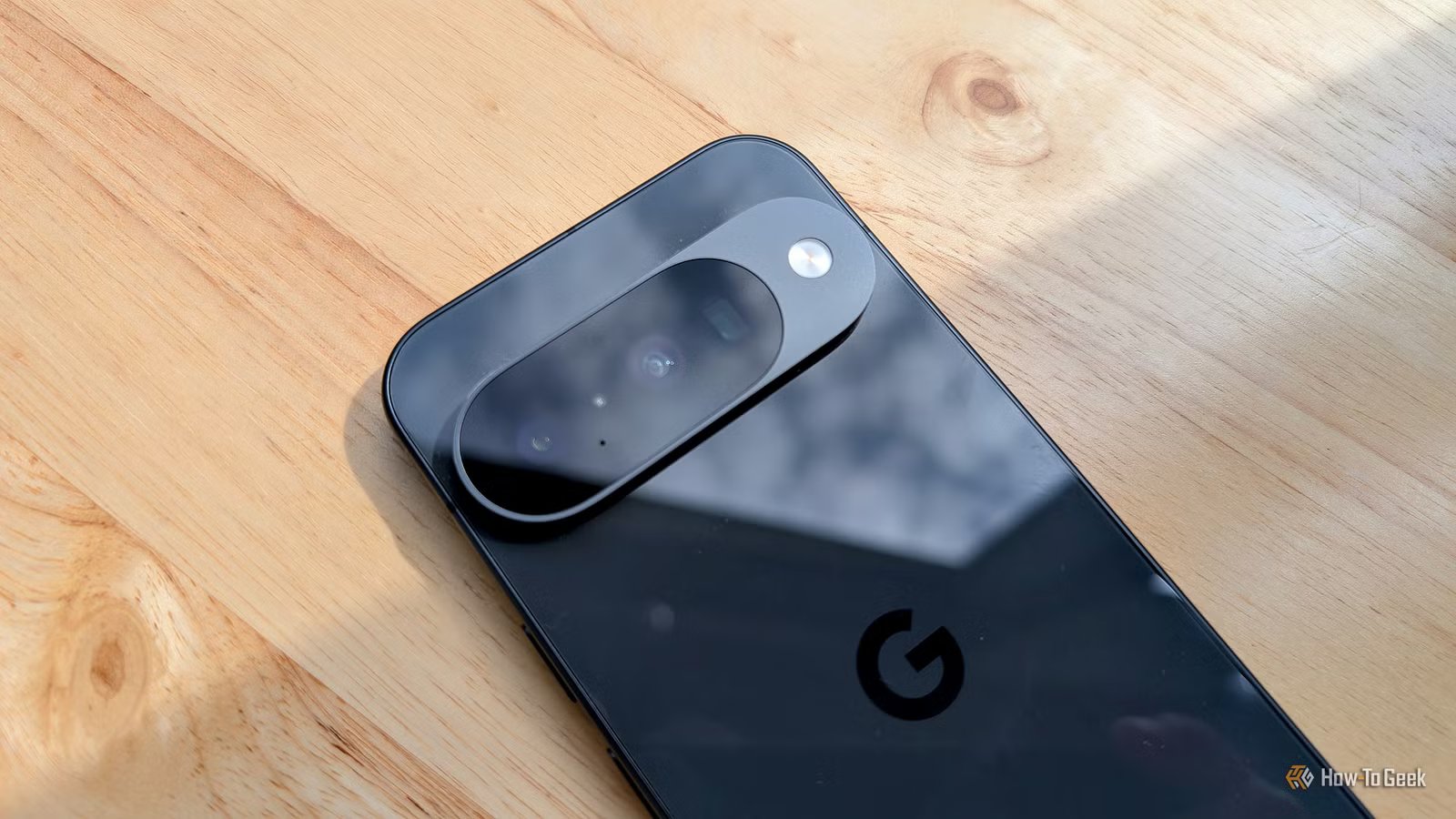
The Google Pixel 10a is a barely updated version of the Google Pixel 9a, with a slightly brighter screen and an upgrade from Gorilla Glass 3 to Gorilla Glass 7i. Google has shaved the remaining few millimeters from the camera bump, making it completely flat. Unlike prior versions of the Pixel a series, this model year does not share the same Tensor processor as the mainline Pixel 10.
You don’t have to deal with the captive portal again on every single device you have, and you won’t have to work around finicky connections on gadgets that weren’t designed to handle a captive portal. It also gets easier over time because your hotspot name and password stay the same, so most of your devices will reconnect to it automatically regardless of where you are.
Goodbye device limits
An Android hotspot also helpfully avoids device limits. As far as the hotel’s Wi-Fi network is concerned, only my phone is connected. Everything else is just piggybacking on that single connection.
I use this all the time when I’m traveling with a lot of gear or sharing Wi-Fi with someone else to avoid device limits.
You can secure your connected devices
A VPN ensures everything remains private
Credit: Lucas Gouveia/How-To Geek
Public Wi-Fi networks, especially in hotels, aren’t always properly secured. Routing everything through your phone also has another advantage: you gain more control over your wireless security.
If you enable a VPN on your phone, the traffic from every device connected to your hotspot benefits from that encrypted connection. Instead of setting up a VPN on every individual device—or skipping on one with devices that don’t support VPNs at all—you can protect everything at once.
You’re not likely to have a security problem due to a hotel’s Wi-Fi network, but it is nice to remove the risk completely.
An instant portal to your home network
I self-host a large number of productivity and recreational services on my home network. If I use a VPN like WireGuard on my phone, I can use that as an easy, secure way to connect to those services.
It isn’t an essential feature, but it is nice to have as an option, especially since many of my services—like Joplin—have become essential to my personal and work life.
A dedicated travel router is sometimes worthwhile
There are a few drawbacks to using your phone as a hotspot. Running a hotspot drains the battery more quickly and your speed will probably take a small hit compared to the speeds you’d get if you directly connected to the hotel Wi-Fi.
If you’re a frequent traveler who needs a robust, dedicated, you might prefer a travel router since it is explicitly designed for this purpose. However, for most trips, your phone is the fastest and simplest fix: sign in once, connect your devices, and you don’t have to do it again.
Range
1800 sq.ft
Wi-Fi Bands
5 GHz
Ethernet Ports
2
USB Ports
1
Supported standards
802.11n, 802.11ax, 802.11ac, 802.11g, 802.11.be
Experience blazing-fast speeds and enhanced network capacity. Delivers up to 2882 Mbps on the 5 GHz band and up to 688 Mbps on the 2.4 GHz band. Enjoy uninterrupted video streaming, downloads, and gaming across up to 90 devices.
