

Lately, I have been trying out some of the most popular note-taking apps. While some of them try to replace 10 unique apps at once, many pack flashy features. Honestly, there’s no judgment over which notes app you choose for your needs. Something that works great for me could be a little too much for others, or vice versa.
However, there are times when I come across note-taking apps without fancy features or bold claims. Yet, they offer a unique experience that I would like others to try. It may appear boring at first glance, but it continues to offer a lot of value once you take the leap.
Anytype has been one of those unique finds.
Related
This simple note-taking app is a minimalist’s dream
Capture your thoughts and ideas without the clutter.
I opened Anytype and kept using it
The kind of first impression that turns into a daily habit
I came across Anytype through one of the Reddit threads praising the app for its local-first philosophy and the object-based structure for notes and everything. It didn’t take long to install this on my Mac and Android, and it left a decent first impression, leading me to use it for a variety of writing needs.
The first thing I noticed is how Anytype doesn’t require you to create an account. Instead, when you first set it up, you get a random name and an encryption key to access your content from other devices. This experience was refreshing compared to what apps like Notion and Evernote make you do. Once the setup was done, Anytype showed me its intuitive workspace.
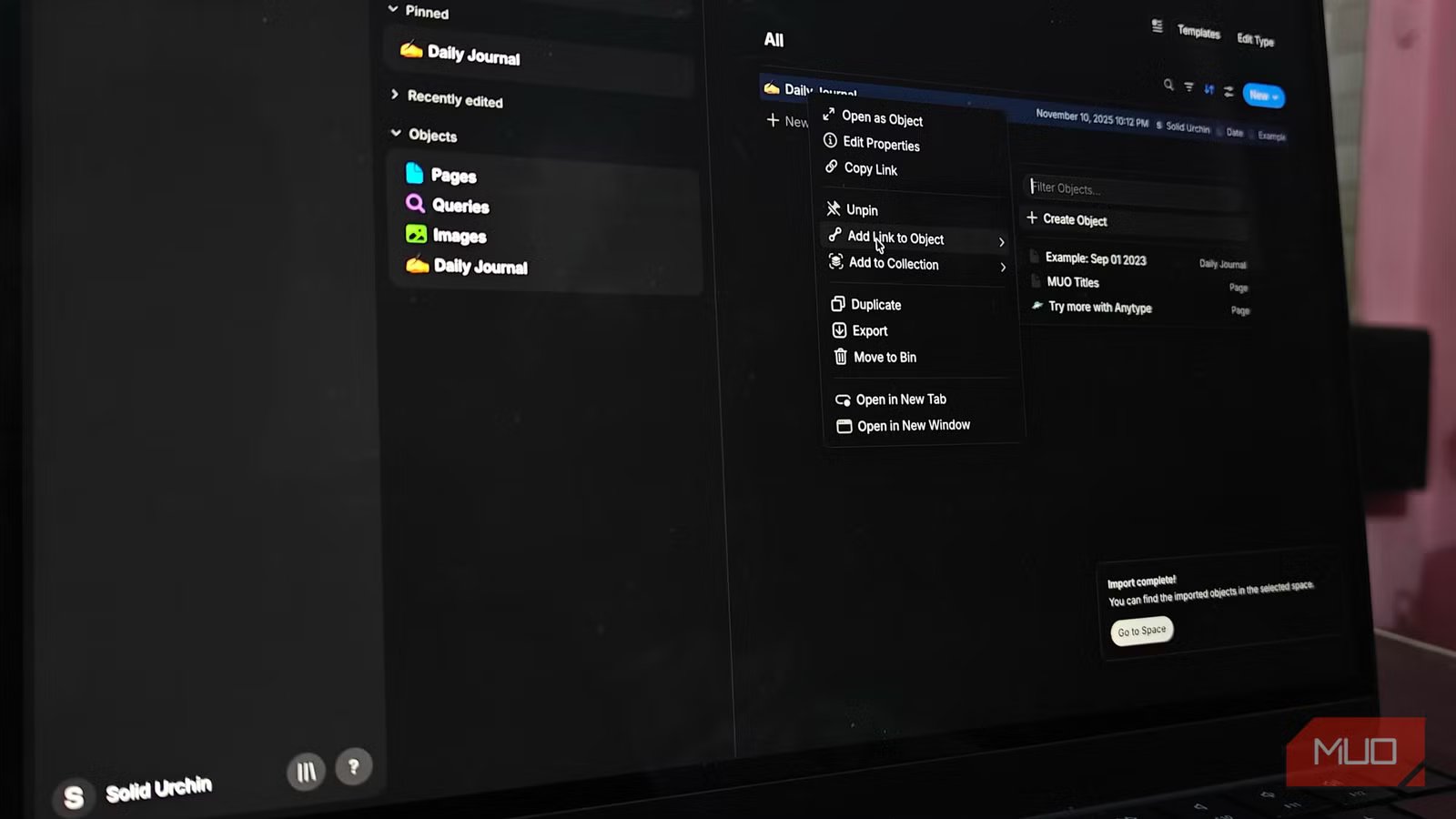
Even though you can use Anytype as a typical note-taking app, you would benefit from it the most when you understand the object-based structure it follows. Everything you create in the app (a note, a to-do list, or something else) remains an object you can access and interlink as you wish.
I trusted it more once my notes stayed local
Its offline-first setup changed how I handled private drafts and messy ideas
For one, I am pretty used to applications like Notion and Evernote, but the fact that my notes and other information don’t stay on someone else’s server felt refreshing. This point alone has made Anytype a confidential space where I can share my private apps or messy ideas that I wouldn’t want someone else to access. Given that synchronization and multi-device access are optional, there are always more reasons to choose Anytype over other apps.
If you are coming from a cloud-based note-taking app that struggles to load over a spotty Internet, the peer-to-peer transfer system Anytype uses is innovative, and you can add a device to the vault by simply scanning a QR code. I’ve found this P2P transfer system via local networks to be super fast most of the time. The best feeling, however, is that I don’t have to wait for Wi-Fi to access all the notes I have stored. As someone who tries to write even when off the grid, this means a lot to me.
I only understood Anytype after building my own templates
These bring an immense amount of value
The “boring” story of Anytype doesn’t end with local-first philosophy and peer-to-peer sharing, though. As I mentioned earlier, the object-based structure that Anytype follows offers many customization options. When you create something in the app, you can convert it into a variety of objects that you can connect.
For instance, when I create a note related to a lecture content document, I can set up that connection immediately. Once you establish these connections, you can also choose between two different views: Graph and Flow. Both are effective ways to understand not only how your objects are connected but also the state of your digital space.
You get to see the real potential of Anytype when you get to templates and custom templates, though. You can download and install a number of templates from the community space, and the collection seems more focused than what we find with Notion. However, if you want complete control over what happens in a space, you can create types.
For instance, I have created a type called Lecture Content that helps me add content docs for individual lectures. Since I typically configure what happens in a lecture, this type is an easy way to take notes. Despite all these advanced options, Anytype remains easy to use.
I keep recommending it because it solved a quiet problem for me
Even though it’s not the perfect option
Another reason that I keep recommending Anytype to most people I know is that you can access all these features without paying for subscriptions. There is indeed a premium plan that offers advanced sharing and collaboration options, but it is entirely optional. As long as you want to keep your notes on your device, you won’t have to pay anything to Anytype.
When we account for those advanced subscription-based features, there could be hundreds of other ways you can use this app. However, I prefer keeping Anytype a central, offline-first space where I can create linked notes and more. I should also add that the app needs to work in some areas, especially mouse-less navigation, but that is not a deal-breaker yet.
So, while that lasts, I will keep recommending Anytype to anyone who needs a rather innovative note-taking experience.
OS
Mac, Windows, Linux, iOS, Android, and Chrome Extension
Developer
Anytype
Price model
Free (paid plans available)
Anytype is a beautifully designed, privacy-first note-taking app that offers an elegant, flexible space for creative thinking and writing.
