

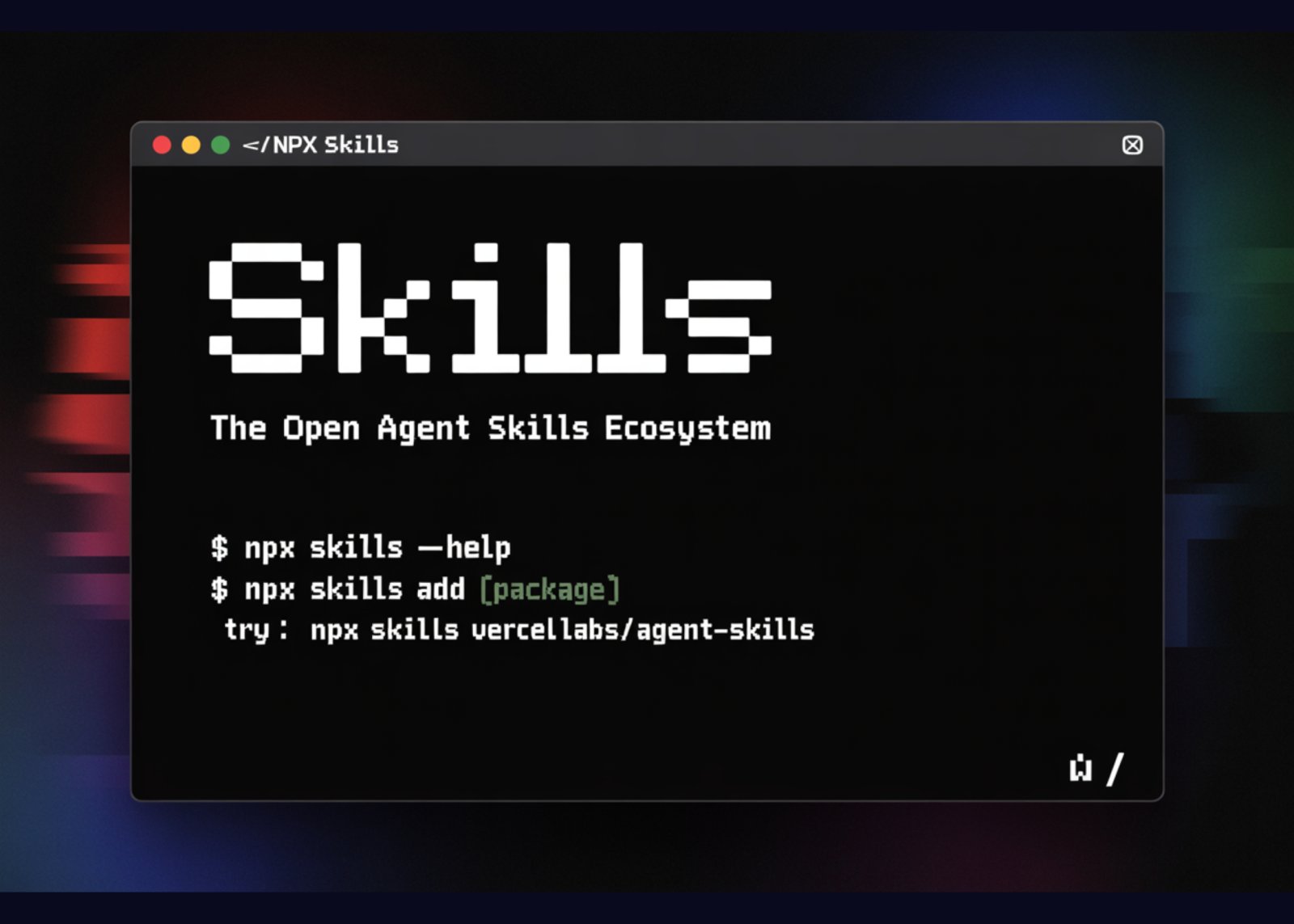
Vercel has released agent-skills, a collection of skills that turns best practice playbooks into reusable skills for AI coding agents. The project follows the Agent Skills specification and focuses first on React and Next.js performance, web design review, and claimable deployments on Vercel. Skills are installed with a command that feels similar to npm, and are then discovered by compatible agents during normal coding flows.
Agent Skills format
Agent Skills is an open format for packaging capabilities for AI agents. A skill is a folder that contains instructions and optional scripts. The format is designed so that different tools can understand the same layout.
A typical skill in vercel-labs/agent-skills has three main components:
- SKILL.md for natural language instructions that describe what the skill does and how it should behave
- a scripts directory for helper commands that the agent can call to inspect or modify the project
- an optional references directory with additional documentation or examples
react-best-practices also compiles its individual rule files into a single AGENTS.md file. This file is optimized for agents. It aggregates the rules into one document that can be loaded as a knowledge source during a code review or refactor. This removes the need for ad-hoc prompt engineering per project.
Core skills in vercel-labs/agent-skills
The repository currently presents three main skills that target common front end workflows:
1. react-best-practices
This skill encodes React and Next.js performance guidance as a structured rule library. It contains more than 40 rules grouped into 8 categories. These cover areas such as elimination of network waterfalls, bundle size reduction, server side performance, client side data fetching, re-render behavior, rendering performance, and JavaScript micro optimizations.
Each rule includes an impact rating. Critical issues are listed first, then lower impact changes. Rules are expressed with concrete code examples that show an anti pattern and a corrected version. When a compatible agent reviews a React component, it can map findings directly onto these rules.
2. web-design-guidelines
This skill is focused on user interface and user experience quality. It includes more than 100 rules that span accessibility, focus handling, form behavior, animation, typography, images, performance, navigation, dark mode, touch interaction, and internationalization.
During a review, an agent can use these rules to detect missing ARIA attributes, incorrect label associations for form controls, misuse of animation when the user requests reduced motion, missing alt text or lazy loading on images, and other issues that are easy to miss during manual review.
3. vercel-deploy-claimable
This skill connects the agent review loop to deployment. It can package the current project into a tarball, auto detect the framework based on package.json, and create a deployment on Vercel. The script can recognize more than 40 frameworks and also supports static HTML sites.
The skill returns two URLs. One is a preview URL for the deployed site. The other is a claim URL. The claim URL allows a user or team to attach the deployment to their Vercel account without sharing credentials from the original environment.
Installation and integration flow
Skills can be installed from the command line. The launch announcement highlights a simple path:
npx skills i vercel-labs/agent-skills
This command fetches the agent-skills repository and prepares it as a skills package.
Vercel and the surrounding ecosystem also provide an add-skill CLI that is designed to wire skills into specific agents. A typical flow looks like this:
npx add-skill vercel-labs/agent-skills
add-skill scans for installed coding agents by checking their configuration directories. For example, Claude Code uses a .claude directory, and Cursor uses .cursor and a directory under the home folder. The CLI then installs the chosen skills into the correct skills folders for each tool.
You can call add-skill in non interactive mode to control exactly what is installed. For example, you can install only the React skill for Claude Code at a global level:
npx add-skill vercel-labs/agent-skills –skill react-best-practices -g -a claude-code -y
You can also list available skills before installing them:
npx add-skill vercel-labs/agent-skills –list
After installation, skills live in agent specific directories such as ~/.claude/skills or .cursor/skills. The agent discovers these skills, reads SKILL.md, and is then able to route relevant user requests to the correct skill.
After deployment, the user interacts through natural language. For example, ‘Review this component for React performance issues’ or ‘Check this page for accessibility problems’. The agent inspects the installed skills and uses react-best-practices or web-design-guidelines when appropriate.
Key Takeaways
- vercel-labs/agent-skills implements the Agent Skills specification, packaging each capability as a folder with SKILL.md, optional scripts, and references, so different AI coding agents can consume the same skill layout.
- The repository currently ships 3 skills, react-best-practices for React and Next.js performance, web-design-guidelines for UI and UX review, and vercel-deploy-claimable for creating claimable deployments on Vercel.
- react-best-practices encodes more than 40 rules in 8 categories, ordered by impact, and provides concrete code examples, which lets agents run structured performance reviews instead of ad hoc prompt based checks.
- web-design-guidelines provides more than 100 rules across accessibility, focus handling, forms, animation, typography, images, performance, navigation, dark mode, touch interaction, and internationalization, enabling systematic UI quality checks by agents.
- Skills are installed through commands such as npx skills i vercel-labs/agent-skills and npx add-skill vercel-labs/agent-skills, then discovered from agent specific skills directories, which turns best practice libraries into reusable, version controlled building blocks for AI coding workflows.
Check out the GitHub Repo. Also, feel free to follow us on Twitter and don’t forget to join our 100k+ ML SubReddit and Subscribe to our Newsletter. Wait! are you on telegram? now you can join us on telegram as well.
Michal Sutter is a data science professional with a Master of Science in Data Science from the University of Padova. With a solid foundation in statistical analysis, machine learning, and data engineering, Michal excels at transforming complex datasets into actionable insights.
