

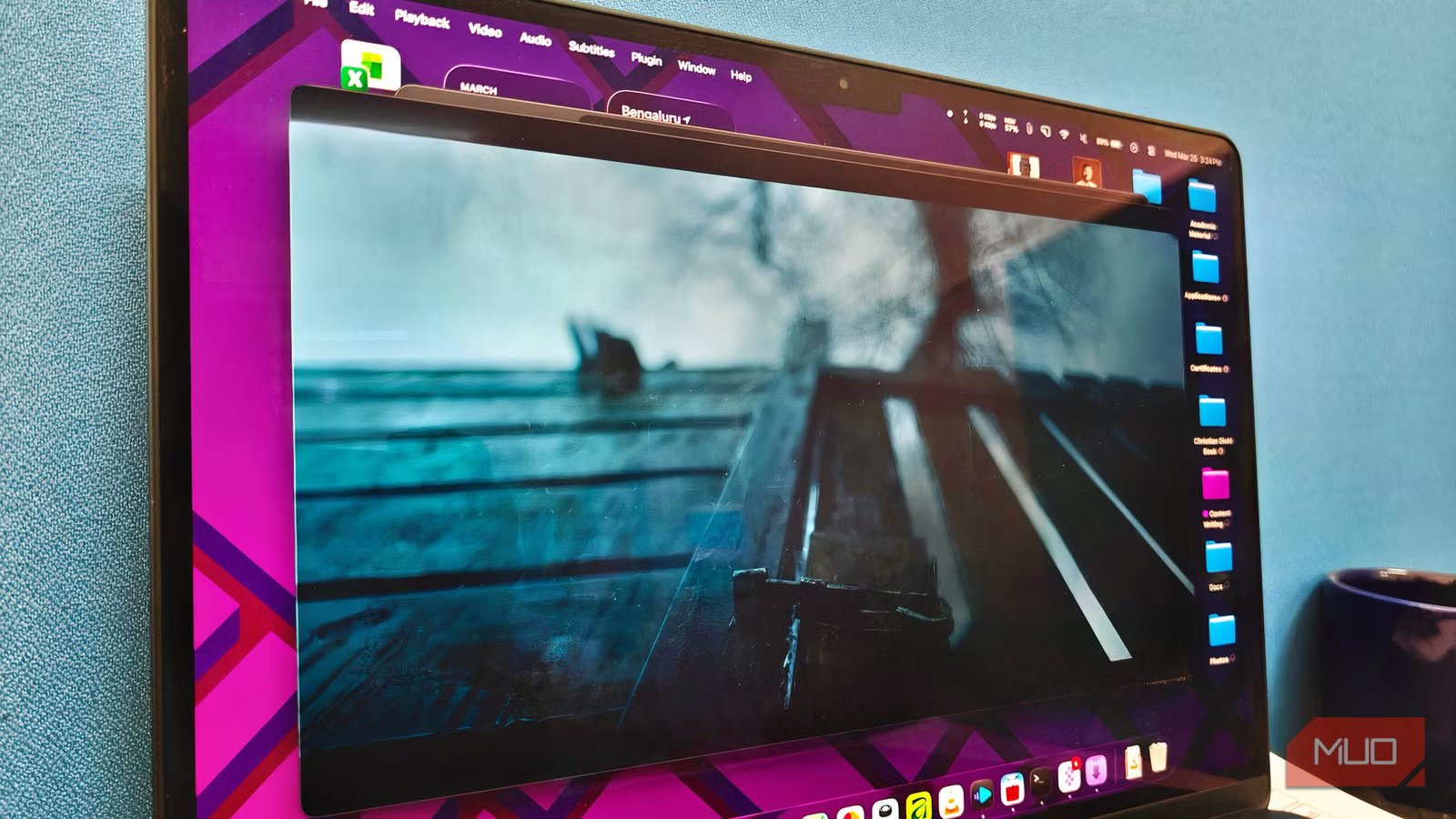
VLC media player was one of the first apps I installed when I shifted from Windows to macOS in 2017. I knew better than to rely on the built-in QuickTime Player. Over the following years, it was my go-to option for video and audio playback on Mac. It has handled quite a few things well, including compatibility, speed, and performance.
Recently, however, some aspects have prevented the app from fully integrating with the modern macOS experience. Fortunately, it was also at that time that I came across a free, open-source media player for Mac. It has been so great that I haven’t had to go back to VLC in at least a few years.
VLC does work decently on Mac
But it leaves a lot to be desired
There’s no denying that VLC media player is one of the best free options out there, and it packs many useful features. It was a trusted option for me on Windows and briefly on macOS, too. However, I had to look for other options due to several issues with VLC, which prevented it from becoming an optimal media player for macOS.
First, VLC feels very much not native on macOS. It uses non-native UI frameworks that look unappealing compared to the modern UI that native macOS apps ship with. VLC often stands out from the many native media players for Mac — not in a good way. This non-native architecture has also caused VLC to crash often when newer versions of macOS are released.
You also miss out on some performance-centric options. For one, HDR content playback via VLC for Mac results in washed-out colors, a difference clearly visible on MacBook and other Apple displays. This point alone makes VLC a subpar option for those who want the best film content playback on their Mac. There have also been some issues with A/V sync while using hardware acceleration.
While it still offers some great features, VLC media player isn’t optimal for Mac.
IINA for Mac addresses the gap — and more
It feels like a modern macOS app
IINA feels like a breath of fresh air if you are coming from VLC. Its native, sleek UI design is the first thing you’d probably notice. The controls don’t take up much space or distract you. This means you get a rather immersive viewing experience without going full screen.
However, IINA does not trade control for the sake of minimalism. The various icons on the control panel open side panes that let you manage playlist, chapters, video, audio, and subtitle settings. While many of these options are available in VLC, IINA makes them truly accessible.
For instance, I can use the built-in equalizer to adjust the audio output without opening another interface. You also get quick access to options like hardware acceleration, HDR, and a visual equalizer. Even when you throw an 8K video file at IINA, the UI remains buttery smooth, and it offers one of the most reliable media playback experiences time and again.
This player is optimized for performance and efficiency
Lower battery drain and smoother 4K HEVC on Apple Silicon
The native build of IINA also improves performance and efficiency, especially on Apple Silicon devices. As I said, the video player handles 4K HDR and 8K videos with ease, while keeping buffering to a minimum. I don’t encounter the stuttering issue that was common while trying to play 4K HDR content on VLC.
Something else you might notice is that IINA processes 4K HDR content better than VLC. The contrast is quite evident on Apple displays and makes a huge difference if you watch a lot of movies on your 4K HDR displays. That’s also why IINA becomes a better choice right away for media enthusiasts.
The benefits of an optimized media player don’t end there, though. You’d also notice a significant boost in battery life if you are one to watch content on your Mac on the go. You cannot expect this level of efficiency from a multi-platform app like VLC, though.
Related
HDR was supposed to make everything look better — but do you even notice it?
If you can’t tell, you’re not alone (and you’re not wrong)
IINA packs many better playback features
PiP and subtitle support are built in
While they may not be as advanced as VLC media player, IINA packs many playback-centric features. These features are integrated into the native UI to provide a superior media playback experience. The native Picture-in-Picture mode is super convenient if you like a regular dose of sitcoms while you work.
Subtitle controls are another area where I love IINA. You get all the standard options for loading, displaying, and managing subtitles, and its sync controls are also intuitive. More importantly, the app lets you search for and find online subtitles from sources like OpenSubtitles and assrt.net. You just have to make sure that the filename has the title of the movie/TV series.
IINA offers a lot of room for customization as well. For instance, the app offers simple ways to control keyboard shortcuts and mouse/trackpad actions. You also get advanced control over other aspects, such as video playback, network access, and the UI. For instance, you get to customize the mini toolbar based on your preferences.
The app works as a decent music player, thanks to its Music Mode. However, the audio equalizer on IINA may not be as great as the one from VLC.
VLC still wins in some areas
VLC media player remains a superior option in some areas, though. For instance, if you want support for file conversion, Plex playback on a local player, and screen recording, you might prefer VLC over others. However, when you do this, you trade a smooth media playback experience, and it is easy to find better, dedicated tools for those advanced needs. Therefore, for most people, choosing IINA over VLC would be a no-brainer.
Related
This new video player feels exactly like what VLC should’ve become
This is the perfect middle ground between the native Media Player and VLC.
