

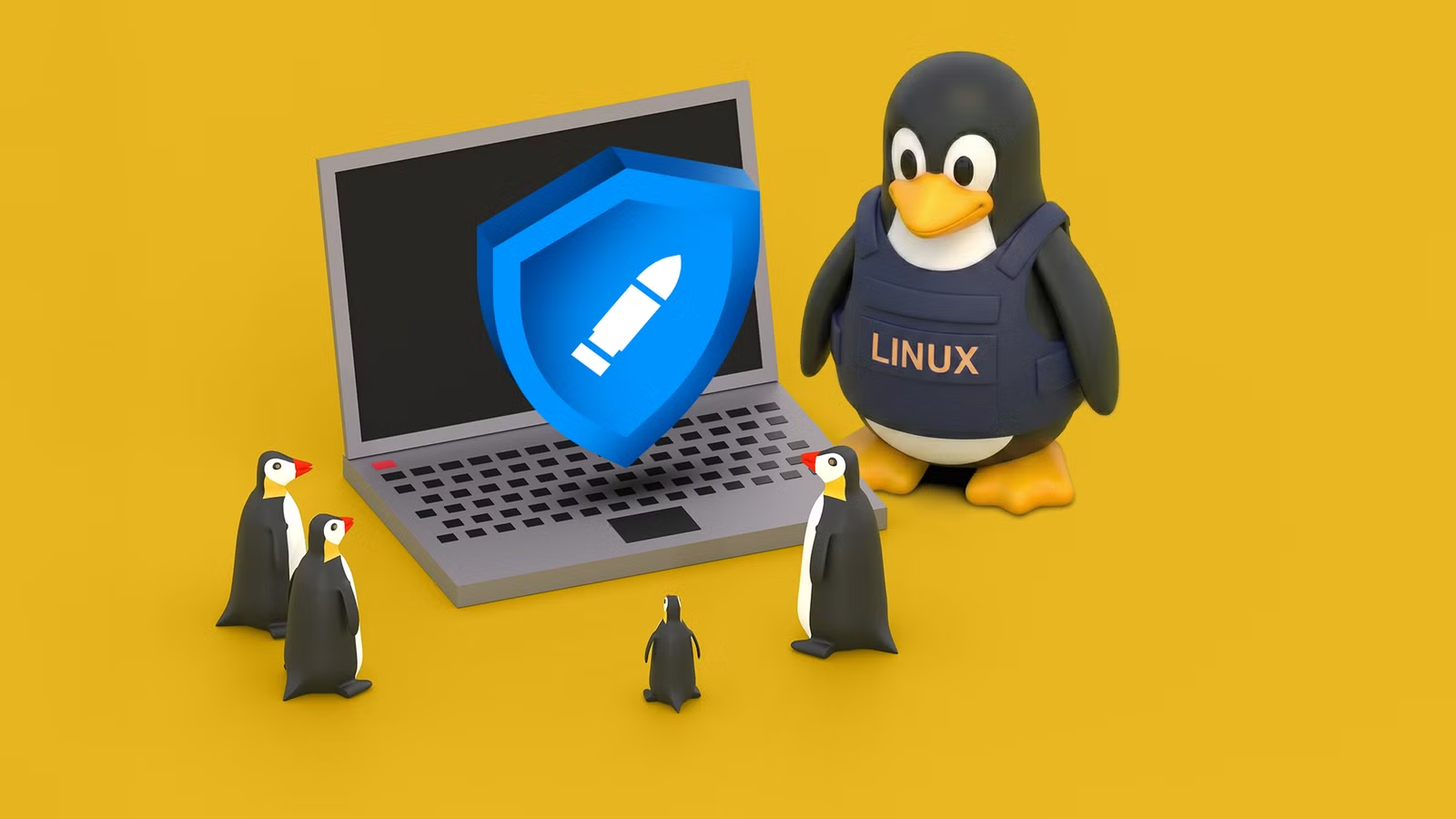
Look at almost any mission-critical computer system in the world—servers, workstations, embedded computers, and many more—and you’ll see Linux in some form. The open-source juggernaut may not have a large share in the desktop market (yet), but when stability, security, and uptime actually matter, Linux seems to be the OS of choice.
That’s not news, this is just the state of the world when it comes to technology. The real question is: why is this software gifted to the world by a university student so bulletproof?
HTG Wrapped: Our favorite tech in 2025
24 days of our favorite hardware, gadgets, and tech
Why Linux avoids the instability traps other OSes fall into
Every operating system is built on a “kernel”. This is the basic logic of the operating system that governs how it handles communication with your hardware, and how it deals with requests from you. The kernel’s approach to these basic OS functions influences everything else. The character and design of the OS flows from the nature of its kernel.
Credit: Lucas Gouveia/How-To Geek
This is why Microsoft shifted the consumer Windows family to the “NT” kernel with Windows XP, leaving the MS-DOS based kernel used in Windows 95 and the rest of its family behind. The NT kernel was originally designed for workstations and servers, favoring stability and allowing for emerging consumer tech like multiple CPU cores, which was something only a server or workstation would have before that point.
The Linux kernel was built with stability in mind. Rather, since it was built as a UNIX clone, it inherited the stable nature of UNIX, which was an OS designed to run on mainframes and minicomputers at large businesses and institutions. Linux is not UNIX, but someone who knows UNIX will have no problem understanding how Linux does things, and what its approach is to handling hardware, software, and security.
Related
Why Linux Rules the World of Science
From desktops to supercomputers, Linux is the OS of choice for scientists.
Despite technically being a large “monolithic” OS kernel, the Linux kernel is modular, which means most updates and changes can be made to Linux without rebooting the system. As a result, it’s not uncommon to learn about Linux systems that have been up and running for multiple years, while staying updated. The only actual downtime is caused by hardware failure, not the software. Contrast that with Windows or even macOS, where you typically need to reboot the system for any semi-serious OS update, and it’s clear why Linux is the server OS king.
How open-source development quietly hardens the platform
Credit: Lucas Gouveia/How-To Geek
Attributed (incorrectly) to the Linux creator Linus Torvalds, “Linus’s law” asserts: “given enough eyeballs, all bugs are shallow.” This is one core explanation of why Linux is so hardy, because across the world thousands and thousands of programmers are constantly inspecting its source code, and that includes the kernel.
For operating systems like Windows and macOS, no one just gets to look through the kernel source code without those companies having a say, and so there’s an inherent limit to the number of person-hours spent fixing bugs or improving stability and efficiency. This also influences the cadence of patches, and basically allows for a Linux installation to benefit from continuous updating if desired, and critical security patches in particular are applied as soon as those patches have gone through the necessary verification and testing.
Why Linux package management keeps your system clean
Linux distros (distributions) use a package manager (e.g. APT, YUM, etc.) to manage software centrally. They maintain a database of every application installed on your Linux computer. When you install an app using this package manager, it also fetches all the dependencies automatically.
This gets around the “DLL Hell” of Windows, where you’re (for example) frequently running into situations where software you’ve installed needs a specific version of the Visual Basic redistributable or .NET. It also makes it easy to update all the software on a Linux computer in one go, and efficiently cleans up installations, including removing dependencies that no currently-installed software needs. Compare that to Windows where you never know which library packs you’ve installed can be safely removed.
Linux is still vulnerable to dependency issues when you perform manual installs or otherwise step outside the package manager system, but if you stay inside the guardrails things are dramatically less unpredictable.
What Linux does differently with processes and permissions
Credit: Lucas Gouveia/How-To Geek
Linux inherits the way that UNIX handled permissions. Every file and process has an owner, a group, and specific permissions like “read”, “write”, and “execute”. A normal user account has limited permissions, and if you try to perform any serious operation, you’ll have to provide a password to elevate that request temporarily to administrative level. In Linux parlance, this is known being “root”, which is the superuser account. Sudo is the command that temporarily elevates you to root, as opposed to being logged in as root permanently.
This means that even if a specific program is compromised somehow or goes rogue, the damage that can be done is limited. Of course, macOS is also a UNIX-like OS and so it has a similar permissions system. Windows traditionally defaults to making the first user account the admin, but things have tightened up as well, which is why you’re hit with a UAC prompt when an app wants to do something that requires admin privileges. But, Linux is still the stricter, cleaner OS when it comes to managing permissions and that makes it less likely that something will go wrong.
Apart from this, Linux has Namespaces, which can isolate processes into virtual containers, isolating faults in one namespace from spreading to others. Control groups allow admins to limit how much RAM or CPU power a group of processes have access to, which means in principle they cannot hang the whole system. Linus init systems like systemd can also be configured to stop and restart processes that crash. So what would have been a showstopper on a server running different OS turns into a blip for a few seconds as a process is brought back from the dead.
Linux thrives on everything from supercomputers to bargain laptops
Linux scales from the smallest gadget to the largest data center. It runs on more hardware architectures than any other OS—from tiny ARM boards (like the Raspberry Pi) to IBM mainframes. Almost all top websites run on a Linux server, and all the fastest 500 supercomputers do as well.
The verdict is clear: when money, lives, and critical services are on the line, only Linux has the trust of the world at large.
8/10
Operating System
Kubuntu 24.04 LTS
CPU
Intel Core Ultra 9 275HX (2.7GHz up to 5.4GHz)
GPU
NVIDIA GeForce RTX 5070 Ti (dGPU), Intel Graphics (iGPU)
RAM
32GB Dual-Channel DDR5 262-pin SODIMM (5600MHz)
