

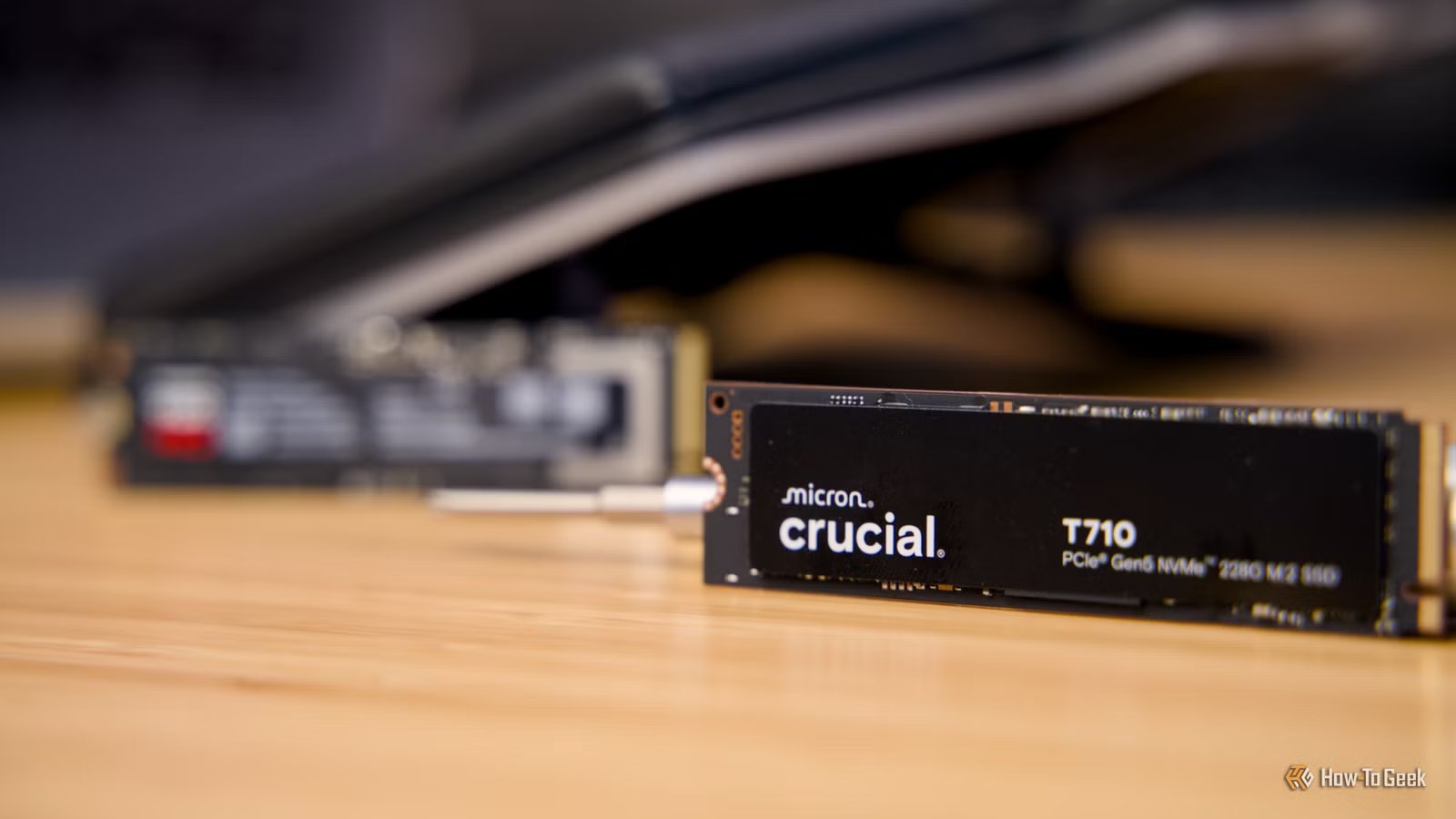
You might have read my colleague Arol’s recent advice to stop partitioning your SSD, and I think he makes some legitimate points. However, as someone who has been partitioning their drives for decades, SSD or not, I’d like to remind everyone that there are important reasons you should partition your SSDs.
Partitions are logical divisions of a physical drive. Your operating system sees multiple “drives” that exist on the same physical disk, but from software’s point of view, these are no different than physically separate disks.
That’s extremely useful, and SSDs are largely unaffected in terms of performance when it comes to partitioning. Historically, with older HDDs, outer tracks performed better, allowing partitions to isolate data there. Modern drives and OSes handle this automatically though.
Now, if you’re using a small SSD (1TB or less), then I will admit that partitioning doesn’t always make sense, but if you have a larger SSD then it can be useful to separate your OS, data, applications, and games. You can encrypt certain volumes but not others, limit where apps can install data, and so much more.
It makes reinstalls and OS failures far less painful
Sure, modern OSes now have options to do inline repairs and reinstallations, promising to let you keep your data and apps. So perhaps the need to separate your OS volume from the rest of your data isn’t that useful anymore.
Personally, you can call it being old-school or just paranoid, but I prefer to wipe my Windows partition clean as a whistle before reinstalling it. Other operating systems, like Linux or macOS, have their own complex partitioning schemes anyway, but for Windows in particular, I just don’t trust it to cleanly refresh everything. Constant WIndows bugs and broken updates in recent years have destroyed what little trust I might have had in the modern “Microslop” era.
Backups become faster, smaller, and more reliable
Credit: Sydney Louw Butler/How-To Geek
First, I should say that you should never have a backup partition on the same drive as the partition you’re backing up. That’s how recovery partitions work, but that’s not what we’re talking about here. Backups should go onto at least one separate medium, and, if possible, you should follow the 3-2-1 backup rule so that your data has a better chance at physical survival.
However, it’s rarely necessary when making a recovery disk image to back up the entire disk. If you partition your disk to separate the system and data portions, then you make it easy to replace either image without affecting the other. Your data probably doesn’t change every day, but your system partition does. Lumping it all together into one backup makes those backups larger and slower. Besides, for pure data like documents and photos, there are better ways to back things up incrementally these days than imaging that partition.
Even if you have to replace the entire SSD due to a hardware failure, it’s easier and faster to image a smaller system partition to a new drive than a whole disk backup. Which can be crucial if you’re on a hurry.
Partitioning enables smarter multi-OS and testing setups
Credit: Dibakar Ghosh / How-To Geek
Arol’s article I mentioned in the opening paragraph already lists dual-booting as (in his opinion) the remaining legitimate reason to partition an SSD, but it’s worth repeating here because having the option to boot multiple operating systems is more important than ever.
While it might make the most sense for people to physically have their OS, apps, and data on separate SSDs where possible, in my opinion, having multiple physical boot drives can really complicate things. Having one physical drive with multiple OS partitions and a bootloader to choose between them is actually simpler and more reliable if you ask me.
It also lets you have one slice of your SSD dedicated to trying out new things. If you’re someone who distro hops, or you want to run an older version of Windows for a specific reason, then partitioning lets you do that with little fear of hurting your main installation.
That said, you need to proceed with caution whenever you are creating, resizing, or otherwise working with partitioning software. It’s far too easy to accidentally delete a partition or otherwise break things if you’re careless. Which is another reason it’s good to have small disk images you can restore easily if things go wrong. Also, in the case of Linux, some distros are better for dual-booting.
8/10
Operating System
Kubuntu 24.04 LTS
CPU
Intel Core Ultra 9 275HX (2.7GHz up to 5.4GHz)
GPU
NVIDIA GeForce RTX 5070 Ti (dGPU), Intel Graphics (iGPU)
RAM
32GB Dual-Channel DDR5 262-pin SODIMM (5600MHz)
