

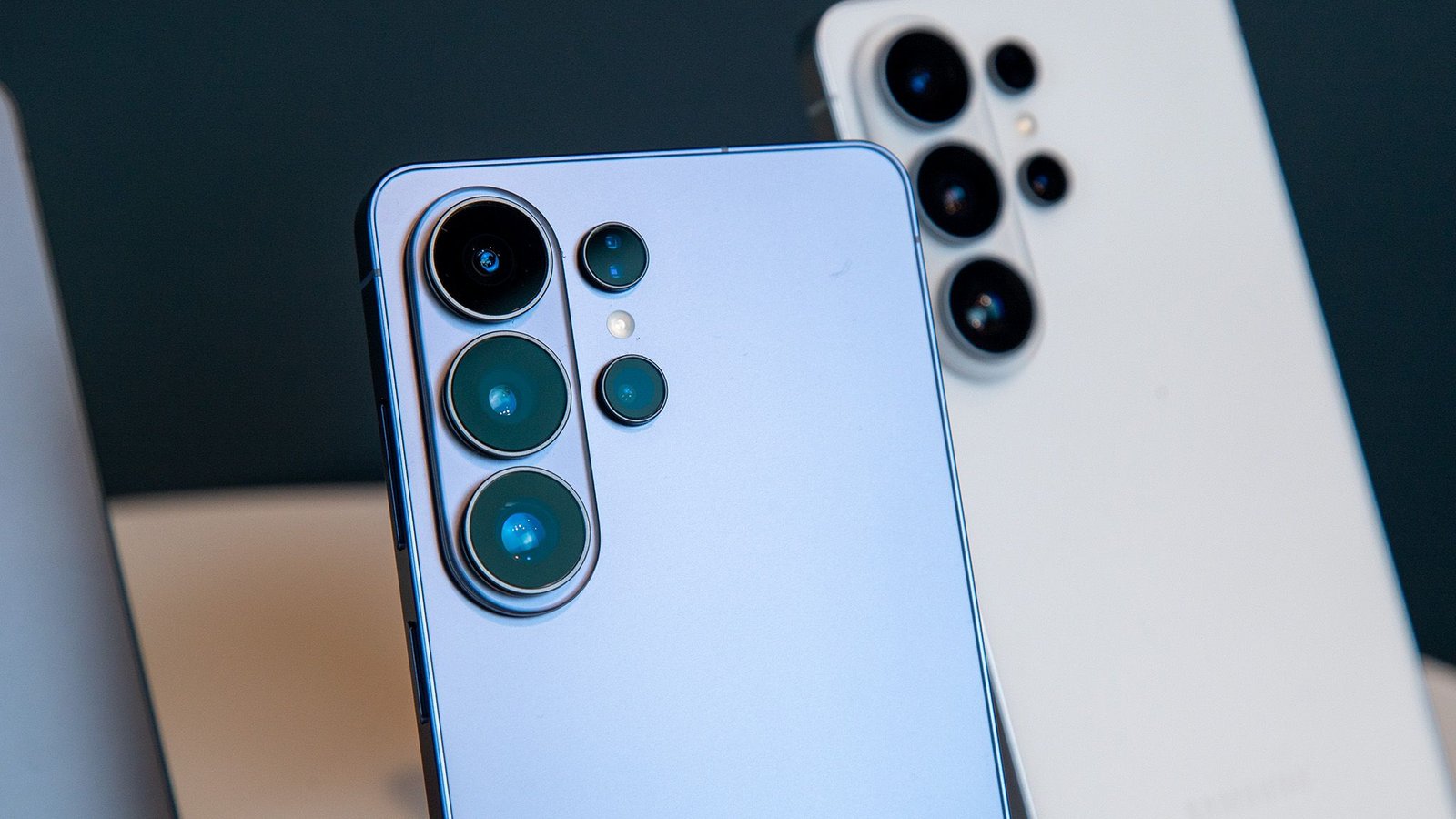
What you need to know
- Samsung quietly introduced a hidden 24MP camera mode across the Galaxy S26 lineup, but you must download Camera Assistant to unlock it.
- AI Fusion processing blends high-resolution detail with multi-frame computational photography for sharper images and better brightness.
- Unlike Expert RAW’s 24MP option, this version is designed for simple point-and-shoot photography with zero manual tweaking.
Samsung’s Galaxy S26 cameras bring a new trick, and, weirdly, the company didn’t make it obvious.
The Korean tech giant quietly introduced a 24MP shooting mode across the latest and greatest Samsung phones, but instead of surfacing it front and center, the feature is tucked behind an extra download.
While top models now feature huge sensors, like the Galaxy S26 Ultra’s 200MP main camera and 50MP telephoto, most phones still default to 12MP photos. That’s because pixel binning combines multiple pixels into a single one, improving light capture, dynamic range, and processing speed. You get cleaner photos faster, but you sacrifice some raw detail.
You may like
The new 24MP option is Samsung’s way of finding a middle ground. Instead of making you pick between fast 12MP shots or super-detailed 50MP and 200MP photos, the 24MP mode offers a mix of both, as per a Samsung Community moderator (via Android Authority).
AI-powered processing
The system relies on AI Fusion processing to pull details from higher-resolution data while still applying multi-frame computational photography similar to the 12MP mode. This should result in sharper images with solid brightness and reduced motion blur.
There is, however, a catch. The 24MP mode isn’t enabled inside the camera app out of the box. To access it, you need Samsung’s Camera Assistant, a Good Lock module available through the Galaxy Store.
After installing it, you must manually toggle advanced resolution options before the 24MP setting appears in the stock camera interface. It’s a simple process, but it’s also the kind of extra step many casual users will never discover.
Samsung often uses Camera Assistant as a playground for experimental or enthusiast-focused tools, letting power users tweak behavior without overwhelming everyday consumers. Still, given how useful this mode could be, burying it behind an add-on may limit its reach.
(Image credit: Derrek Lee / Android Central)
For photography, the 24MP mode has some clear benefits. The usual 12MP setting is still best for consistent dynamic range and low noise, especially in low light. The 50MP and 200MP modes are great if you want to crop or zoom a lot, but they can have issues with color and speed. The 24MP mode sits in the middle, giving you better detail without losing natural colors or everyday reliability.
Unlike the 24MP mode in Expert RAW, this version is made for simple point-and-shoot use. You don’t need to make any manual adjustments.
Interestingly, because the Galaxy S26 series shares similar camera hardware across models, there’s speculation that this feature could expand to older devices through future One UI updates.
Android Central’s Take
I think this is exactly the kind of camera evolution users actually benefit from. Not everyone wants massive 200MP files eating storage, but plenty of people still want sharper shots without extra effort. A balanced 24MP mode makes everyday photography feel more premium without making things harder, as long as you can find it.
But unless Samsung puts this option right in the main camera app, it probably won’t become the go-to choice for people who just want great photos without any hassle.
