

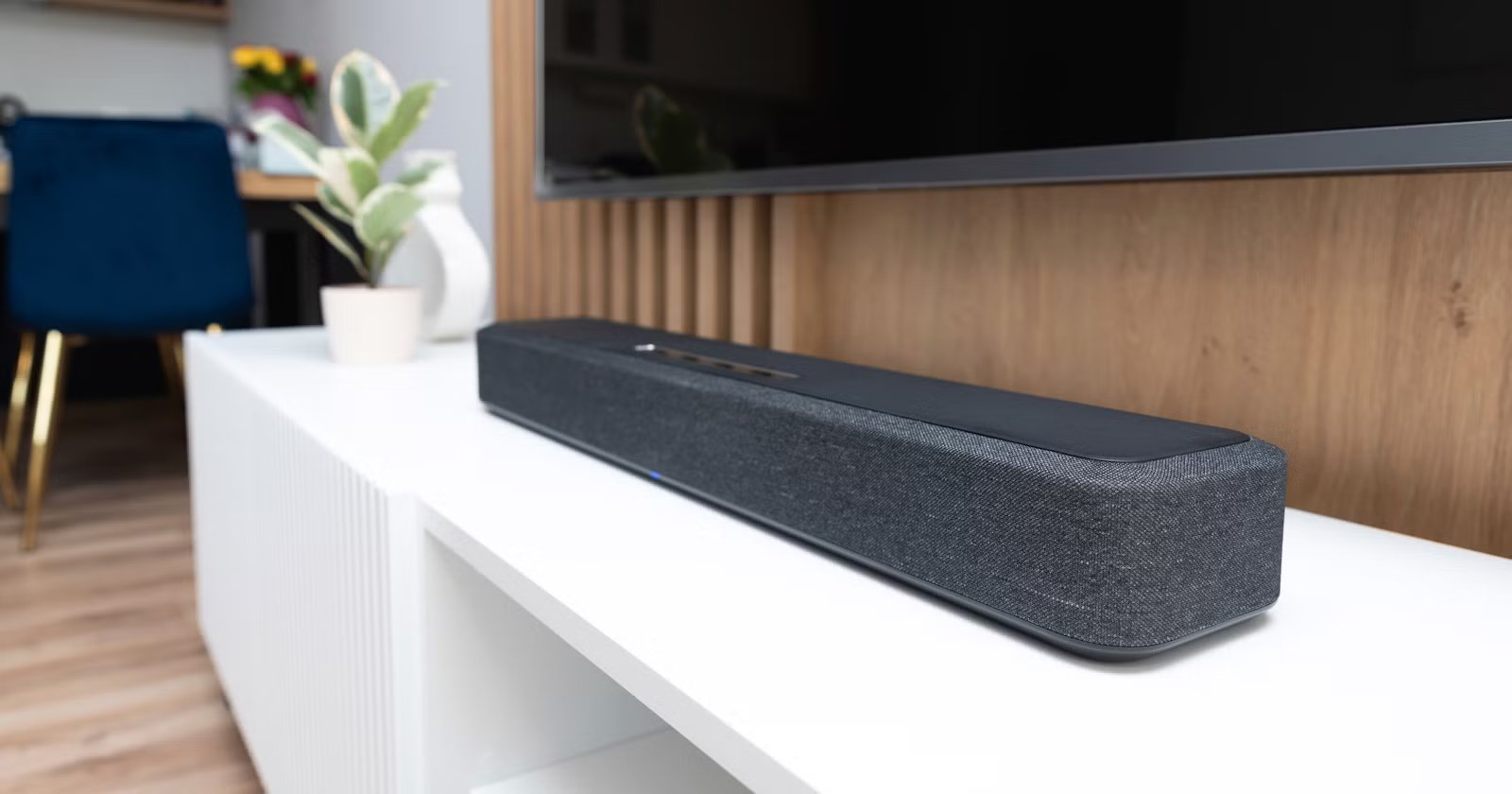
Imagine you have recently purchased the latest and best soundbar. You have put in a lot of research and time behind it, waited three days for its delivery, and spent almost an hour unboxing and setting it up. You plug it in with a cable to your TV, fire up a Marvel movie, and only hear audio, which is just fine. But you don’t invest so much money and time in a soundbar that just has fine audio.
Most of the time, the culprit isn’t the soundbar or your TV. It is likely the cable that you used to connect the two. Any cable won’t unlock the best sound quality from your speakers. You need a specific HDMI cable to listen to the immersive experience of Dolby Atmos or DTS:X. Here’s what you would need.
Related
You’re using the wrong cable for your soundbar (and it’s killing the audio quality)
You can unlock your soundbar’s true potential by ditching this outdated cable technology.
Why isn’t any HDMI cable good enough?
The “digital is digital” is a flawed assumption
Julien Jean Zayatz/ShutterstockCredit: Julien Jean Zayatz/Shutterstock
Many of us have a drawer full of HDMI cables, which we collect by purchasing new devices or buying them for other purposes. Because of the excitement, anyone’s basic instinct would be to use any HDMI cable that is already available to connect a home theater to the TV. This is where things go wrong, because we assume a digital signal is, well, a digital signal.
For normal movies, or content that may suffice, but when you are playing films or videos with Dolby Atmos or DTS:X sound, things change. Using an unsupported cable would output audio that is all over the place; for instance, the explosions will be loud, but the dialogue will sound muddy.
The main issue is nothing but bandwidth.
With the launch of HDMI 1.4, HDMI ARC was introduced. For years, this was the standard to reduce cable clutter and provide compressed 5.1 surround sound. However, HDMI ARC (Audio Return Channel) has limited bandwidth, around 1 Mbps.
ARC does support lip sync correction and audio quality, such as Dolby Digital, DTS (Digital Theater Systems), and PCM (Pulse-Code Modulation). To understand better, think of ARC as a single-lane road. It has to carry stereo or compressed 5.1 surround sound, but doesn’t have the room to carry the lossless audio quality of, say, Dolby Atmos.
Why eARC is a massive upgrade over HDMI ARC
eARC has all the bandwidth to carry uncompressed and lossless audio
Credit: Sony India/YouTube
This is where eARC (Enhanced Audio Return Channel) comes into the picture, which unlocks the true capability of a capable soundbar. To give you some context, eARC was introduced as a part of the HDMI 2.1 specification, which was introduced in 2017.
Being around eight years new to ARC, eARC brings a lot of advancements. Most importantly, it brings an enhanced bandwidth of up to 37 Mbps. This unlocks audio quality support for advanced formats, such as Dolby Atmos, DTS:X, full-resolution 5.1 and 7.1 channel surround sound, and also 32-channel audio.
Connecting an HDMI 2.1 cable with eARC instantly makes the audio sound richer, with all the details intact, eliminating the need to adjust sound settings. Things don’t end there.
When you stream Netflix or any other content over a standard ARC connection, you will get Dolby Digital Plus audio. This is a highly compressed version of Atmos. It is similar to watching a 4K movie on a bad Wi-Fi connection, where the picture is there, but the image is blurry.
If you want the full experience, you must have eARC. Without it, your TV is forced to compress the audio signal down and compromise the quality.
Related
These Are the 9 Most Important Ports Your Smart TV Should Have
If you’re about to buy a new smart TV, make sure it has these ports.
You can get the best sound with the right cable
Setting up is quite easy if you know the drill
While the specific steps may vary depending on the brand of smart TV and soundbar you have, there is a simple general rule, which is as follows:
- Before you head to the market to buy an HDMI eARC soundbar, you should first check if your TV has the right port or not. Meaning, it should have eARC support to provide the best audio quality. Verify this by doing a quick Google search or going through the device’s manual. If it mentions ARC, you will be limited to compressed audio.
- Not all HDMI cables are created equal and will support eARC. You should specifically search for HDMI eARC cables for home theaters when searching for them online. Usually, these HDMI cables are labeled as Ultra High Speed or 48Gbps on the packaging. You can also check the cable specifications for eARC support.
- Use the appropriate cable to connect both your TV and the soundbar.
- On your TV, navigate to Settings and look for Digital Output or Audio Output. Do the same on your soundbar. For some soundbars, the option is selected automatically if the correct cable is used. Change the setting from PCM or Auto to Pass-Through or Bitstream.
- Test the audio quality by playing Dolby Atmos-enabled content.
What if you have an older sound system that does not support eARC? Don’t worry. As you can make use of an HDMI ARC/eARC Digital Audio Converter like the OREI Dual HDMI eARC audio extractor (HDA-931) that bypasses the limitations of older receivers to deliver full Dolby Atmos.
Choosing the right cable is the key
Just getting the best soundbar and the latest smart TV doesn’t guarantee you the best possible output. On paper, they can, but it also depends on whether they are connected the right way with the right cables. Buying top-notch devices and connecting them with old-generation cables is like running a Rolls-Royce on CNG.
