

Creative software subscriptions don’t come cheap. In fact, it can become one of the biggest recurring expenses for designers, illustrators, video editors, and content creators. When you need some capable design suites, development tools, and editing software, it’s easy to assume that serious work requires some serious spending. Many beginners and enthusiasts end up spending hundreds of dollars, without even knowing that even professionals rely on completely free tools for their everyday tasks. No, they aren’t lite versions or limited-time trials. I’m talking about truly capable platforms that can compete with paid alternatives and handle real client work.
If you wish to build a creative toolkit on a budget or want to avoid unnecessary subscriptions, I’ve curated a list of seven tools that will prove that free doesn’t always mean basic.
Inkscape
A free Adobe Illustrator alternative
Yadullah Abidi / MakeUseOfCredit: Yadullah Abidi / MakeUseOf
Everyone knows about Adobe Illustrator, the industry-standard software for creating and editing vector graphics. There’s no doubt that Adobe Illustrator works great, but it also comes with a high subscription cost. The recurring monthly costs can be really expensive for individuals and small business owners. This is where Inkscape comes in. It’s a free, open-source, and powerful vector graphics editor that makes a strong alternative to professional software like Adobe Illustrator and CorelDRAW. It primarily uses the SVG (Scalable Vector Graphics) format, which is supported by all major web browsers.
Inkscape offers various design tools, such as an object creation toolkit (pens, pencils, shapes), path editing, node manipulation, text support, and advanced features like patterns and gradients. So you can create cartoons, complex digital paintings, diagrams, flowcharts, logos, business cards, and much more. It uses mathematical equations to design lines and shapes, so your designs will stay sharp and scalable without becoming pixelated. Thanks to cross-platform compatibility, you can use this tool in Windows, macOS, and Linux.
OS
Windows, Linux, macOS
Developer
Inkscape
Krita
Digital painter’s favorite tool
Yadullah Abidi / MakeUseOfCredit: Yadullah Abidi / MakeUseOf
If you’re an illustrator or concept artist, you have to check out Krita software. It’s a free and open-source painting program that offers a comprehensive solution for creating digital art files. Krita offers highly customizable brush engines, vector tools, layer management, and brush stabilizers to help achieve neat strokes. You’ll get an artist-centric interface that looks clean and has a unique pop-up palette that keeps your brushes and colors within easy reach. You can also customize the interface by moving the dockers or switching to Canvas-only mode to hide all dockers and get more drawing space.
Despite being completely free, Krita offers dedicated tools for specific creative industries, such as 2D animation, comics, storyboarding, and indie game art, enabling artists to produce professional artwork.
GIMP
Advanced photo editor with a subscription
Yadullah Abidi / MakeUseOfCredit: Yadullah Abidi / MakeUseOf
If you like Photoshop but don’t want to pay its high subscription fees, you must try GIMP (GNU Image Manipulation Program). This tool has been around for years and has become one of the most capable and cost-free alternatives to Photoshop. This free raster image editor offers advanced manipulation techniques like custom brushes, layer masks, blending modes, and scripted automation. It offers professional-grade tools for creating original artwork, image composition, and photo retouching.
GIMP is available for Windows, macOS, Linux, and Unix systems. Many photographers, especially those who use Linux systems, often use GIMP as their primary editing software. It can easily handle high-resolution images, complex composites, and advanced color correction. Plus, it supports common formats such as JPG, PNG, GIF, TIFF, and PSD. At first glance, the interface might feel different from mainstream photo editors. But you’ll find all the essential tools for your workflow.
OS
Windows, macOS, Linux
Developer
Simon Budig
DaVinci Resolve
Enjoy Hollywood-level video editing
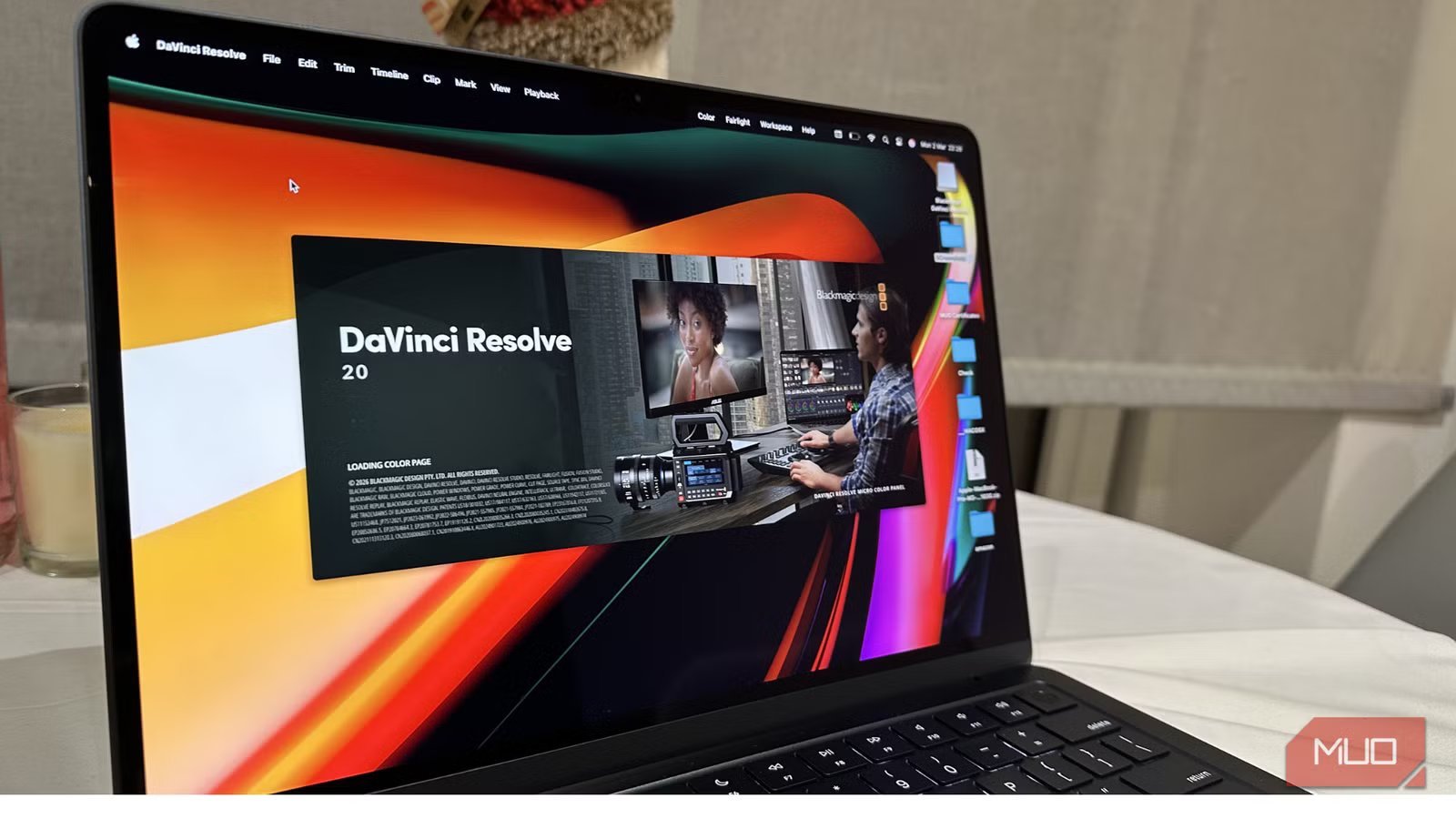
If there’s one of the most powerful free video editors, it has to be DaVinci Resolve. It’s a powerful and capable all-in-one tool for professional video editing, VFX, color correction, and audio post-production. DaVinci Resolve is available for Mac, Windows, and Linux. It offers you a feature-rich free version and a paid Studio version. The free version gives you almost all the core professional tools included in the Studio version without any annoying watermarks or limited-time trials. You’ll get access to full editing pages, professional color grading tools, advanced video editing capabilities, and VFX and motion graphics.
Thanks to multi-user collaboration, you and your team can work on the same timeline simultaneously. The free version lets you work with up to Ultra HD formats and 60 fps frame rates. Today, YouTubers, content creators, and independent filmmakers rely on the free version for their complete editing workflows. DaVinci Resolve is already used in the film and television industry, which speaks volumes about its capabilities. If you also want a free video editing tool that offers serious professional depth, DaVinci Resolve is the way to go.
OS
Windows, Linux, macOS, iPadOS
Developer
BlackMagic
OBS Studio
Stream and record like a pro
NAR by GAvin
OBS Studio has become the industry standard for video recording and live streaming. It allows users to create high-quality, real-time audio/video capturing, mixing, and scene compositions. Therefore, you can combine multiple sources like microphones, webcams, screen captures, and overlays into customizable scenes. Many gamers rely on OBS Studio to stream their gameplay to Twitch, YouTube, and Facebook Live. Also, educators and online course creators use this tool to create high-quality online lectures and video tutorials.
Despite being a free tool, OBS Studio offers a ton of functionality for professionals. The plugin ecosystem expands the functionality of OBS Studio beyond recording and streaming. You can use plugins to automate repetitive tasks, add 3D transformations, and expand connectivity.
OS
Windows, macOS, Linux
Developer
Lain Bailey
Audacity
Clean, simple, and reliable audio editing
Tashreef Shareef / MakeUseOfCredit: Tashreef Shareef / MakeUseOf
Audacity is one of the best open-source and cross-platform audio editing tools you can find today. It’s widely known for its multi-track editing, noise reduction, and plugin integration. This makes Audacity a great option for voiceovers, podcasts, and sound design. Audacity supports various file formats like MP3, WAV, and AIFF, and runs smoothly on Linux, macOS, and Windows machines.
Many podcasters, musicians, and independent creators like Audacity for its straightforward workflow and robust editing capabilities. You may not find the advanced mixing environment of a high-end audio workstation, but it works perfectly for recording and editing spoken content. It also supports AI-powered tools like automated transcription and music separation.
OS
Windows, macOS, Linux
Developer
Dominic Mazzoni
Get professional results from free tools
Years ago, you would definitely need expensive subscriptions for professional and creative work. But that’s not the case anymore. From vector design to video editors, you can easily find some free tools that give you professional results. It’s not always the software that gives you the high-quality results; sometimes, it’s how well you use it. Even with free tools, you can produce high-quality work without spending a cent.
Related
This desktop app is like Photoshop but actually free
Discover this truly free photo and design app for desktop that rivals Adobe’s creative suite
