

I didn’t start self-hosting because I wanted a rack of blinking lights and a Reddit badge of honor. I started because I got tired of paying for things that felt… replaceable. And because I was curious. Curious about cloud storage, music streaming, and password managers. All useful, sure, but also oddly fragile. Subscriptions creep up, features disappear, and somehow you still don’t feel fully in control.
So I did what any mildly obnoxious Linux user would do. I spun up a few containers, told myself this was “just testing,” and accidentally built a setup I now rely on daily. Not everything stuck, and a lot of tools sounded cool but died quietly after a week.
These are the ones that didn’t.
Related
I replaced Google Drive with a self‑hosted cloud and the freedom is worth it
A self-hosted cloud is very liberating and surprisingly not as hard to set up.
Navidrome
It gave me Spotify vibes without Spotify baggage
Screenshot by Yadullah Abidi | No Attribution Required.
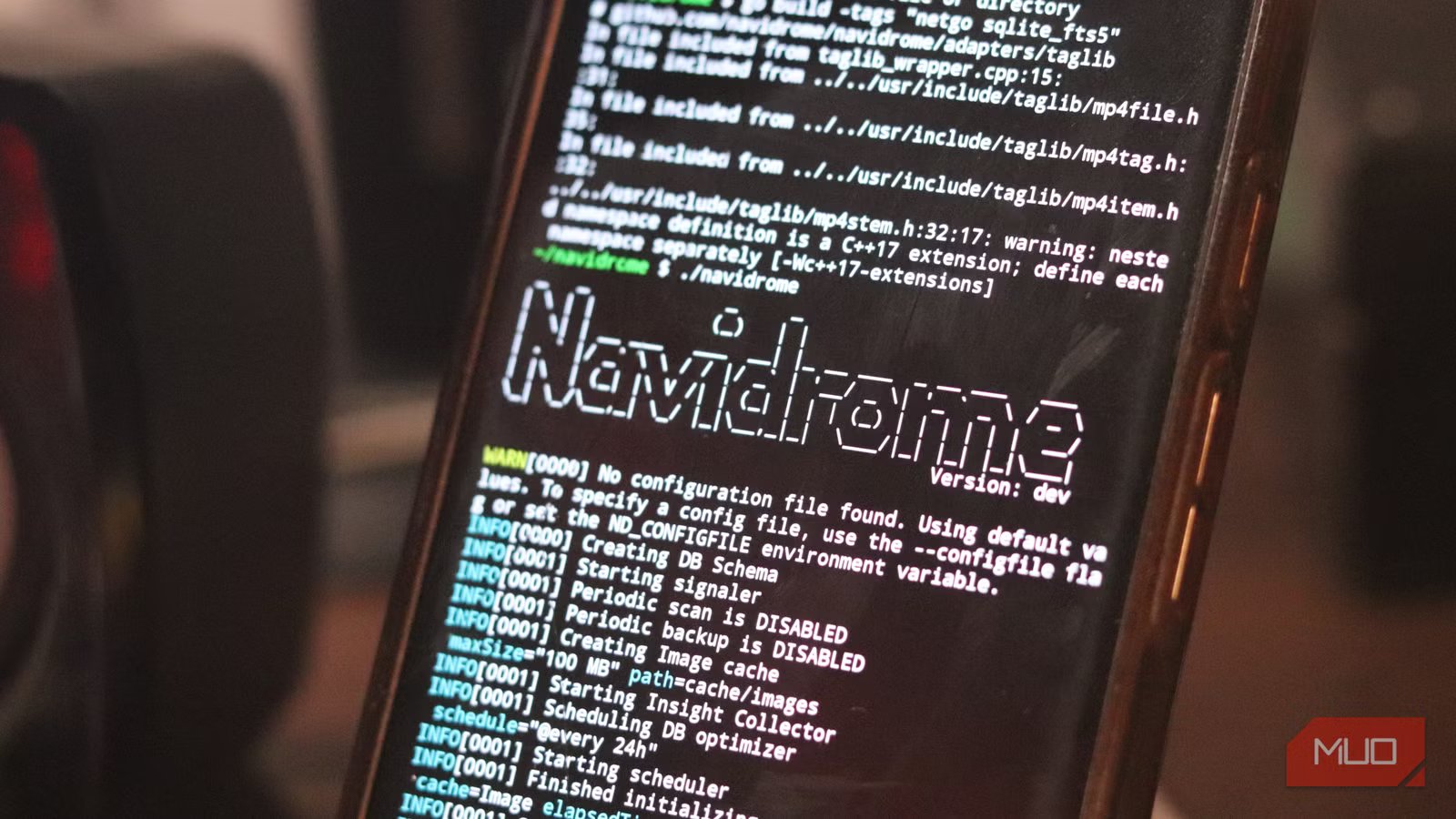
Listen! I am no spring chicken. I’ve been around for a while, and I’ve gathered a pretty decent collection of music on physical media over the years. Music that I’ve digitized is now useful again. Navidrome is one of those tools that sounds niche until you actually use it. Then it takes over your entire music life. I pointed it at my existing music library, opened the web UI, and within minutes, it felt like a stripped-down Spotify that actually respected me.
Fast, clean, no algorithm trying to emotionally manipulate my Monday evening (Discover weekly). The real win is how lightweight it is. It runs happily in Docker, doesn’t chew through resources, and plainly just works. No babysitting, no weird quirks, and paired with mobile apps like Substreamer or Symfonium, it becomes a full streaming setup. Except it’s yours. No disappearing albums. No subscription anxiety. Just music.
Nextcloud
File syncing without handing my data to someone else
Nextcloud is probably the most obvious self-hosted app on this list. It’s also the one I expected to hate, because on paper, it tries to do everything: File sync, photos, calendars, contacts, collaboration tools, and more. In my experience, that usually ends in a bloated mess. But used selectively, it’s incredibly solid. I don’t use every feature. I use it for what matters. File syncing, backups, and easy access across devices. And that alone replaced multiple services I was paying for.
The “aha” moment wasn’t technical, but emotional. Opening a file and knowing exactly where it lives, who controls it, and that it’s not being stealthily indexed for “product improvements.” It’s not just storage. It’s ownership.
Bitwarden
Finally, a password manager I trust and control
Bitwarden (specifically Vaultwarden for self-hosting) is one of those tools you don’t think about until you absolutely need it — and then you really need it. I used to bounce between password managers. Some paid, some free, but none quite sticking. Either the UI annoyed me, or I didn’t fully trust where my data lived.
Running my own Bitwarden instance changed that instantly. Everything syncs across devices, autofill works, and sharing credentials is easy. Most importantly, Bitwarden feels predictable. There are no sudden plan changes, and features don’t suddenly move behind paywalls.
It’s boring in the best possible way, which is exactly what you want from something guarding your digital life.
Portainer
A clean interface for something that loves complexity
Screenshot by RAvi. NAR
Portainer is the reason this entire setup didn’t collapse under its own complexity. Docker is great until you need to manage it daily.
Then it turns into a mix of terminal commands, YAML files, and “wait, what did I name that container again?”
Portainer fixes that. You get a clean dashboard that lets you see everything at a glance: restart containers, update stacks, check logs, all without diving into the terminal every five minutes. For me, it doesn’t replace Docker knowledge. It just removes friction. And that’s the difference between a setup you experiment with and one you actually keep.
Pi-hole
Ad-blocking at the network level is a different game
Screenshot by Yadullah Abidi | No Attribution Required.
Pi-hole is one of the few tools where the impact is immediate and obvious. Set it up, point your network to it, and suddenly, ads just stop showing up. It works across all of your devices, too, such as phones, smart TVs, and random smart gadgets that really shouldn’t be showing ads but do anyway.
It also doubles as a DNS control point, which means faster lookups and better visibility into what your network is doing. The biggest surprise wasn’t the ad-blocking. It was how much quieter everything felt: Less clutter, fewer interruptions, and generally less nonsense. It’s one of those changes you notice instantly and miss immediately if it goes down.
Why these self-hosted apps stuck when others didn’t
I’ve tried a lot of self-hosted tools. Dashboards, note apps, automation platforms, things that looked incredible in screenshots and then quietly gathered dust. The ones that stayed all have something in common: they replaced something I was already using, and they did it without adding almost any friction. No constant maintenance, no fragile setups, and no “this breaks if you look at it wrong” energy. Just tools that run, solve a problem, and get out of the way. That’s the real bar for self-hosting. Not how cool it looks. Not how many containers you can stack. But whether you’d actually notice if it disappeared tomorrow. These? I would.
