

Your home network is often your home’s lifeline. You need to have a well-oiled machine when it comes to your Wi-Fi if you want to do pretty much anything these days. This means that your Internet needs to be working well, and you need to have the right setup to ensure that it continues to work.
Whether you need to work from home or you just want your smart home devices to be up and running, your home network is one of the most important facets of your day. It might not be something that you think about all the time, but it certainly is if yours isn’t working. There are some tools you can pick up at The Home Depot to make sure your home network is working as well as it should.
Don’t overwhelm your Wi-Fi and add a network switch
That’s what you should consider
Adding a network switch to your setup adds more Ethernet ports to your home. This allows you to plug devices in directly to the switch rather than adding them to your router, either via a wire or wirelessly. The network switch will keep you from having to add those devices to your network and from them using up the Wi-Fi.
Adding more Ethernet ports to your home network expands the network. It provides a separate option to connect your devices to. While most routers have one or two Ethernet ports, most network switches have more, giving you an easier way of adding additional devices. This goes for streaming devices or gaming devices.
Many times, gamers will use network switches to give them faster speeds while gaming. This helps them avoid any lag on a Wi-Fi network as well. Network switches are ideal for transferring large files as well, so you can pass them between devices without having to worry about loading them through the Wi-Fi network.
Look for a network switch that doesn’t require any configuration of your devices when you plug them in. This will allow you to plug in and immediately use them.
For anyone who needs more wired connections, a network switch makes a lot of sense. If you are using one in your home office, you can connect your printer and monitor to a network switch and add to your desktop to connect all three of them quickly and efficiently. You’ll want something that offers gigabit ports, clearing the way to move faster.
Make sure your network reaches far with a Wi-Fi extender
This is a genius addition to any home
Credit: Peter Togel / Below the Sky / Shutterstock
Working from all areas of your house can help you be more productive throughout the day. It can benefit any person who works from home to be able to have a strong Internet connection from anywhere in their home. There are bound to be dead zones in your home, especially if you just have a single router.
It’s different for people with mesh Wi-Fi systems, as those can eliminate dead zones as they spread the Wi-Fi more evenly throughout the house. But if you have a singular router hooked up in your home, chances are that areas far away from it in your home have weaker Wi-Fi signals.
That’s why a Wi-Fi extender is a smart investment. Rather than joining your normal Wi-Fi signal, the extender creates a different network to join that is stronger in certain areas of the home. It shows up as its own option in your networks, letting you join it and connect devices to it. Because it’s taking the signal from the network and making it stronger, this lets you place the Wi-Fi extender in an area farther away from the router to boost the signal, helping eliminate, or at least minimize, dead zones.
Related
This Is How I Fixed My Spotty Wi-Fi Without Buying New Gear
You don’t need to shell out for a new Wi-Fi router straight away.
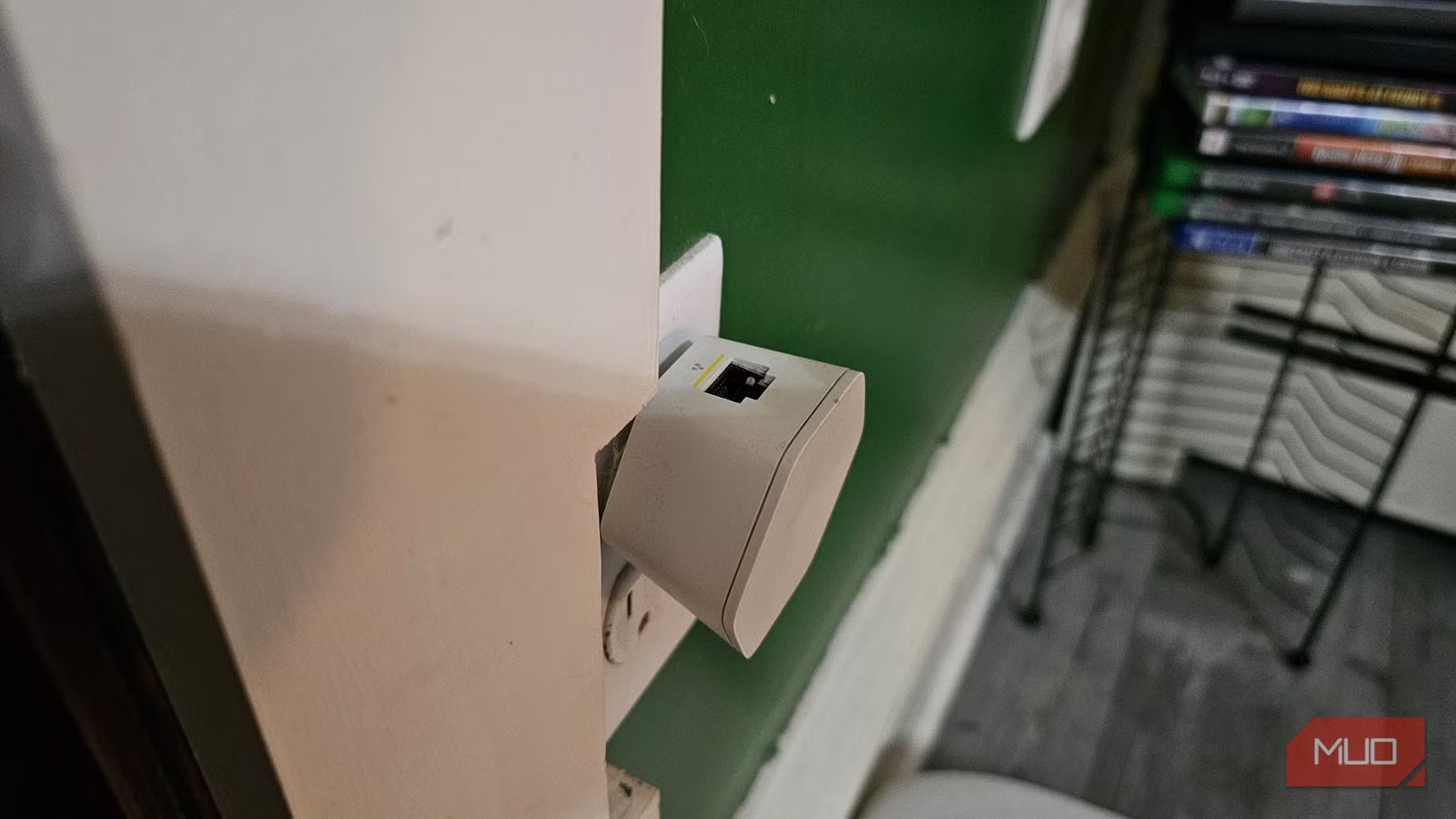
The Wi-Fi extender’s antennae receive the signal from the router and extend its range. Some options, like the TP-Link Wi-Fi 6 Range Extender Adapter, have a signal indicator that lights up to show you how strong the signal is in a certain area, helping you determine where to place it to boost the Wi-Fi network.
You can also plug your extender into your router using an Ethernet cable to turn it into a hub for other devices in your home. Wi-Fi extenders are meant to alleviate strain on your router and the network in general, plus give users a better experience in their own home. It can be difficult to get work done without a strong Wi-Fi connection, and an extender or booster can make the difference.
Get rid of the mess with the cable organizer
Keep everything tight together
Let’s say you have a multitude of devices connected to your router. You plug many of them in with Ethernet cables to achieve a better connection. That, unfortunately, leaves a lot of cables in one area. To avoid feeling overwhelmed by cables, there are some options that you have to get your wires and cables under control.
You can choose cable organizers, like the one you see above, which lets you weave your cables together to keep them in one specific area. You can also opt for something like a cable management box that sits under a desk, which helps funnel cords from one place to another while bunching them together.
A box of some sort can help keep your networking cables from taking over your space. You’re going to have power cables, Ethernet cables, potentially USB cables, and others that can be around the router. In other areas of the home, there are cords for monitors, computers, printers, and even lights. Creating a unified solution for your cables makes any area feel less cluttered and helps you find the right end of a cable when you need it.
There’s not much worse than trying to find the end of a cord, but you grab four other cords and try to decipher which one is the right one. With cable management boxes and organizers, the cords are kept in one place, and you’re able to grab the end that you need in a short amount of time.
Networking tools can help organize your home
By investing in some networking tools, your router and home network can run more efficiently and be easier to utilize. Whether you use a cable organizer, a network switch, or a Wi-Fi extender, each serves a different purpose and can help your home network work better. You can even use all three in a home, making for a streamlined setup. Adding something to your router setup makes a lot of sense for anyone who expects a lot from their Wi-Fi.
