

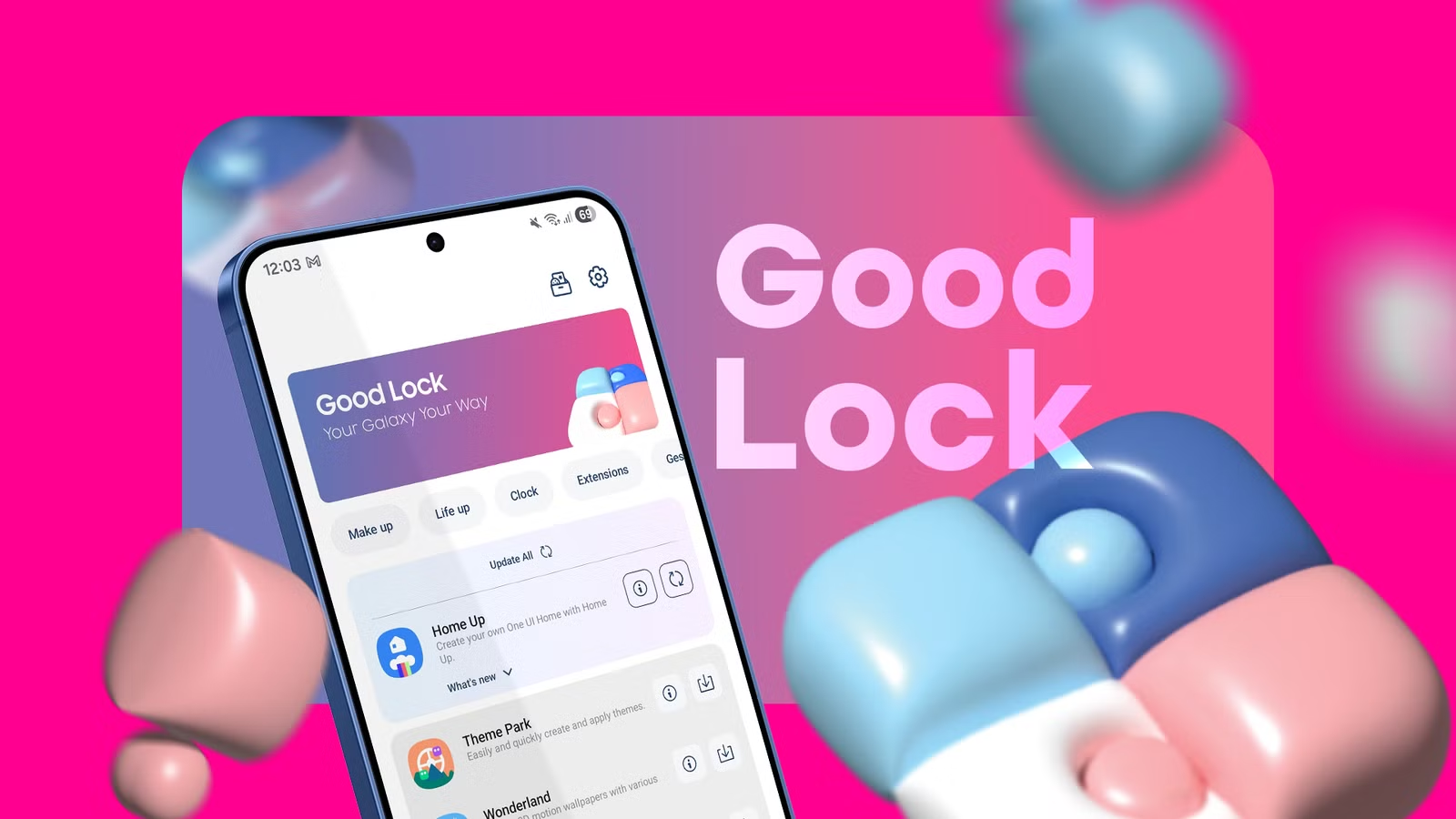
A decade ago, I didn’t want anything to do with Samsung phones. Now they’ve become the only ones I want to own—and while this may be surprising, there’s a single Samsung app that’s a big part of the reason why.
This app is Good Lock. The name doesn’t give much away, but that’s kind of the point. This isn’t an app that comes pre-installed, nor is it intended for everyone to download. But if there has ever been a way you wished you could adjust a setting or modify your phone, chances are, this one app is almost all you need.
There’s a plug-in for that
Samsung Galaxy phones are notorious for their vast array of settings. That said, they’re not as confusing as they once were. While there are still far more options than on phones from other carriers, you may actually find Samsung’s settings to be easier to navigate.
As vast as Samsung’s settings are, they don’t let you do everything. That’s where Good Lock comes in. Good Lock consists of various plug-ins that handle different parts of your phone. “Home Up” deals with your home screen, including tweaks for your taskbar and edge panels (which are an excellent somewhat hidden Samsung feature in their own right). “Display Assistant” lets you configure additional screen settings, such as changing how long the screen takes to turn off for a specific app. Pentastic deals with the S Pen, allowing you to change how the Air command menu looks and functions.
System-level customizations—no root required
Some of the modifications that Good Lock allows previously required either getting system-level root access on your phone or swapping out your default firmware entirely for a custom ROM. In the early 2010s, Samsung hired Steve Kondik, creator of CyanogenMOD (the most popular custom ROM at the time), along with other custom ROM developers. It’s inside Good Lock where their contributions feel most apparent.
If you want to change the number of icons that can fit in a row on your home screen or their size, adjust the length of animations, rearrange your time and status icons at the top, or bring back the recent apps switcher from the Android Honeycomb days, you can do all of this within Good Lock.
If you want even deeper control over how notifications appear on your phone, change the look and options available on your volume slider, or change every aspect of how your lock screen functions, you have these options, too.
I can do so much within the various Good Lock modules that Samsung has eliminated nearly every reason I once had for installing a custom ROM. Now, my only motivation would be to de-Google my phone and use only open source apps, which, admittedly, is much easier than it used to be given how many excellent open source Android apps there are.
Features that supercharge my phone
“One Hand Operation +” is my personal favorite Good Lock plug-in. It allows me to change what happens when swiping in from the side of the screen. Instead of a single gesture that merely sends me back to the previous screen, I can perform a longer swipe to enable split-screen multitasking, which is something I often do on my book-style foldable phone. I have configured swiping down diagonally to pull up my recent apps view, which I find far faster than the default gesture of swiping up and holding from the bottom of the screen. Since I take a lot of screenshots, I have swiping up diagonally set to that action, saving me from needing to contort my hands to hold down the power button and volume rocker simultaneously.
This functionality is not merely a matter of personal taste. It’s part of what helps me be more productive working from my phone than I used to be on my laptop. It’s the reason I could easily recommend a Galaxy Z Fold to someone else looking to replace their computer with their phone, but I’d be far more hesitant to do the same for the similar Google Pixel Pro Fold. If you’re going to buy either of these expensive phones, however, I’d recommend shopping second hand. That’s what I did.
Brand
Samsung
RAM
12GB
Storage
256GB
Battery
4,400mAh
Samsung’s thinnest and lightest Fold yet feels like a regular phone when closed and a powerful multitasking machine when open. With a brighter 8-inch display and on-device Galaxy AI, it’s ready for work, play, and everything in between.
Other phones now feel barren
As someone who keeps a few old Pixels around and reviews a handful of phones throughout the year, I am regularly exposed to software that isn’t Samsung. Whenever I pick up one of these devices, it feels like something’s missing.
On one level, these phones lack the settings that Samsung has baked in. But that’s something that could be worked around if only they came with an app like Good Lock that I could install instead.
Multitasking feels much slower on a OnePlus phone than it does on my Galaxy Z Fold 6 due to the inability to change the gestures. A Pixel’s home screen feels limiting, with the only real solution for those who want more features being to swap it out for an alternative. Most phones allow you to tweak app icons somewhat, but Good Lock allows me to change individual icons at a system level. There are many features I take for granted as things that phones can do, when really, they’re just things that Samsung phones can do.
Good Lock is reason alone to purchase a Galaxy device, but it’s hardly the only app I make heavy use of. Personally, I think Samsung’s stock apps are pretty great, with software like Samsung Internet and Samsung Notes being two of my favorites.
