

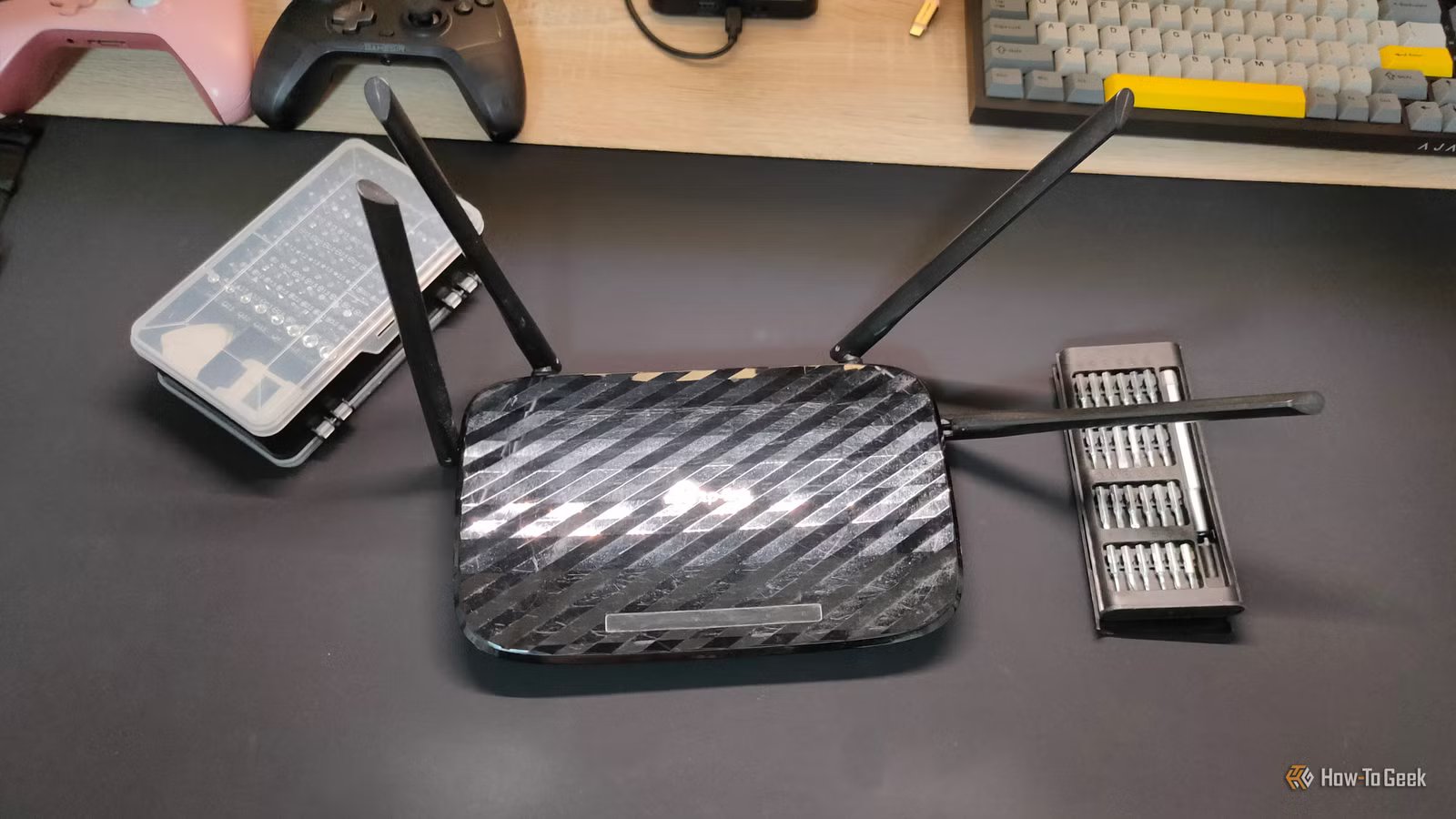
The needs of home networks have changed a lot since the early days of home LANs. I often walk into the homes of people I visit only to see an absolutely ancient router, or a generic model that came from the ISP and hasn’t been touched since.
If that sounds like you, it’s time to take a good hard look at your router and check if it has the features you need for a safer, faster, and more reliable home network experience.
Automatic firmware updates and active security support
Updates aren’t optional anymore
The way things used to be is that you’d only worry about updating your router firmware if something actually went wrong. Then it was an annoying process of downloading the file, logging into the web interface of the router, and then uploading the firmware file from the manufacturer’s site, holding thumbs that it’s the right one.
In other words, most of us never really bothered, but these days modern routers are much more security-focused, and they can automatically update themselves to ensure they have the latest list of malware, plug any new security holes, and have the latest performance improvements.
Since you don’t have to drive the process manually, it’s a major benefit, in my opinion, and I would replace my old router with a new model just to get this feature. If security updates for my model of router stopped, I’d get rid of it ASAP.
Proper dual-band or tri-band Wi-Fi with modern standards
You need to radio for assistance
Credit: Netgear
Right now, I’d say if you’re using anything older and less capable than dual-band Wi-Fi 5, you should strongly consider replacing your router. Even Wi-Fi 5 can struggle in crowded network environments. Wi-Fi 6 is a big step up in performance and reliability. Wi-Fi 7 is possibly the largest generational leap yet, though entry-level prices are only now becoming reasonable, and Wi-FI 7 client devices are still relatively rare.
Tri-band and now even quad-band mesh router systems are using special dedicated wireless backhaul to massively improve the performance of Wi-Fi distributed across your home. If you’ve been holding on to older dual-band routers or are (gasp!) somehow still on an old single-band 2.4Ghz system, do yourself a huge favor and get an upgrade.
Brand
ASUS
Wi-Fi Bands
6 GHz, 5 GHz, 2.4 GHz
Ethernet Ports
1x 10G, 4x 2.5G
Mesh Network Compatible
Yes
Supported standards
Wi-Fi 7 and older
This is a great Wi-Fi 7 router, with 6 GHz support, web and mobile app control, and five built-in Ethernet ports. You can add mesh nodes with any ASUS AiMesh-compatible router or extender.
Functional QoS or traffic management
Quality over quantity
Do you find that when someone initiates a big Steam download, then everyone else in your home struggles to use the internet? Maybe you have trouble browsing the web while other people stream, or vice versa.
This is a failure in QoS or Quality of Service and that’s a key thing that modern routers need to get right. Even old routers have a QoS feature, which you can access through its web interface, but setting it up is a manual affair.
In modern routers, such as the humble Wi-Fi 5 mesh system I use, the router automatically knows what traffic is for streaming, gaming, browsing, and so on. By default, it tries to give everyone on the network a fair share of the bandwidth.
However, with a few taps inside a mobile app, I can set it to always prioritize streaming at the cost of download speeds, or the opposite, as one example. These days, with multiple devices from multiple people on the home network all making their own demands, modern QoS is essential.
Decent hardware, not just a fast radio
It’s what’s under the hood that counts
Credit: Corbin Davenport / How-To Geek
There have been major leaps in mobile, low-power processor performance and since these are the same processors you’ll find in a router, that means old routers are simply too slow to keep up with modern network needs. What you want is a router with modern multicore processing power so that it can handle all traffic routing with ease while also managing on-board apps like a VPN, firewall, and anti-malware filter, to name but a few.
If you opt for a mesh network system, then you’re also distributing that load across multiple units each with their own processors. A router is still a type of computer, so more processing power, more memory, and more storage, means having a more capable machine.
Guest networks and basic network isolation
Guests should behave themselves
Having just one network simply isn’t enough anymore. Modern routers should offer, at the very least, a guest network feature. This lets people who visit you, or devices that only need a connection to the internet, connect to a network that isn’t shared with the rest of your LAN. This means those connected to your guest network can’t access your NAS, or browse network shares on your various computers.
As a nice added bonus, you also want the ability to create isolated networks. For example, it’s a good idea to put your smart home devices on their own isolated network where they can see each other, but no network devices that are irrelevant to their functions. The last thing you want is for some compromised smart camera to spread malware all over your LAN!
My usual advice with technology upgrades is that as long as things are working for you, and you’re happy, don’t spend any additional money. However, I think with home routers that approach doesn’t quite work. You may be happy with your day-to-day performance when streaming video or working from home, but a router that’s too far behind is a security liability, and it’s probably holding you back from enjoying the full potential of your network devices and internet connection.
