

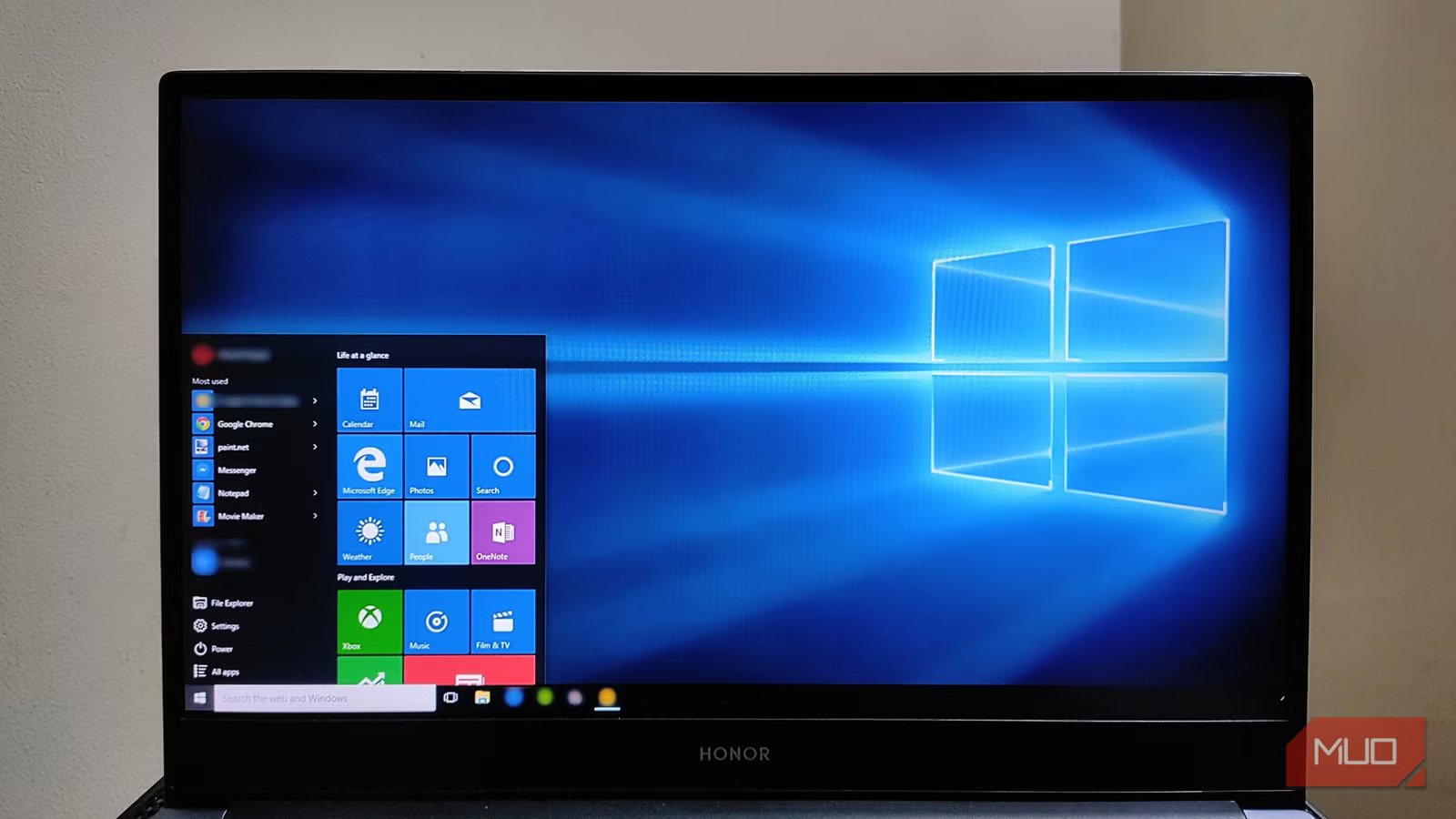
Your Windows 10 PC still works fine, booting up, running the apps you need, and connecting to the internet. Nothing has visible changed recently, but there is a change. And the longer you wait to deal with it, the worse your options will become.
Microsoft pulled the plug on Windows 10 support in October 2025, but many Windows users are still running it. That’s a choice, for sure, and for lots of folks, it’s an understandable one. Some people might have older hardware that won’t support Windows 11 while others just haven’t gotten around to it, yet. Unfortunately, “end of support” isn’t just marketing and can have real consequences that can compound over time. Here’s what actually happens to your machine if you keep running Windows 10, and what you can do about it if you still plan to.
Related
I’m sticking with Windows 10 until 2030—Here’s my plan
My foolproof plan is to use Windows 10 until 2030, with the latest security updates.
What “end of support” actually means (and what it doesn’t)
“Still runs” doesn’t always mean “still safe”
The danger isn’t immediate, of course, but over time, things will get less safe. Back in October, on day one, Microsoft stopped sending security patches and bug fixes to Windows 10 machines. It also stopped offering technical support. That means while your PC will still run, your apps still work, and you’re not immediately vulnerable to anything new, it’s the beginning of a long road to an unsafe OS.
What gets worse over time, then, is that all those unpatched vulnerabilities accumulate, with each new exploit that comes along after October 2025 potentially offering access to your machine. Browsers and apps will eventually drop Windows 10 support, too, though apps like Chrome and Firefox haven’t announced specific deadlines. Your hardware drivers will also stop being updated, and app incompatibilities will grow gradually over time.
The security risk is real, and it compounds over time
The threat isn’t like a cliff, but more of a slow leak
Sagar Naresh / MakeUseOfCredit: Sagar Naresh / MakeUseOf
Nothing dramatic happened to your PC last October, of course, but that’s the main problem. The invisible nature of the problem makes it less likely you’ll apply the fix. Here’s how that works. Every month, Microsoft releases a batch of security patches on Patch Tuesday. These include fixes for newly-discovered vulnerabilities in the Windows kernel, networking stack, and core system components. After October 14, 2025, those patches stopped coming in for Windows 10. Attackers know this, and end-of-life (EOL) systems become valuable targets because the holes never get patched.
There’s a historical parallel here with Windows XP, which lost official support in April 2014. Millions of machines kept running it, becoming prime targets for WannaCry ransomware, which hit in May 2017. Microsoft had to issue an emergency patch for the dead OS just to limit the fallout. That doesn’t mean you’re safe in continuing with Windows 10. Not all vulnerabilities are as threatening as something like WannaCry, and Microsoft won’t likely issue emergency patches for anything lower-tier than something similar in scope. It’s just not a safety net you can rely on to catch the large, compounding amount of smaller issues that will accumulate for Windows 10 machines.
Whether your PC can even run Windows 11 is the real question
Some machines are locked out for real. Others just need a BIOS setting
Assuming you want to upgrade to Windows 11, there are a few requirements for the newer OS that might have locked you out of doing so. Windows 11 requires TPM 2.0 (a small security chip or code in your CPU’s firmware), Secure Boot, a specific supported CPU, at least 4GB of RAM and at least 64GB of storage. That can definitely keep a large group of Windows 10 users off the upgrade path. Microsoft’s supported processor list starts at Intel 8th Gen Core and AMD Ryzen 2000 series. Anything older, even machines that are otherwise fully capable from 2016 or 2017, is officially excluded because of the arbitrary line drawn by Microsoft.
The first step to finding out if your PC can run Windows 11 is to open Microsoft’s PC Health Check app and see what it says. It should let you know what requirements your machine meets or doesn’t meet. Don’t despair if your machine fails on the TPO or Secure Boot issue; you might just need to enable it in the BIOS.
Your three realistic options — and who each one is for
It depends on your hardware, your budget, and your patience
Afam Onyimadu / MUO
If your PC clears the compatibility check, then it’s an easy fix: Windows 11 is a free upgrade from Windows 10. You can find that in Settings > Windows Update or use Microsoft’s Installation Assistant if the prompt isn’t there. Your files, apps, and other settings should carry over, making the best option for most of us with eligible hardware.
If not, though, you might want to think about how much more time you want to squeeze out of your hardware. Any PC unable to meet Windows 11’s requirements is running a CPU from 2017 or earlier. That’s eight or nine years of use. Of course, there are unsupported ways to get Windows 11 on your older PC, but that has to be your own choice.
Finally, you can take a look at installing Linux on your machine. Mint Linux is a fantastic way to do just that, as the Cinnamon desktop puts the taskbar, app launcher, and system tray right where Windows users expect them, and the current release is supported through 2029. Of course, if you need Microsoft 365 desktop apps, Adobe Creative Cloud, or Windows-only software, you’ll have a tough time in Linux. It might be worth trying Mint as a live session from a USB drive before you commit.
Related
This might be the most interesting new Linux distro right now
Sometimes, a Linux distro comes along, that just make sense.
The clock is ticking
It’s important to take a look at solving the Windows 10 end-of-life dilemma sooner rather than later. No fearmongering here, but the longer you wait to upgrade or move to Linux, the worse your experience will become. Take a look at PC Health Check and then decide what path is best for you. The longer you wait, the fewer good options will remain.
