

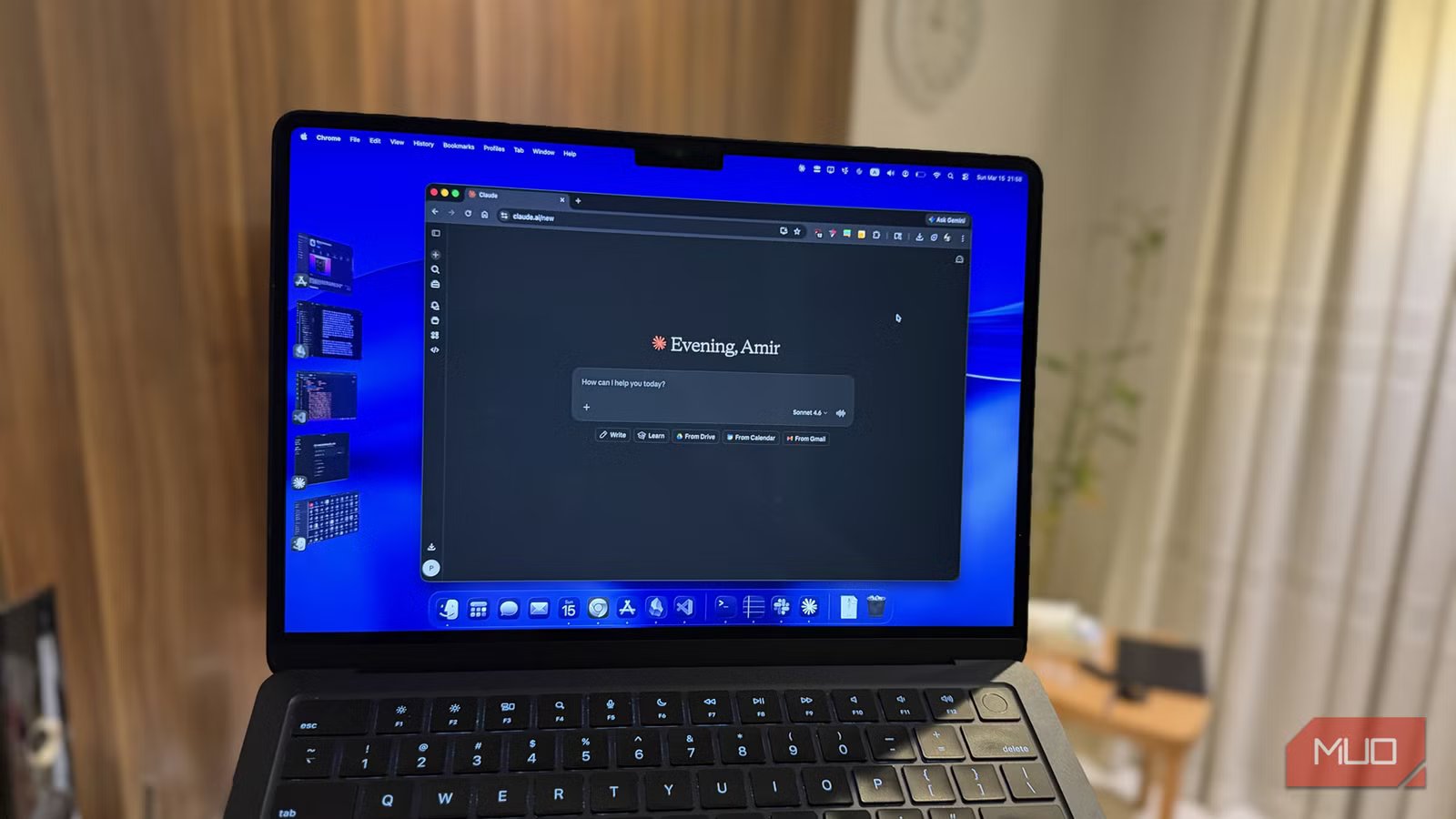
Thanks to a series of developments — Anthropic declining to comply with certain US government requests, and OpenAI stepping in to fill that role — two significant shifts happened in the AI market almost simultaneously. ChatGPT took a wave of negative public feedback, and Claude got propelled to the top of the charts.
A couple of days ago, I decided to see what all the buzz was about. I tasked Claude, ChatGPT, and Gemini with building a simulation from the same prompt. Claude’s results were so clearly superior that I canceled my ChatGPT subscription on the spot and signed up for Claude Pro instead.
The excitement was real. With Claude Code and Claude Cowork both releasing around the same time, it felt like the perfect moment to make the jump. I moved my workflows over, dumped a bunch of documents and spreadsheets into it, prompted away, and got excellent results. Then I prompted again — and got an error so heartbreaking it ruined my night.
Claude has a much stricter quota
Because it meters compute, not messages
What greeted me, shortly after that second prompt, was a message telling me I had exceeded my quota. And unlike ChatGPT, when you exceed your quota on Claude, you exceed it for good. You’re out. There’s no cheaper fallback model to drop down to. You’re locked out of even the basic Haiku model until the timer resets.
The saving grace is that limits reset every 5 hours rather than every month. But it was still a gut punch — especially given that I had just paid for a Pro subscription.
Looking into it more, the reason becomes clear: Claude uses an entirely different method to calculate usage compared to its competitors. ChatGPT and Gemini both have quota limits, but they’re structured in a way that ends up being more forgiving to the average user. OpenAI, for instance, sets limits based on the number of messages sent. Plus users get 300 messages per 3 hours with GPT-5.3, or 3,000 messages per week with GPT-5.4 Thinking. You can make those messages as long, short, or document-heavy as you like. The 300th message is the one that gets you.
Anthropic uses compute-based metering instead. It doesn’t count messages — it measures the actual computational work your requests generate. If you oversimplify it, think of it like tokens: every document attached, every long response generated, every back-and-forth in a growing conversation thread adds to the tally.
The practical consequence is stark. You could send 300 casual messages to ChatGPT and never hit your wall. With Claude, two messages that involve a large spreadsheet and the Opus 4.6 model can be enough to exhaust your quota entirely. The flip side is also true: if your prompts are lightweight and focused, you might squeeze out more than 300 messages from Claude. But that’s cold comfort when you’re mid-workflow and suddenly locked out.
You don’t get unlimited usage with any of the Claude plans
How did I burn through my quota so fast?
Image by Amir Bohlooli. NAN.
I hadn’t read the fine print. I assumed what most people assume: free tier is restricted, Pro is unlimited. That’s roughly how ChatGPT works in practice — not technically unlimited, but the limits are set high enough that most users never see them. I never had. Turns out, Claude’s ceiling is much lower and much more noticeable.
There’s also a meaningful difference in how the two platforms handle hitting that ceiling. ChatGPT degrades gracefully: exceed your quota, and it bumps you down to a cheaper model you can keep using until things reset. Claude doesn’t do that. If you’re out, you’re out. Close the app, go touch grass, and wait.
Even Claude’s Max plans — which come in 5x and 20x tiers — aren’t unlimited. They just multiply your baseline allowance by that factor. Claude is also notably opaque about what the actual limits are. They’re dynamic and shift based on time of day, overall system load, and usage patterns. You won’t find a clean number on the pricing page.
Here’s what burned through mine so fast: I had Claude Cowork installed, and one of my ongoing goals has been a clean integration between Obsidian and an LLM. I’d tried pairing a local model with Obsidian and hit trouble. I’d paired Obsidian with NotebookLM with decent results, but NotebookLM isn’t something you can run locally. So I dumped chunks of my Obsidian vault into Claude and started asking questions. I got great results and kept going. And since I had just subscribed, I was naturally running the most powerful — and most compute-hungry — model available: Opus 4.6. Anthropic describes it as the model for ambitious work. All my work is ambitious work, obviously.
I wasn’t four messages into the conversation before I hit the quota wall. That was it for Claude. Or so I thought.
Good habits make your quota last much longer
And they’re habits worth having anyways
Amir Bohlooli / MUO
Once you understand how Claude counts usage, a few adjustments make a significant difference — and they’re the same instincts you’d develop using a local LLM.
The key mental model is context window cost. Every time you send a message in an ongoing conversation, Claude doesn’t just process your new question — it re-reads the entire conversation history, including all attached documents, before generating a reply. Claude is processing that PDF and spreadsheet you attached in message one again on message two, three, four, and every message after. Combined with a premium model, this adds up startlingly fast.
A few habits that helped me use Claude better:
Switch down from Opus. Since hitting that first wall, I’ve moved entirely to Sonnet for day-to-day work. It’s more than capable for most tasks, and the compute cost is dramatically lower. Save Opus for the things that actually need it.
Start fresh conversations often. Once you’re done with a task, open a new chat rather than tacking on unrelated questions. Don’t let context accumulate unnecessarily.
Clean your data before attaching it. If you’ve got a large raw spreadsheet, import it once, have Claude produce a cleaned or condensed version, and then work from that. Attaching a big raw file to every follow-up question is one of the fastest ways to eat through your quota.
Don’t treat Claude like a chat interface. The conversational UX makes it feel like a messaging app, but it doesn’t bill like one. Think of it more like a professional service that charges by the hour — be intentional about what you bring into the room.
Claude also offers a quota extension once you hit your limit. You can turn it on and continue on a pay-as-you-go basis, but usage is billed at the standard API rates, which are fairly expensive.
Would I still recommend Claude Pro?
Yes. Claude is still the most capable model I’ve used, especially for more technical work like coding. Pair that with Claude Cowork, and it’s in an entirely different league from its competition.
But, it does require a different relationship than ChatGPT. You can’t just fire and forget. The quota limits are real and the surrounding transparency is poor. But, if you go in knowing that and adjust accordingly, Claude Pro is worth it. Just don’t spend your first night throwing your entire Obsidian vault at Opus 4.6 and expecting it to be fine.
