

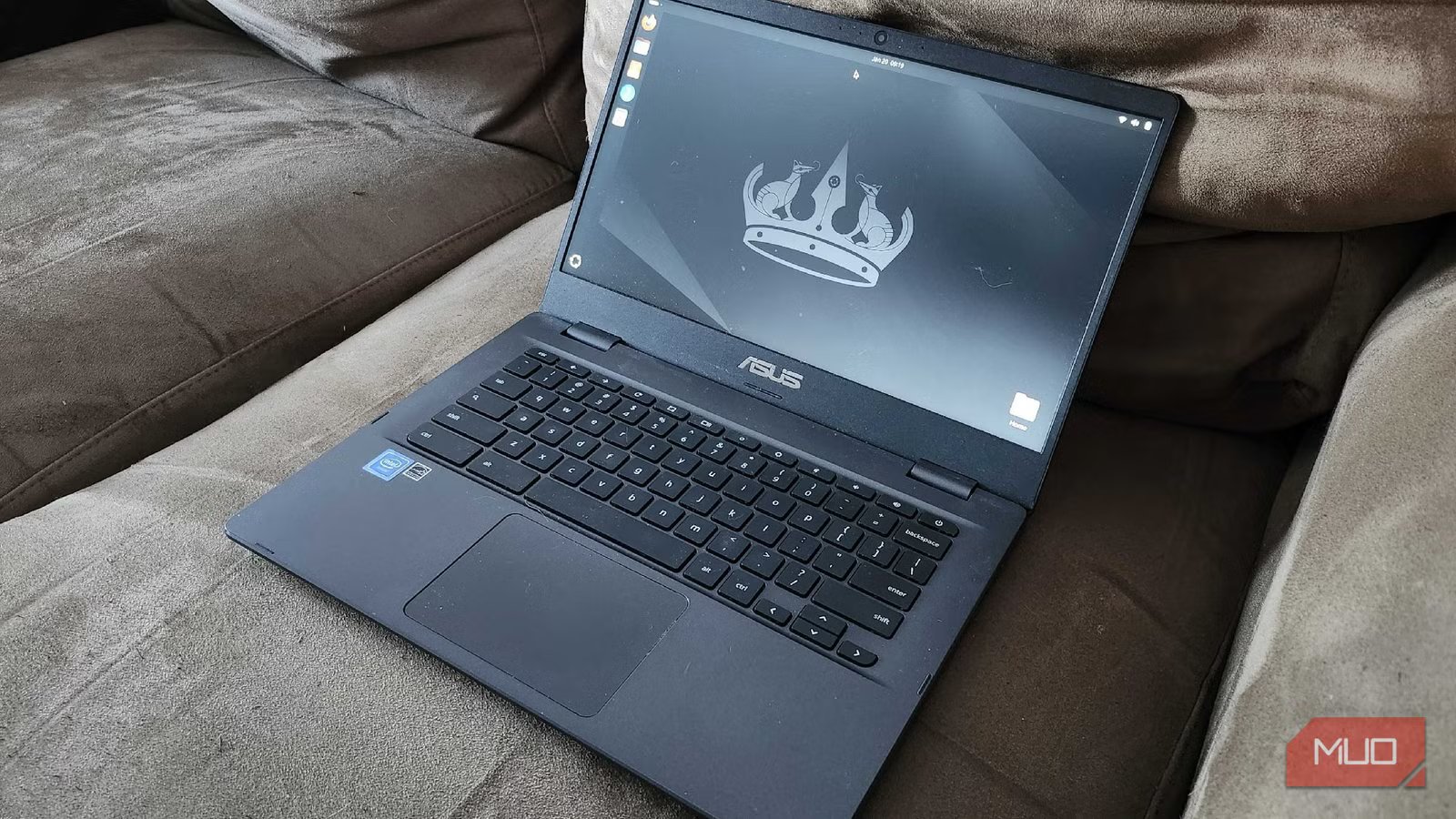
Minimal installs have this reputation of being clean, focused, almost virtuous, like your computer is about to fix its life and start making better decisions. In reality, what usually happens is much less poetic. You remove a bunch of things, feel strangely powerful for a short while, and then run headfirst into the first file your system no longer knows how to open.
So naturally, I didn’t just go with Ubuntu’s minimal install and call it a day. Come on, guys, that would have been sensible.
Instead, I installed it, looked around, and decided it still felt a little too comfortable. Too complete. So I started removing things, one by one, with a very simple rule in mind: if I didn’t explicitly choose it, it didn’t get to stay. No bundled apps quietly waiting to be useful. No “just in case” tools. No invisible helpers smoothing things out in the background. Just a desktop, a terminal, and a growing awareness that I was slowly dismantling the parts of the system that make it feel effortless.
Ubuntu minimal isn’t actually
It just hides the clutter more
Credit: Shaun Cichacki/MUO
Ubuntu’s minimal install gives the impression that you’re starting from something lean, almost stripped down to the essentials, but what you actually get is a full GNOME‑style desktop with far fewer pre‑installed applications. The desktop environment is still fully there, the same services are running, and the system behaves exactly like Ubuntu always does, just with fewer obvious apps in front of you. It’s less crowded, but it isn’t actually minimal in any meaningful sense.
It’s closer to tidying up a room by putting things out of sight rather than removing them entirely. Everything is still there, just quieter, which somehow makes it easier to ignore. Once you notice that, it becomes difficult to treat it as a clean starting point. It feels more like a system that has already made a lot of decisions for you, even if it’s pretending not to. So instead of accepting that version of “minimal,” I kept removing things until the system actually started to feel different.
Removing apps is easy
Until you try to use your computer
Getting rid of pre-installed apps is straightforward enough that it almost feels like a trick. A few commands, a bit of overconfidence, and suddenly your system looks cleaner and lighter, as if you’ve improved something fundamental. That illusion lasts right up until you try to do something normal. A downloaded archive just sits there because nothing knows how to open it. A PDF doesn’t launch because there’s no application associated with it anymore. Media files become strangely quiet because you removed the player without really thinking about it.
None of this breaks the system in a dramatic way. It just introduces a steady, low-level resistance into everything you do.
What becomes clear very quickly is that those “extra” applications weren’t just optional clutter. They were small, practical answers to common situations, handling things so you didn’t have to think about them. Once they’re gone, you’re suddenly involved in every little decision the system used to make on your behalf, and that changes the entire experience.
Rebuilding your OS changes how you make decisions
You stop installing things out of habit
Screenshot by Hannah Knight — No attribution required
After the initial frustration settles, the process shifts from reacting to rebuilding. Instead of reinstalling everything in a hurry, you start paying attention to what you actually need in the moment. If a PDF won’t open, you install a viewer, but you don’t immediately bring back an entire office suite just because it used to be there. The same thing happens with your browser, your file manager, and every other tool you add back.
Each choice becomes deliberate in a way that it is rarely on a standard install, where most things arrive pre-selected and unquestioned. You start comparing options, not because you’re trying to optimize everything, but because you’re now aware that every piece of software is a decision rather than a default. Over time, that builds a system that feels less like something you inherited and more like something you’ve assembled, even if the individual components are familiar.
You notice the invisible parts once they’re gone
Convenience turns out to be the real feature
Screenshot by Bertel King – no attribution required
The most interesting part of this experiment wasn’t losing major applications. Those are easy to replace. What stands out instead are the small conveniences that disappear along with them. Things like thumbnail previews that no longer appear, context menus that feel oddly empty, and those subtle “open with” suggestions that used to guide you without demanding attention. None of these is essential on its own, but together they create a sense of flow that you only recognize once it’s missing.
Without them, every action takes just a little more effort. You click more, think more, and hesitate more, not because the system is failing, but because it has stopped anticipating what you want. That shift is subtle, but it changes how the entire desktop feels to use.
Adding things back becomes different
This time, everything has to justify itself
Eventually, you start reinstalling some of what you removed, but the mindset has changed by that point. You’re no longer adding things back because they belong there by default. You’re adding them because they solve a specific problem or remove a specific frustration.
An archive manager returns because dealing with compressed files without one is simply not worth it. An image viewer comes back because you actually use it. A media player earns its place because silence gets old quickly.
What doesn’t come back are the applications that never really mattered in the first place. Without the assumption that they should be there, it becomes much easier to leave them out. The result isn’t a perfectly minimal system, but it is a more intentional one.
Minimal doesn’t mean better, just more revealing
Running a heavily stripped-down Ubuntu system isn’t particularly practical. It removes convenience, introduces friction, and occasionally makes simple tasks feel more complicated than they need to be. At the same time, it exposes something that’s easy to miss in a fully featured setup. Most of what we think of as “the system” is actually a layer of thoughtful defaults designed to keep things moving smoothly. When you remove those defaults, you’re left with something more direct, but also less forgiving.
That trade-off isn’t worth it for everyday use, but it is useful as a way of understanding how your system actually works and what parts of it you genuinely rely on. I didn’t end up keeping a fully minimal setup, and that was never really the point. What I ended up with was a system where every application had a reason to be there, and where the absence of something actually meant something instead of going unnoticed.
