

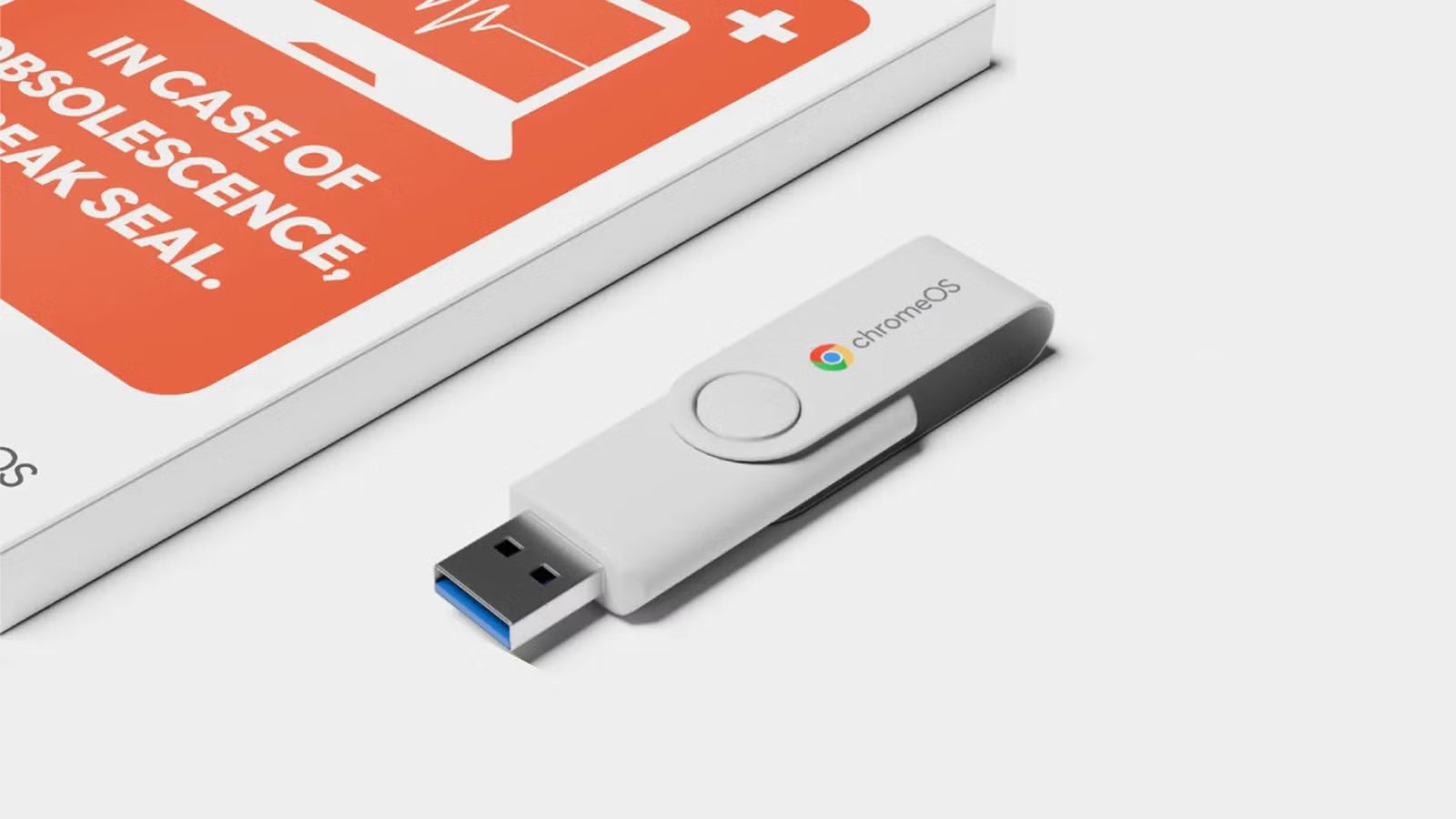
Google has long offered ChromeOS Flex to turn your ancient PC or Intel Mac into an up-to-date computer, but the process hasn’t been intuitive for newcomers. Thankfully, it just got easier: Google has teamed up with refurbished electronics store Back Market to sell a $3 ChromeOS Flex USB Kit.
As the name suggests, the kit centers on a 16GB USB stick preloaded with ChromeOS Flex install software. You just have to plug the stick into your PC and follow the brief instructions to get ChromeOS running. Online guides and video tutorials are available if you need extra help during the process.
Previously, you needed tools like Google’s own Chromebook Recovery Utility to create a bootable drive. While Google provided instructions, they assumed a certain amount of experience that potential users didn’t necessarily have.
Be sure to back up your data before installing Chrome OS Flex, as the process wipes the computer’s drive.
Should you install ChromeOS Flex?
As in the past, Google argues that the ChromeOS Flex USB Kit helps the environment by keeping an obsolete system useful for a few more years. The lightweight platform should run more efficiently than Windows or macOS, and receives 10 years of updates. If you’re frustrated by Windows 10’s end of life but don’t want to buy a new PC just to run Windows 11, this theoretically keeps your system quick and secure.
Related
A Beginner’s Guide to ChromeOS: Tips for New Users
Unlock the power of your Chromebook!
There are catches. ChromeOS is built around web apps, and Flex doesn’t support Android apps like Chromebooks and other computers built with Google’s platform in mind. This works if you mainly use web productivity suites and streaming services, but it won’t be practical if you want to run native apps like games.
Not every system is guaranteed to work, either. Google maintains a list of certified PC models that have been tested with ChromeOS Flex. The list includes a wide range of computers, almost all of which run Flex smoothly, but certain models may have technical issues or are no longer supported. You’ll also want to check the timeframes for end of support, as some may only have one or two remaining years of Google updates.
