

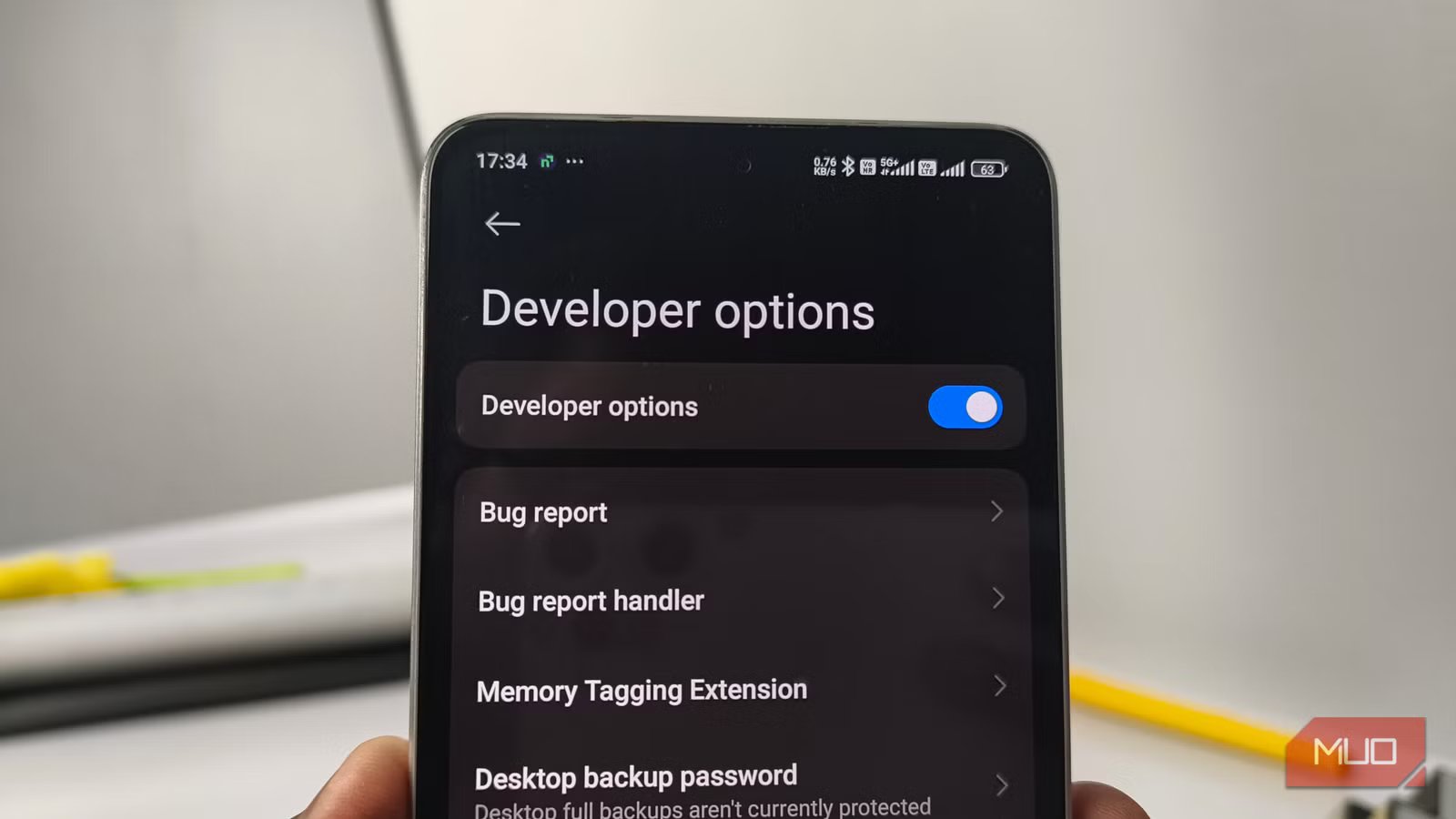
It is not surprising that Android has more settings hidden than readily available for most users. You enter this world of options by enabling Developer Options on your Android smartphone. Every once in a while, we come across multiple tutorials and Reddit threads that show users how to use Developer Options settings to improve their Android experience.
In their defense, some Android settings can really change the way you use your device — but not all of them. Some settings, though, look really useful at first, but they end up doing more harm than good. The following six settings, most of which are found in the Developer Options section, fit right into the category.
Related
8 Settings That Actually Make Your Samsung Phone Run Faster
Make your high-end phone actually feel high-end.
Background process limit
Android’s memory manager is smarter than this toggle
Limiting the number of background processes is often touted as a tip to improve the speed of your Android smartphone and reduce battery drain. The idea behind this first appears useful: your Android smartphone doesn’t allow apps to run many background processes. As a result, apps in the foreground can access more RAM and battery resources without congestion. However, in reality, this aggressive setting change fails to have the desired result.
Most Android devices let you select a few options for the Background Process Limit. You can stick to the standard limit or run up to 4 processes in the background. You will also find an option to disable all background processes. If we lived in a world where Android dealt only with apps, this setting may have been more effective.
However, in reality, the Android smartphone is powered by system-bound services, sync adapters, notification listeners, and widget updates. When you set an extreme background process limit (e.g., 0 or 4), these components cannot run either.
This situation can manifest in a few ways. One, you would not receive app notifications on time, as these processes may be disabled. Two, Android will be forced to load an app from scratch every time you open it, making multitasking difficult. Three, you may face issues with the home launcher and widgets. Because you normalize cold launches, there will be a negative impact on RAM consumption as well.
Sure, you may cut down on battery drain and RAM usage, but this setting will quietly break your Android smartphone experience. You are better off letting Android’s memory manager handle this. It could, however, be an option on older devices you use for a single purpose, such as a Wi-Fi extender or media server. A more appropriate option is to enable battery optimization for apps that consume processing power and battery.
Don’t keep activities
A stress-test tool cosplaying as a performance hack
Credit: Abhijith N Arjunan/MakeUseOf
Don’t Keep Activities is another setting often recommended to reduce RAM usage and speed up your Android smartphone. However, this so-called performance hack can ruin your experience with your Android smartphone, as the setting forces Android to abandon running activities as soon as you switch to another application. You will also understand that Don’t Keep Activities was originally designed for stress-testing Android apps.
Therefore, when you enable this setting, a few things happen. Most importantly, you would encounter CPU usage spikes and noticeable battery drain, which happens because Android has to reload the app from scratch whenever you reopen it. With this setting enabled, some apps may experience issues with data saving and session management. That is, they would behave erratically, failing to provide the experience that the app developers intended.
Also, understand how frustrating the overall experience would be. You may have a tab open in a browser and want to copy and paste something from another app. By the time you return to the browser, that app will be gone. In short, unless you are planning to debug an app, this setting should be turned off.
8.5/10
SoC
Snapdragon 8 Elite Gen 5
Display
6.9-inch Dynamic Super AMOLED 2X
RAM
12 or 16 GB
Storage
256GB, 512GB, or 1TB
The Samsung Galaxy S26 Ultra isn’t a massive leap in specs compared to the previous generation Samsung Galaxy S25 Ultra, but it boasts improvements in every aspect. The major differentiators are two features that will appeal to power users and content creators, called Privacy Display and Horizontal Lock.
Animator/Transition/Window animation scale set to 0x
While the UI is fast, your apps are confused
Setting animation scales to 0x is probably one of the most-discussed solutions to make your phone feel faster, but it ultimately changes the fluid experience you are used to on Android. The idea seems okay because it claims to cut down the delay between your input and the action. That is, you tap a button, and the results appear instantly. The first time you enable this feature, you will notice some speed improvements, but that’s it.
However, if you constantly multitask, you will soon notice a glitchy effect, since you are used to the fluid way in which Android manages frames. Similarly, you will encounter a number of visual bugs in apps, since some use animation delays for loading data. When things become instant, they will break. You will gradually feel a loss of context, too, because this option will remove the much-used zoom animation on Android.
Once again, you may still want to use it on an old smartphone that you have dedicated to a specific purpose. Otherwise, you are better off setting the limit to 1x (standard) or 0.5x.
Nothing has gone wrong yet — why that is not reassuring
Some of you may have already tried this option and are thinking that nothing has gone wrong yet. However, from a productivity or stability standpoint, that argument does not stand. The larger problem with these settings is that they effectively break the Android smartphone experience as you know it. I understand that some specific setups, such as using your old Android device as a Wi-Fi extender, may require these settings at times. Or you could be a developer! Otherwise, keeping these features disabled is the better option.
Related
I disabled background activity for these 5 Android apps and now my battery lasts much longer
Meet the real culprits
