

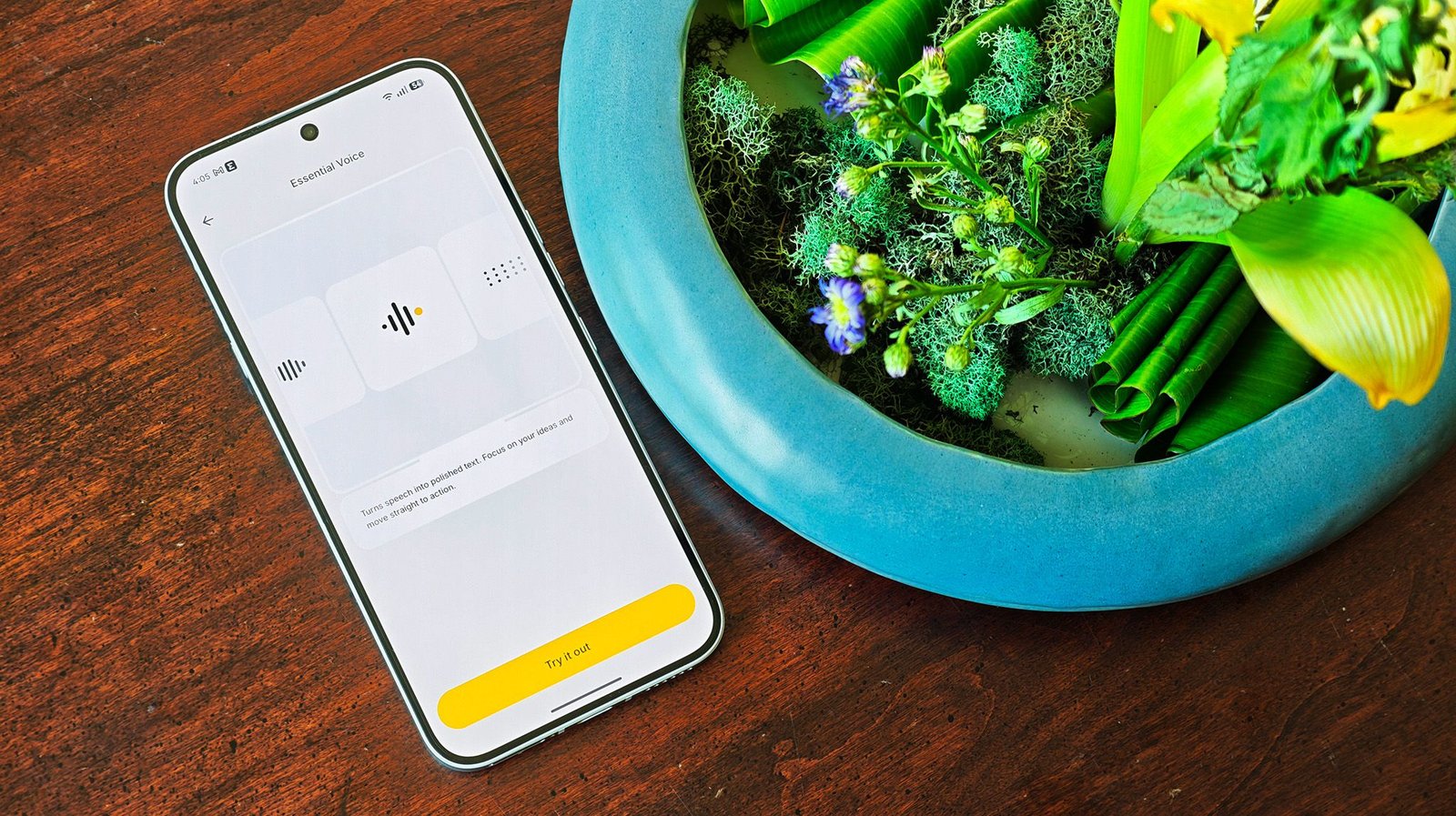
Android Central Labs
(Image credit: Nicholas Sutrich / Android Central)
Android Central Labs is a weekly column devoted to deep dives, experiments, and a focused look into the tech you use. It covers phones, tablets, and everything in between.
I’ve long had a love/hate relationship with using voice typing on my phone. On the bright side, I use Android, and I know from experience that Google’s voice typing is substantially better than what Apple has historically had. But while I don’t generally have a problem with my phone understanding my words, the way I talk to it is anything but natural or normal.
What if your phone was finally smart enough to understand that these parts of speech are just filler? Pauses are natural, and our brains generally filter out that stuff when we’re speaking to someone. Nothing’s new Essential Voice is the closest I’ve seen to authentic human speech understanding, and it’s totally transforming the way I talk to my Nothing Phone 4a Pro.
Article continues below
You may like
The return of the physical key
(Image credit: Nicholas Sutrich / Android Central)
Last year was the clear return of physical keys on the side of phones, and Nothing was a clear leader in this space. Essential Space and the Essential Key were a glimpse into a smarter future where AI understands what you want, all while still requiring a physical press of a key to invoke the action.
This type of physical interaction is the most useful in situations where you can’t use both hands to get something done. Voice typing is a great example of this, as people often use voice typing while they’re physically multitasking. Whether that’s doing the dishes or driving a car, having hands-free control of what’s happening on your phone can be very important.
Essential Voice can be invoked by pulling up the keyboard, then either tapping the Essential Voice key in the bottom left or pressing and holding the physical Essential Key on the side of the phone. I prefer the latter, as voice transcription stops the moment you let go of the key, but it’s nice to have a toggle alternative for when you can’t dedicate a hand to holding down the physical button.
Nothing Essential Voice live demo on a Nothing Phone 4a Pro – YouTube
Watch On
Instead of using the on-screen keyboard to type, Essential Voice used a combination of local and cloud AI to quickly understand what you’re saying, which then appears in text wherever you’re trying to type on the screen. It’s no different from what Google’s voice typing does, but Nothing’s does the job better.
I’ve spent plenty of time over the past few days using Essential Voice to dictate things I’d usually type. This article, for instance, was mostly written using Essential Voice, then lightly edited afterward for a few punctuation changes, mostly in places where I wanted paragraphs to shift differently. I’ve even tested it by reading an article out loud and seeing if it can write things the same way I read them. In every case, Essential Voice worked flawlessly.
(Image credit: Nicholas Sutrich / Android Central)
Now, as you might expect, there is a downside to Essential Voice. The biggest issue, by far, is that it requires network connectivity to function. There’s no offline support just yet, but my hope is that Nothing will be able to take it offline in the future, even if offline transcribing takes a little longer.
Your transcription time will also vary depending on how long you talk. Short messages, surprisingly, take a bit longer to transcribe into text than long ones, but that’s because the system works as you speak. This one isn’t a deal-breaker, but the fact that it requires a network connection could be a big problem if you find yourself offline.
Even with these caveats, I’ve been so impressed with Essential Voice’s performance that I’m willing to look past them for the moment as Nothing improves the feature. It works so well and works everywhere, unlike some AI-powered transcription features on most phones that only work in certain apps. The freedom and quality you get with Essential Voice are unparalleled, and, for that, Nothing deserves praise.
Whether you’re looking to rock pink, silver, or black, the metal unibody Nothing Phone 4a Pro stands out from the pack in the best of ways, with class-leading displays, battery life, unique software features, and more.
