

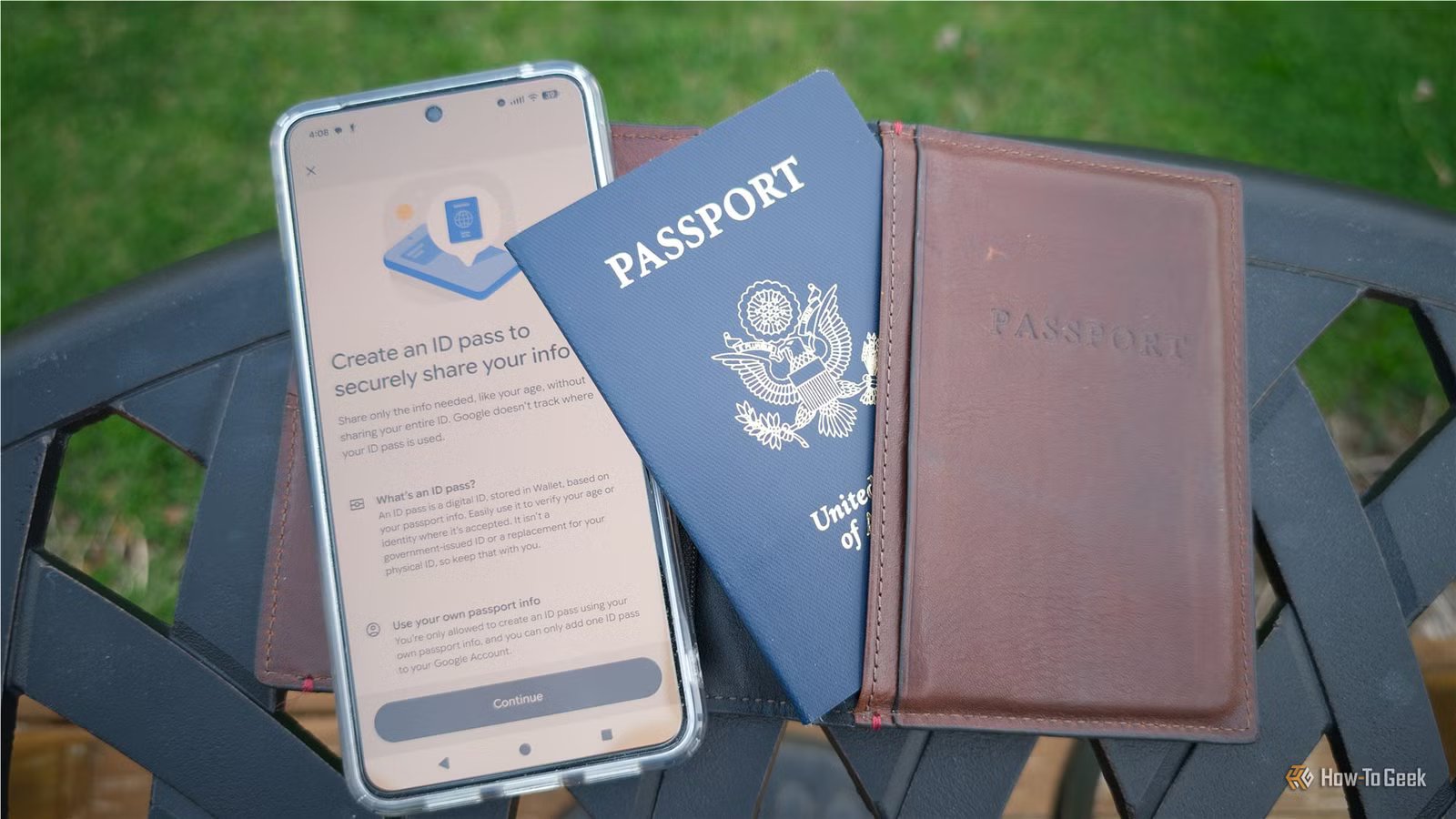
Travel is almost always a bit stressful. I’m constantly double-checking that I haven’t forgotten anything important, and I’m always juggling too many things in my hands when I reach the security checkpoint.
Adding my passport to Google Wallet didn’t solve those problems, but it has helped me relax a little bit.
It makes travel faster and less stressful
Less panic at the airport
Credit: Justin Duino / How-To Geek
The biggest immediate benefit is simple: I don’t have to dig for my ID nearly as often.
On more than one occasion, I’ve dropped either my phone, keys, or wallet while fumbling for my ID as I’m approaching the TSA security checkpoint. I’m not alone—I see it at least once every time I fly.
Instead, I can just pull out my phone, which already has my boarding pass too. It is an extremely convenient addition.
More and more airports accept them
Digital IDs are now accepted at more than 250 airports across the US through Google Wallet—a huge increase in just a few years.
Instead of handing over your passport and waiting while someone checks it, you just tap or scan your phone at a reader, much like you’d do to scan a boarding pass or using tap-to-pay.
TSA PreCheck Touchless ID is a separate service that uses biometrics to verify your identity. You don’t need to have your passport saved to your wallet to use it.
Digital ID is helpful beyond the airport
Even outside of travel, having a digital version of your passport can be handy.
There are situations where you need to verify your identity but don’t really want to carry your passport around all day. In those cases, it is nice to be able to verify your identity without risking misplacing your passport.
More and more services are expanding their support for digital ID so that it can be used to verify your identity if you need to recover an account, access your medical records, or verify your profile.
7/10
SoC
Google Tensor G4
Display
6.3-inch Actua display
RAM
8GB
Storage
128 or 256GB
The Google Pixel 10a is a barely updated version of the Google Pixel 9a, with a slightly brighter screen and an upgrade from Gorilla Glass 3 to Gorilla Glass 7i. Google has shaved the remaining few millimeters from the camera bump, making it completely flat. Unlike prior versions of the Pixel a series, this model year does not share the same Tensor processor as the mainline Pixel 10.
It adds a backup in case you lose your passport
Digital ID isn’t a full replacement for a physical passport
Credit: Lucas Gouveia/How-To Geek | ViDI Studio/Shutterstock
Whenever I travel, I’m always concerned about losing my passport. It is the only form of ID I have that can get me through airport security, even when I’m traveling within the United States.
Having a digital copy isn’t a total replacement, since you can’t use your digital passport for everything, and it completely disables itself if you’re outside of the United States or the United Kingdom.
The United States Department of State will invalidate your old passport as soon as you report it lost or stolen to prevent identity theft.
Is a digital passport actually secure?
Your phone is more secure than you might think
Credit: Justin Duino / How-To Geek
At first glance, storing something as sensitive as your passport on your phone sounds like an enormous risk. However, in practice, I’d argue it is safer than carrying your physical passport.
Your phone is protected by biometrics like fingerprint or face unlock, and you have to unlock your digital ID before it can be viewed or shared. When you don’t have it open, your digital ID is stored encrypted on your phone—it doesn’t get uploaded to the cloud.
Additionally, you’re also shown exactly what information will be shared when you tap or generate a code. On the other hand, handing someone your physical passport gives them “full access.”
If you lose your phone, you can remotely wipe your ID to ensure it can’t fall into the wrong hands, even if they somehow manage to break the encryption on your device. No physical ID offers that level of control, which makes your digital passport more secure than a physical passport in many ways.
Adding your passport to your phone
Setup only takes a few minutes
Adding your passport isn’t much more difficult than adding a credit card. To begin, open Google Wallet and look for the option to add an ID pass, then scan your passport’s photo page.
Once that is done, tap the security chip inside your passport with your phone like you would a tap-to-pay terminal. My Pixel 8 Pro was able read the NFC chip about an inch away, but if you have trouble, remove your case and touch your phone directly to the back cover of a US passport. If you’re using a UK passport, the chip is located in the front cover.
Related
These hidden settings made my Google Wallet so much faster
Stop holding up the checkout line.
Last, you need to upload a quick video that is used to verify your identity. It’ll take a few minutes to authenticate, but once it does, your digital passport is ready for use.
There are still some limitations
You can’t leave your physical ID at home
Credit: Nick Lewis / How-To Geek
As useful as digital IDs are, TSA still requires you to carry a valid physical ID when you fly. Your digital passport makes the process faster and smoother, but it’s not a complete substitute.
And while more than 250 airports now accept digital IDs, there are still plenty of places that don’t accept it. Be sure to double-check.
Not everyone is eligible
In order to use a digital passport, you need to have a valid passport from the United States or the United Kingdom—it isn’t available to anyone else for now.
Besides that, you’ll need a phone running Android 9 or newer.
An alternative that makes
Digital ID has come a long way, and the security perks combined with the convenience can make for travel that is less stressful and a bit more convenient than it is normally.
Just be sure to keep your real, physical passport with you. You may be able to walk through TSA 20 times with your digital passport without an issue, but if something eventually goes wrong, you’ll need it as a fallback.
