

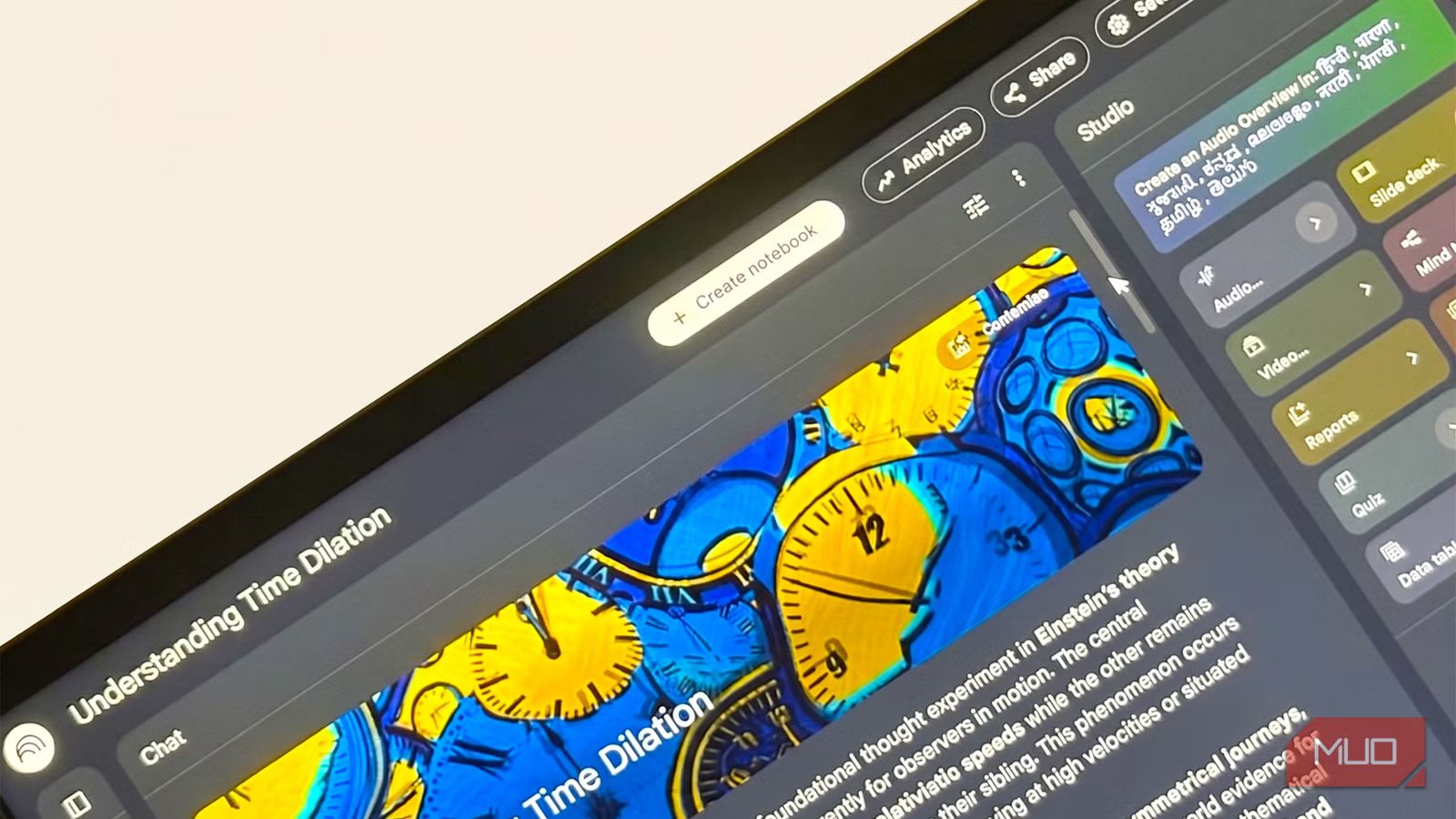
I’ve been trying to understand time dilation after watching Interstellar and Project Hail Mary. Both make it central to the plot, and both left me more confused than before. So I turned to NotebookLM, uploaded a handful of sources, and started asking it questions. The raw summaries it gave me weren’t enough. What worked were specific NotebookLM prompts designed to reframe hard content for a beginner, use analogies to make ideas stick, and test whether I’d actually understood what I’d just read.
The fun exercise gave me a daisy chain of prompts I now use for every learning challenge. Start with configuring NotebookLM as a Learning Guide. Throw in the right NotebookLM Studio tool, and you can design your own master key for dense topics.
This prompt builds a beginner’s map
Start here before you read anything else
Saikat Basu/MakeUseOf
Most tools summarize. This prompt gives you a structure. It breaks a complex topic into four distinct layers: a one-sentence tl;dr, a jargon-free core explanation, a real-world analogy, and a plain-English vocabulary list. That last part matters more than it sounds. With time dilation, I didn’t know what “reference frame” or “spacetime curvature” meant when every explanation assumed I did.
I used to skip these types of prompts and go straight to ELI5 (Explain Like I’m 5) prompts. The response was good but without structure. Sometimes, it was too basic to explain the thing I didn’t understand.
Using the structured version helps to dive deeper into a topic with NotebookLM. For instance, the analogy of comparing spacetime to a bouncing ball in a train finally gave me something to hold onto. If you’re starting from zero, don’t skip this one.
Based on the uploaded sources, explain [TOPIC] as if I’m a complete beginner. Structure your response as: 1) tl;dr in one simple sentence, 2) The Core Idea in two paragraphs with no jargon, 3) The Analogy — compare it to a real-world situation, 4) The Vocabulary List — define the 3 hardest terms in plain English.
The 80/20 prompt cuts reading time in half
Find the key insight before confusion finds you
Dense documents bury their best ideas. This prompt applies the Pareto Principle: asking NotebookLM to identify the 20% of content that delivers 80% of the understanding. It forces a ranking of what actually matters instead of treating every paragraph equally. Run this one right after uploading your sources, before you bury yourself into anything else.
Identify the 20% of the information in these documents that will provide 80% of the understanding of this topic.
A good NotebookLM summary doesn’t do the same job. Summaries compress and don’t really simplify. This prompt filters. It tells you the core bits to focus on and, just as importantly, what you can safely skip for now. The Pareto Principle is a productivity concept, but you can apply it to anything.
Pair it with this follow-up for a complete bird’s-eye view if the context is fitting:
Give me 3 major themes across the documents, where sources agree and contradict, the most surprising finding, and the biggest unanswered questions.
After running these prompts, use the Study Guide feature in the Studio panel. This can complement the 80/20 view by filling in any gaps.
This prompt teaches you like a patient tutor would
Good teachers start at the beginning
Saikat Basu/MakeUseOf
This prompt asks NotebookLM to teach the material step by step. Like a thoughtful tutor who handholds you from the basics and builds up gradually. The key phrase is “assume I’m learning this for the first time.” Without it, NotebookLM can jump into the middle of the material, skipping the foundational context. With it, you don’t have to look up what you miss.
Teach the content of this document step by step, starting from the basics and gradually increasing difficulty. Assume I’m learning this subject for the first time.
My first instinct was to add “but keep it brief.” That was a mistake. Brevity and clarity are often in tension when you’re learning dense topics from scratch. Learning experts also say that cutting the length usually means cutting the scaffolding.
Let it run long on the first pass. You can always follow up with “now summarize the five most important points.” But you need the full walkthrough first to know which points actually matter. It doesn’t actually treat you with kid’s gloves, as you have to put in the effort to learn.
(Optional) Configure the notebook’s setting to Learning Guide for a better experience.
These prompts make what you learned harder to forget
Memory needs hooks to help recall
Saikat Basu/MakeUseOf
Understanding something in the moment and remembering it a week later are two very different things. These prompts bridge that gap by converting information into mental hooks. Rules, mnemonics, analogies, and shortcuts — anything your brain can actually latch onto. For time dilation, one hook I got was: “The faster you move through space, the slower you move through time.” That’s simple enough to be useful.
When you’re trying to recall a concept three days later, a mental hook is what pulls the full explanation back up. Use both prompts — the first for abstract concepts, the second when you need to hold onto a topic with lots of facts.
1. Turn this topic into memorable rules, analogies, mnemonics, and mental shortcuts.
2. Give me [X – Number] memorable mental hooks that make this topic easier to remember.
One prompt to pull the whole topic together
A master prompt to go all in
Saikat Basu/MakeUseOf
This is the consolidation prompt. It asks NotebookLM to strip away every complexity in one shot. It’s a lot to ask, which is exactly why it works. You get a full map of the topic rather than one angle at a time. Run this after the others, not before.
Analyze all uploaded sources and help me truly understand this topic. Then: explain it simply, identify the core ideas, remove unnecessary complexity, use analogies and examples, show how concepts connect, identify common misconceptions, summarize key takeaways, create a visual-thinking outline, and suggest real-world applications.
I was tempted to use this as my first prompt — skip the build-up and get the full picture immediately. But it produces too much at once when you have no prior context. Without a foundation, NotebookLM’s response just creates a bigger wall of text to get lost in.
If things still feel murky after this prompt, your sources might have a blind spot. Use this follow-up:
Identify any hidden assumptions in these sources. What’s missing that would make [TOPIC] easier for a layperson to understand?
It’s a reliable way to figure out whether you are uploading quality sources in the first place. You can boost your NotebookLM sources by using Gemini with it.
Use NotebookLM’s Mind Map feature in Studio to visually organize the connections between concepts.
OS
Android, iOS, Web-based app
Developer
Pricing model
Free
NotebookLM is Google’s AI-powered research notebook that reads what you upload and helps you transform it into structured summaries, explanations, and visuals.
Try these on a topic that’s been confusing you for a while
Pick something you’ve always found slippery. Here are some of mine — quantum computing, game theory, and why tomato is a fruit — and upload two or three sources to NotebookLM. Run these prompts in order. By the end, you’ll have a better understanding built from scratch, with the memory hooks to make it last.
