

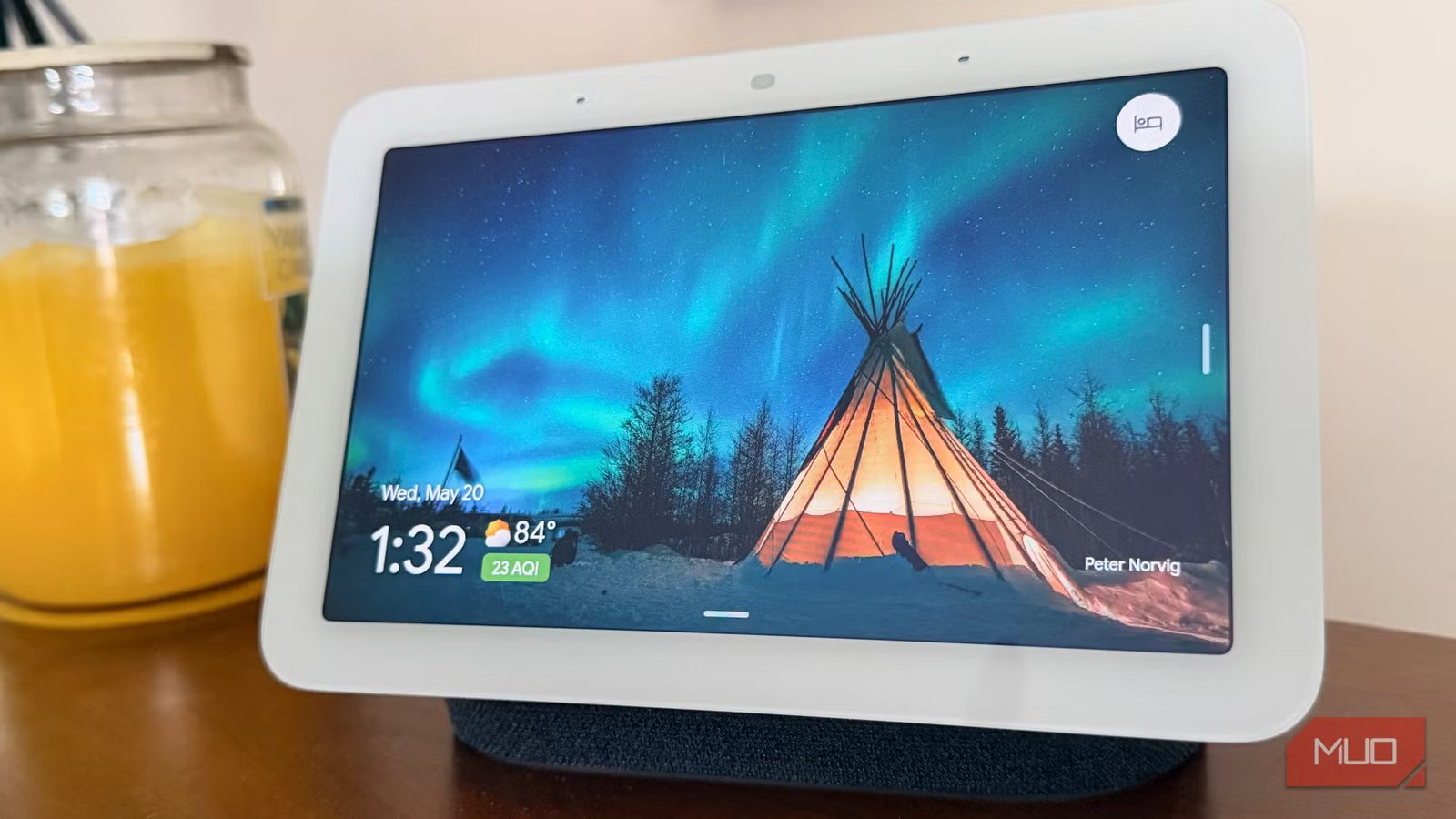
Bryan M. Wolfe / MakeUseOf
For nearly a decade, using smart home devices, including those from Google, has meant entering into a psychological pact: you must learn to speak like a machine. We’ve all stood under a kitchen fixture or in front of a bedroom display, choosing words carefully. You couldn’t just ask for what you wanted; you had to express it exactly so that the system wouldn’t fail. If you faltered, used a compound sentence, or missed the exact hardware name from an app, the interaction turned into a frustrating loop of clarification requests or refusals.
Google Assistant has struggled with this for years, even with its world-class voice recognition. It always felt less like a smart assistant and more like a glorified, voice-activated remote. It just couldn’t understand how real people talk. That era is ending. With the rollout of Google’s Spring 2026 Smart Home Upgrade, Google is replacing its old voice engine. The new setup uses a local, AI-driven system powered by Gemini 3.1.
After setting up the Early Access preview across all the smart speakers and displays in my house, the difference was night and day. The improvements go far beyond just being a minor update or a fresh coat of paint.
The system has evolved from a rigid machine that only looks for specific keywords. Now it genuinely understands what I mean. Here is what it feels like to live with Google Home’s new Large Language Model (LLM) core, and how it changes smart homes.
Related
Google’s Gemini Spark is the first AI agent built for people who don’t know what an AI agent is
It’s not the first AI agent, but it seems poised to be the the easiest.
How Gemini 3.1 handles natural voice commands
Multi-step requests and mid-sentence corrections
The biggest change you’ll notice right away is that you can stop overthinking how you talk to your house. Under the older setup, Google Assistant felt less like a helper and more like a finicky computer terminal with a voice. If you wanted to run multiple operations, you had to stagger them. Painful, repetitive wake words or the temperamental “Continued Conversation” feature often got in the way.
Gemini 3.1 fixes this by paying attention to the entire sentence. The assistant can now handle a string of unrelated commands at once, tackling them one by one. For example, a command that would paralyze the old assistant now flows effortlessly:
“Hey Google, remove my morning workout alarm, add unsweetened oat milk to the kitchen grocery list, and tell me if the Penn State football game has kicked off yet.”
Instead of giving an error or apologizing for not understanding, the new system untangles your messy sentence. It figures out what you want and handles it. It updates your alarms and modifies your shopping list, then gives you a quick, natural-sounding spoken breakdown of everything it did.
It also handles pauses and stumbles much better. In traditional systems, any pause of over half a second indicated a completed command. The assistant cut you off mid-sentence. Gemini, by contrast, continuously evaluates conversational rhythm.
If you say, “Turn on the living room fan… actually, scratch that, turn on the air conditioner instead,” the model recognizes mid-sentence self-correction. It forgets the fan request, stops before turning on the fan, and instead turns on the AC. You no longer feel pressured to rehearse your sentences before speaking to the room.
How Google Home understands your devices and rooms
Keeping commands locked to the right space
Bryan M. Wolfe / MakeUseOf
To understand why this upgrade behaves so differently, it helps to look at how the engine treats your actual home layout. Older voice assistants are incredibly literal. If you labeled a smart plug as “Table Glow” in your app but didn’t explicitly check the box to designate it as a light fixture, asking the assistant to “turn off the lights” would leave that specific lamp burning.
The old system simply didn’t possess the contextual logic to infer that a device named “Glow” used for a light bulb should respond to lighting group commands.
The Gemini engine avoids this restriction by understanding your home layout and devices. When a gadget links to your profile, Gemini checks your label, its brand, what it is, and where it is. It then groups similar devices. It figures out that ‘Table Glow’, ‘Left Desk Ambient’, and ‘Corner Floor’ are all lamps.
When you give a general command, Gemini bundles the right gadgets without a tedious manual setup.
This situational awareness also solves the chronic problem of spatial isolation. In many smart homes, open-plan layouts cause smart speakers in adjacent zones to pick up audio simultaneously. Previously, if the kitchen speaker picked up a faint request intended for the living room, it could accidentally execute a global command, turning off fixtures throughout the floor.
The new setup uses speaker microphones to pinpoint your exact location. This keeps room-specific queries locked to that room. It checks which display or speaker receives the main audio path and keeps the command in your room, unless you ask for something house-wide.
Smarter alarms and timers with real-world awareness
Event-based reminders in plain English
Bryan M. Wolfe / MakeUseOf
Putting an LLM right at the center of your home makes simple tools like timers and alarms way more capable.
In the past, timers were pretty basic. They knew when they hit zero and how to beep. If you wanted to query them, you had to ask “How much time is left on my timer?” and if you had multiple running, keeping track of them was a massive headache.
With Gemini, timers and alarms act as smart trackers that understand real-world events. You can now set reminders based on live events. Instead of giving a static time, you can instruct the assistant:
“Set an alarm for fifteen minutes before the scheduled SpaceX launch this afternoon.”
The assistant responds immediately and tracks your timers as real events, not just ticking clocks. You can ask about running timers in plain English, such as, “Which kitchen timer will finish first, and what was its original duration?” The assistant instantly answers your query and treats times as real, trackable events, not simply isolated clocks.
Nest Cam gets natural language video search
The upgrade to Gemini changes how Nest cameras analyze what they see. In the past, smart security cameras routinely got things wrong. The system tried to guess if a shape was a person, vehicle, animal, or package, often sending false alerts when shadows moved or tree branches moved.
By letting Google’s new visual models analyze the footage, the camera gets incredibly smart. The system is remarkably adept at handling complex visual variables in low-light environments. It easily distinguishes among domestic animals and accurately tracks their behavior. Annoying false alerts are practically gone because the AI actually understands what your yard looks like. False-positive notifications caused by severe weather or headlights cutting through window glass are heavily suppressed because the model understands the scene’s physical layout.
This computer vision upgrade enables the new Ask Home feature. Instead of scrubbing through hours of video, you use everyday language to search your history. You can type or speak requests like:
“Did the postal carrier drop off a package on the front porch this afternoon, and did they ring the doorbell or just leave it?”
Gemini rapidly processes recorded video segments, scans the clip, watches what the person did, and writes a quick summary detailing exactly what occurred, along with a direct link to the timestamp. It essentially turns your raw security video into a searchable timeline.
What to know before you upgrade
Device requirements and account locks
As impressive as the Gemini upgrade is, it is not an unconditional victory for every user, and MakeUseOf readers must keep a few major catches and technical limitations in mind before jumping into the preview program.
Upgrading your Google Home profile to the new Gemini engine is a permanent, one-way switch. Once your home architecture is converted to the LLM core, you cannot downgrade or revert to the legacy Google Assistant profile.
This upgrade changes how your smart home works at its core. Once you upgrade, all connected displays are locked in. Relying on old routines or third-party integrations can cause problems. Audit your daily smart-home use before switching.
Additionally, the Early Access rollout has strict device and account requirements. Many people won’t be able to try it yet.
Should you upgrade to Google Home’s Gemini engine?
Moving Google Home away from a rigid, phrase-matching computer and turning it into a truly smart assistant represents the most meaningful step forward for the smart home in a decade. For years, the phrase “smart home” was something of a misnomer; it was a connected home, an automated home, or a remote-controlled home, but rarely a truly intelligent one. It required the human operator to do all the heavy lifting, adjusting their behavior to accommodate the software’s technical limitations.
Living with the upgrade proves that a truly smart home might finally be a reality, not just a tech demo. When you can naturally speak to a room, correct yourself mid-sentence, combine multiple abstract requests, and trust that your system will interpret your intent rather than punish your phrasing, the technology fades cleanly into the background. It turns the smart home into an intuitive, invisible partner, rather than a finicky tool.
Despite the strict account locks and the fact that you can never go back, if your hardware meets the minimum thresholds, this is an upgrade that you should absolutely make. The future of home automation has finally arrived, and it speaks our language perfectly.
