

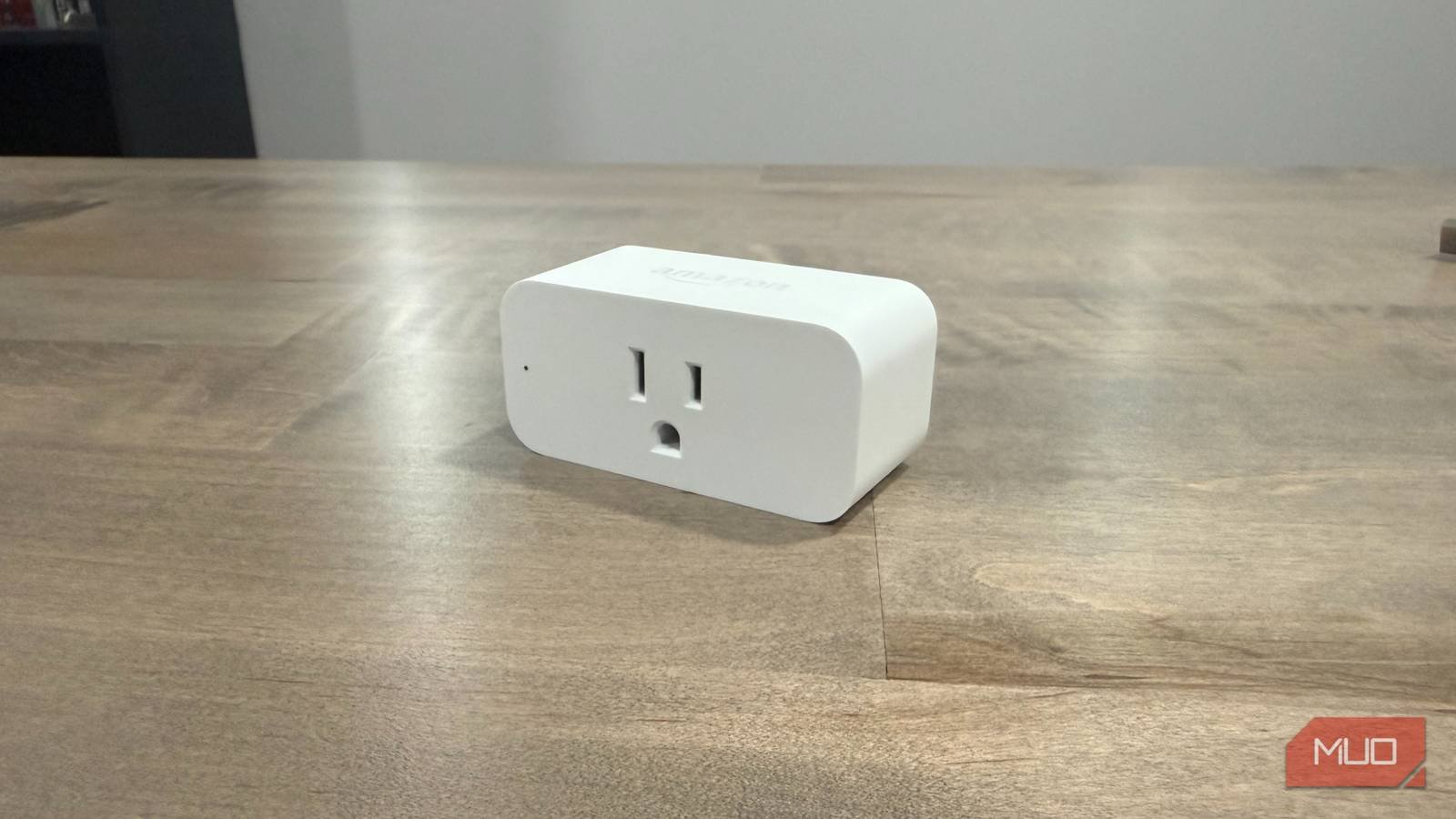
Smart plugs are one of the better smart home purchases you can make — inexpensive, easy to set up, and immediately useful for anything with a power cord. Most people plug something in, set a schedule, and leave it there. But a timer doesn’t know if you’re home. It doesn’t know if a door just opened or if anyone’s actually in the room. It fires at the time you told it to, no matter what’s actually happening in the house. Pairing a smart plug with a cheap contact sensor — the kind that registers when a door or drawer opens or closes — is one of those smart home mistakes worth correcting early. The Ring contact sensors cost around $15. The routine takes about three minutes to build. What you get back is a plug that responds to your home instead of a clock.
Timers are dumb by design
What “scheduled” actually means
A schedule is a workaround for not having context. Schedules solve one problem well — you don’t have to remember to do something. They solve it badly, though, because they assume your day runs on a consistent pattern. A timer set for 7:00 AM doesn’t know you slept in, stayed home sick, or left an hour early. It fires anyway — turning on a coffee maker you already made, running a fan in an empty room, or switching on a light when the sun’s already up. Smart plugs are already capable of responding to triggers; most people just never get past the scheduling screen. That’s the actual gap, and it’s not a hardware problem. Most people never leave the scheduling tab — not because the plug can’t do more, but because nobody told them to look. The automations worth building are already sitting inside hardware you own.
Related
Most smart home beginners waste money on this one device they don’t need
It pays to take the time and plan your smart home out.
The Alexa routine that connects them
Contact sensors use a simple reed switch design — two magnetic pieces, one on the frame and one on the moving surface. When the door swings open, the connection breaks. When it closes, it resets. That binary state — open or closed — is all Alexa needs to kick off a routine. The door opens and a plug turns on; the door closes, the plug turns off after a delay. It works with any plug connected to your Alexa account.
Setup is straightforward. In the Alexa app, tap More > Routines, then hit the + to start a new one. Set the trigger to Smart Home > Contact Sensor, pick your sensor from the list, and choose whether Opens or Closes fires the routine. For the action, choose Smart Home, select your plug, and set it to turn on or off. The one step most people miss is the time restriction. Without it, the routine fires every time that sensor changes state — all day, including every time someone opens a door to grab something and immediately closes it. Adding a window like 6:30–9:00 AM limits the trigger to the one moment you actually care about. I used this same approach when I connected my robot vacuum to my front door sensor, and the time window is what keeps the whole thing from becoming a nuisance.
Three combinations that hold up in daily use
Why the time window is non-negotiable
Credit: Jonathon Jachura / MUO
A contact sensor changes state constantly throughout the day, so every routine here needs a time window attached — that’s what separates a useful automation from one that runs your appliances at random. With that in place, most plug-and-sensor automations fit one of three patterns, all buildable with hardware under $25.
The first is a mudroom or garage door paired with a plug-powered light. Our garage-to-mudroom door gets used a dozen times a day. Groceries, sports gear, school bags — there’s always something in both hands coming through that door. A Ring contact sensor on that door and a smart plug on the overhead light handles it automatically. Lights on when the door opens, off a few minutes after it closes. The delay is set at five minutes to cover the usual shuffle of unloading and getting everyone inside.
The second is a pantry or cabinet door with plug-powered puck lights. Puck lights plugged into a smart plug inside the pantry turn on the moment the door opens and go off when it closes. No switch, no voice command, no fumbling in a dark cabinet.
The third is a front door paired with a coffee maker. The door opening is the signal that someone’s up and moving. With a morning time window set, the coffee maker kicks on. Without the restriction, that same trigger fires every time anyone comes or goes — you’d return from checking the mail to find a fresh pot brewing. Every trigger-based routine built through a properly layered sensor setup follows this same logic.
What this costs and what you actually need
Alternatives if you’re not in the Ring ecosystem
Philips hue: https://www.philips-hue.com/en-usImage Credit: Philips Hue
Ring Alarm contact sensors are around $15 apiece — sometimes less in multipacks. Amazon Basics smart plugs run roughly $15 for two. You’re looking at $20–$25 to build one automation from scratch. If you’re already running Ring for security, the sensor drops right into your existing setup with no additional hardware.
Outside the Ring ecosystem, ThirdReality Zigbee sensors work with newer Echo devices that have Zigbee built in, and Aqara makes a solid alternative in the same price range. The thing to confirm before buying is protocol compatibility — a Zigbee sensor needs a Zigbee hub, and a Z-Wave sensor needs a Z-Wave hub. Newer Echo devices cover Zigbee natively, which makes ThirdReality and Aqara the cleaner entry points for anyone starting without an existing security ecosystem.
A $15 sensor is doing more work than the plug it controls
Smart plugs were always capable of context-aware automations. The sensor is what gives them that context. You’re not overhauling your setup — you’re adding one small piece that tells your plug what’s actually happening instead of what time it is. Pick one door, one plug, one combination. Run it for a week. Schedules will start looking a lot less useful after that.
