

What you need to know
- Google announced a series of Google TV updates, beginning with new photo search capabilities with Gemini.
- Any photos you have stored can be turned into a “dynamic slideshow” screensaver on your Google TV, alongside a new AI Remix button.
- YouTube Shorts prepare to debut in a dedicated “Short video for you” row this summer, while Google highlights Nano Banana and Veo in the Gemini tab, which is rolling out now.
A big TV in the living room can feel like a centerpiece, and Google’s update rolling out today (Apr 29) helps you leave a personalized impact.
This morning, Google revealed an update that’s rolling out for its TV experience that holds quite a few features for your photos. Gemini is carrying this forward, as the post states users can ask the AI to search for photos from a specific time. If you’re looking for shots from a recent birthday party or from a trip to another state, you can tell Gemini to find them. Google says these images will appear in a “browsable results page.”
Similarly, users can turn a Google Photos album into a “dynamic slideshow” screensaver. You can find it under Quick Settings > Screensaver > Google Photos (as the source). A remix option is headed for Google TV’s photo support this week, too. When viewing a photo, users should see a “Remix” button at the bottom. Interacting with this will provide a selection of AI-generated styles.
Article continues below
You may like
Google says Photos search and Remix are rolling out first on Gemini-enabled devices. The dynamic slideshow will appear on Google TV devices globally.
Image 1 of 2
(Image credit: Google)(Image credit: Google)
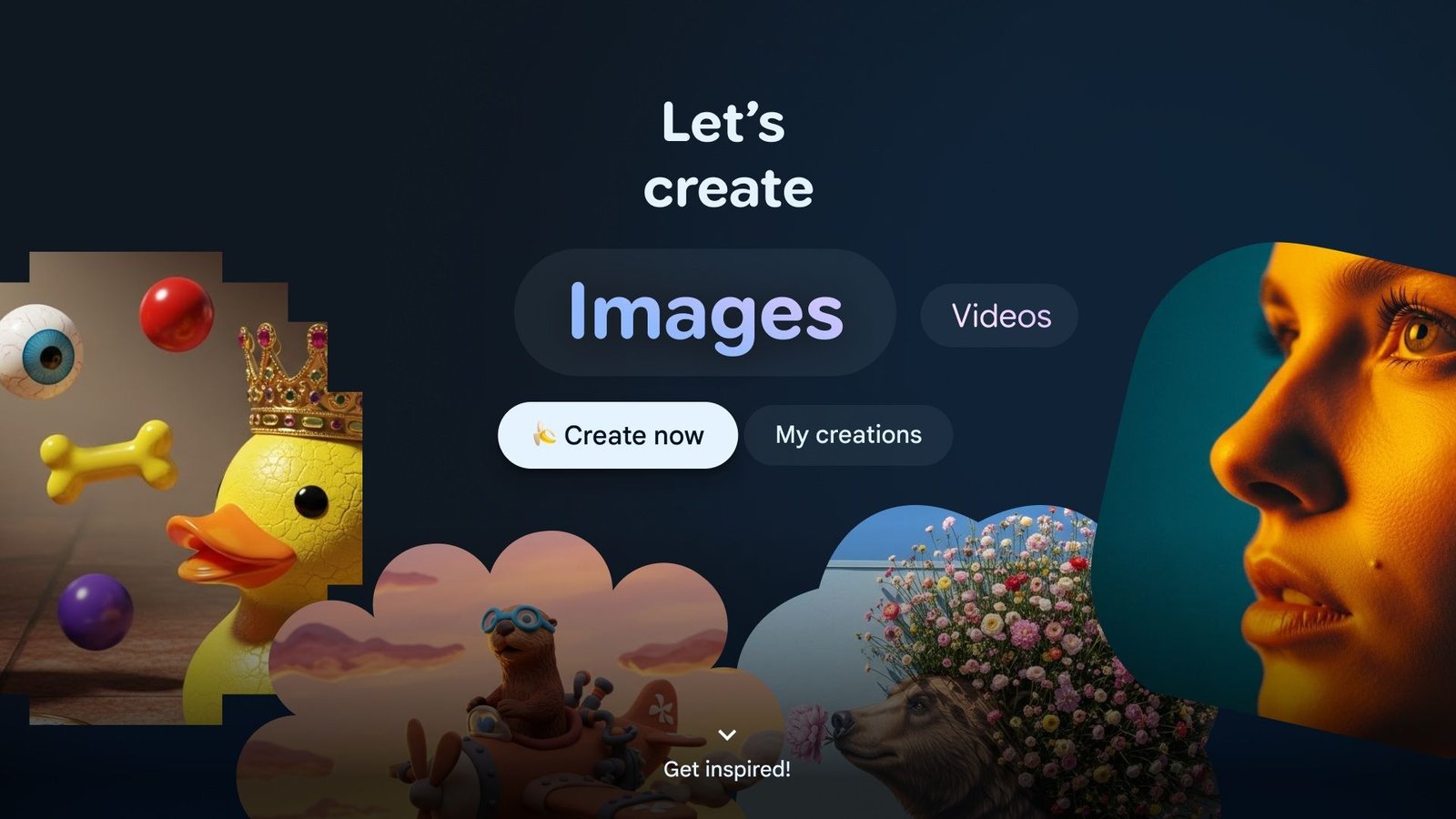
Google’s not done with images yet. A “Create” option is debuting in this Google TV update with strong ties to Nano Banana for wacky transformations. Users can use their stored photos as fuel for the AI generator, turning a simple backyard photo into a space adventure in seconds. Google TV users can find this feature in the Gemini tab > Create.
If Nano Banana is here, then it only makes sense that Veo shows up, too. From “Create” in the Gemini tab, you can take an image you have and turn it into a short AI-generated clip. Users can provide a query to the AI or pick one of Google’s available templates. Nano Banana and Veo’s features are arriving first on Gemini-enabled TCL Google TVs in the U.S.
Time for Shorts
(Image credit: Google)
On the entertainment side, Google TV is rolling out support for a video format we’re all used to: Shorts. While we’ll have to wait for the summer to see it, the post teases that YouTube Shorts are on the way to Google TV devices. Users should expect a “Short videos for you” section to appear on the homepage. This row is personalized, likely feeding off what you already watch on YouTube.
This Google TV update comes off the back of one the company rolled out late in March. There was quite a bit in this update for sports lovers, such as “sports briefs.” These are intended to be “narrated overviews” of the sports leagues that matter the most to you. From the NFL to the NBA and NHL, users can catch up on scores and important headlines from the day.
“Deep Dives” with Gemini for users’ questions that require a little more research also arrived last month. The AI is said to focus more on Visual Breakdowns and interactive walkthroughs.
Android Central’s Take
By this point, it’s not like we’re getting anything new—per-say. This is “new” to Google TV, but these are things I can already do on my phone. I can see this being used when there’s family over and you want to show everyone a recent trip’s pictures for a better viewing experience. Also, I can see this being used—the wacky AI-generated portion—for the little ones, turning a picture of them into a princess, a sports player, or whatever else in a more comfortable setting.
